ON
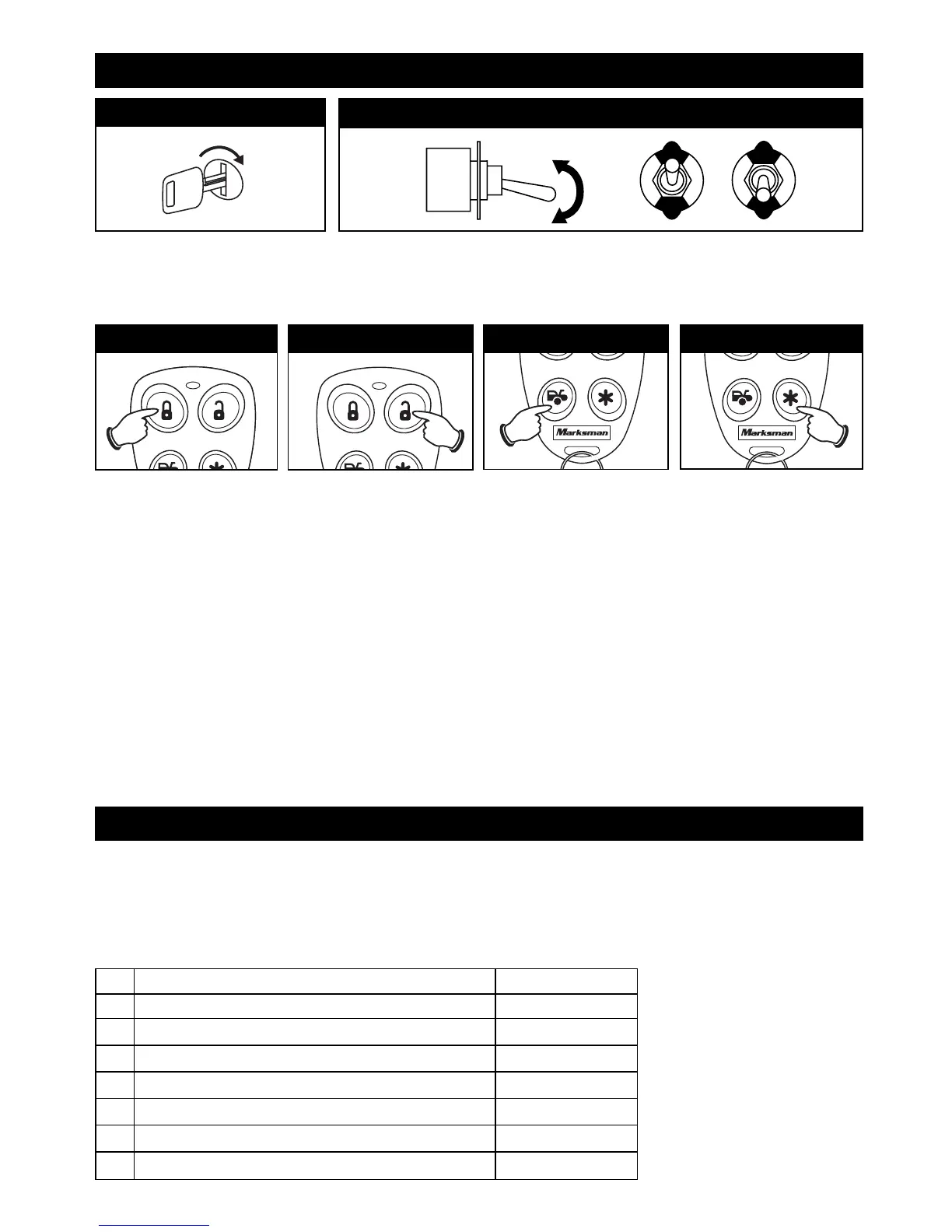
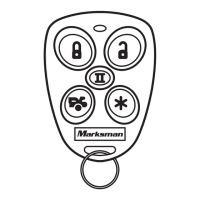
Press the LOCK
Button
1. The horn/siren chirps 1
time.
2. The LED will flash 1
time.
3. The LOCK button is now
programmed. To
program additional
transmitters at this
time, press each
transmitters LOCK
button.
4.
Flip the Valet Switch
On/Off 1 time.
Press the UNLOCK
Button
1. The horn/siren chirps 2
times.
2. The LED will flash 2
twice.
3.
The UNLOCK button is
now
programmed.
4. To program additional
transmitters at this time,
press each transmitters
UNLOCK button.
5.
Flip the Valet Switch
On/Off 1 time.
Press the TRUNK
Button
1. The horn/siren chirps 3
times.
2. The LED will flash 3
times.
3. The TRUNK button is
now programmed.
4. To program additional
transmitters at this time,
press each transmitters
TRUNK button.
5.
Flip the Valet Switch
On/Off 1 time.
Step 3 Step 4 Step 5
Step 1
Flip Valet Switch On/Off 4 Times
The horn/siren will Chirp 2 time and the LED indicator will be on solid. This
indicates the module is ready for Separate Channel Button Mode.
Step 6: Remote Feature Programming
The security system control module is pre-programmed for specific factory default settings. The
default settings can be changed by following the enclosed procedures. Remote feature
programming is divided into 3 parts. To enter feature programming you must turn on the ignition
key and activate the valet switch 6 times for Part 1 programming. 8 times for Part 2 programming
and 10 times for Part 3 feature programming.
#
Programmable Feature Default Setting
1 Chirp Status Indicator with Single Unlock Pulse On
2 Last Door Closed Automatic Arming Off
3 Ignition Key Controlled Door Lock/ Unlock On
4 Door Lock/Unlock Pulse Timing .8 second
5 Parking Lights On/Off Upon Disarm Off
6 Current Sensing On/Off Off
7 Car Jacking Feature Off
Turn On the Ignition Key
Step 2
OFF
ON
OFF
ON
13
Step 5: Transmitter Coding (continued)
X4
Press the STAR Button
1. The horn/siren chirps 3
times.
2. The LED will flash 3
times.
3. The STAR button is now
programmed.
4. To program additional
transmitters at this
time, press each
transmitter's STAR
button.
5.
Turn Off ignition key. The
siren/horn will sound 1
short and 1 long chirp to
indicate programming is
complete.
Step 6
M5A-IM 9/10/04 9:27 AM Page 13



 To Next Page