25/10/17
Quick Digit
TM
Bluetooth
®
Driver
11
3.6
CHAPTER 2
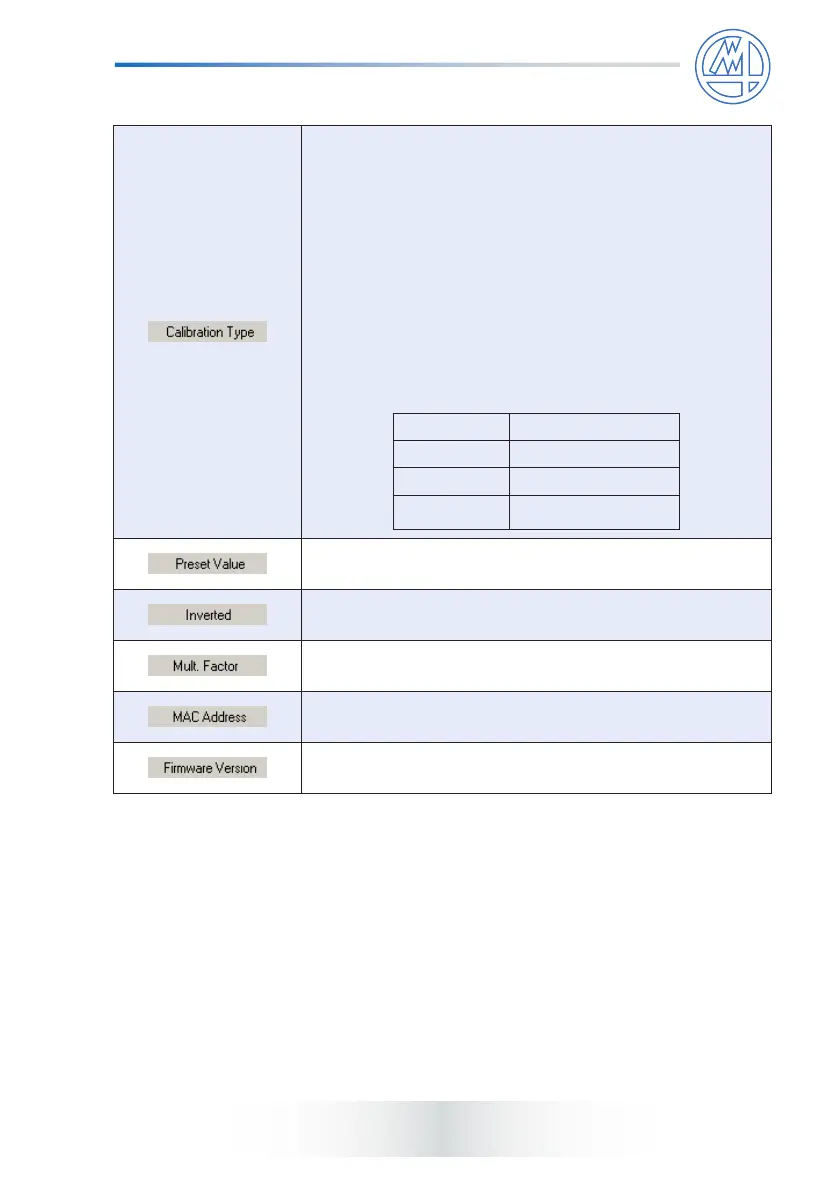
This menu allows to set the calibration type of the
corresponding device. Options are:
None: no calibration or device calibrated manually (and
not by the driver).
Zeroing: when the driver activates the contact zeroing
procedure (seeQuick SPC
TM
manual) the value is set to 0.
Preset: when the driver activates the contact zeroing
procedure (seeQuick SPC
TM
manual) the value is set to
the Pre-set Value indicated in the corresponding column.
Zeroing and Pre-set may be selected only on devices
where the rmware version is equivalent to or greater than
that indicated in the table.
Device type Firmware version
STANDARD
≥ 1.14
HR
≥ 1.20
HR ANALOG
≥ 1.00
This menu allows to set the preset value of the corresponding
device, only if Calibration type = Preset.
This menu allows to enable/disable the sign inversion of
the corresponding device.
This menu allows to set a multiplicative factor on the
corresponding device.
It shows the Bluetooth
®
address of the corresponding
device. It is not editable.
It shows the rmware version of the corresponding
device. It is not editable.



 To Next Page