10
Quick Digit
TM
Bluetooth
®
Driver
25/10/17
3.6
MAIN PAGE
2.3 Parameters
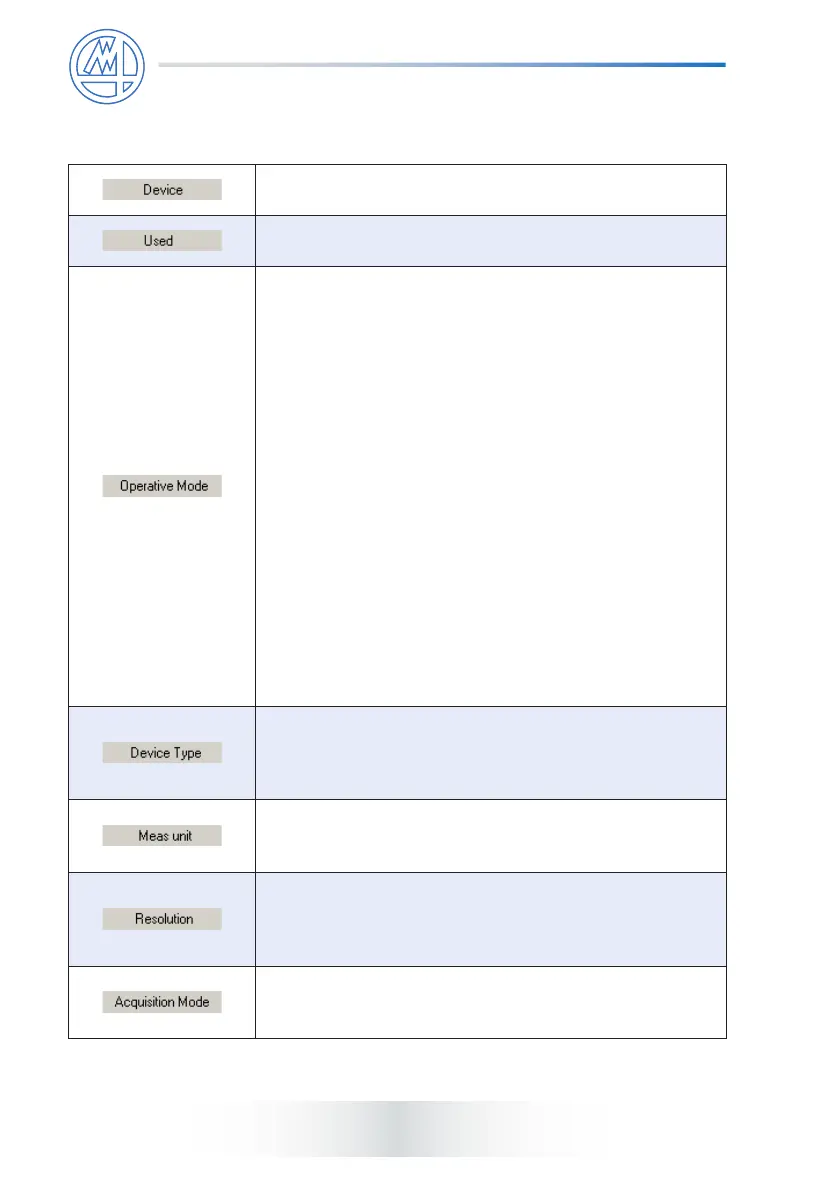
It shows the device ID.
To enable/disable the corresponding device.
To set the operative mode of the corresponding device.
Options are:
Hold: the Quick Digit
TM
Bluetooth
®
freezes the measurement
value on the display when the central button is pressed
and when the software requests the value, assumed
the indicator is connected (for this it must be within the
transmission range), the Quick Digit
TM
Bluetooth
®
sends
the value. This option is not compatible with congurations
where the Max, Min or Delta have been programmed.
Send From Button: this option enables you to use Quick
Digit
TM
Bluetooth
®
to carry out the measurement (setting
its “Acquisition Mode” to a value other then normal) and,
once you have acquired the desired value and completed
the step, send it to the software by pressing the button.
Continuous Acq.: the Quick Digit
TM
Bluetooth
®
sends the
measure each time it is changed on the display.
On Request Acq.: it works like in the WinCom driver,
i.e. at every request from the software, the Quick Digit
TM
Bluetooth
®
sends the current value.
See paragraph 2.3.1 for more information
This menu allows to dene which Quick Digit
TM
Bluetooth
®
to congure. Options are: 12,5mm, 12,5mm HR, 12,5mm
HR Analog, 25mm, 25mm HR, 25mm HR Analog, 50mm,
100mm.
This menu allows to select the unit of measure used in the
Quick Digit
TM
Bluetooth
®
device.
Options are: millimeters (mm), inches (inch).
This menu allows to set the resolution of the corresponding
device. The possible choices depends on the selected
Device Type, for Standard models are 0,01 and 0,001, for
HR model are 0,001 and 0,0001.
This menu allows to set the acquisition mode of the
corresponding device. Options are: Normal, Max, Min,
Delta (TIR).



 To Next Page