8
Quick Digit
TM
Bluetooth
®
Driver
25/10/17
3.6
MAIN PAGE
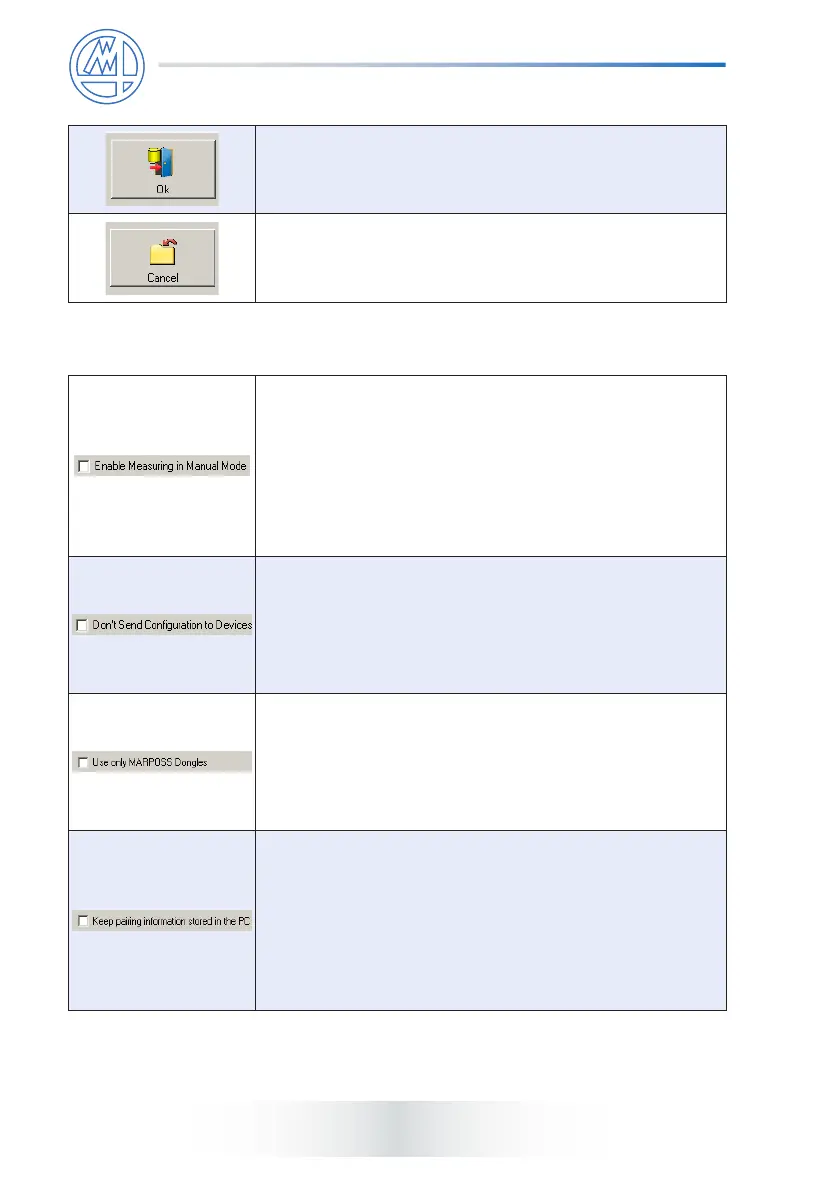
This button allows to saving the programmed parameters
and exit.
This button allows to exit without saving the programmed
parameters.
2.2 Options
Only for Quick SPC
TM
. Selecting this option it is possible
to enable the measuring in manual mode.
In order to save Quick Digit
TM
Bluetooth
®
battery power,
in the default conguration, the Driver does not permit the
device to be acquired when in manual mode. To ensure
that the contact is also updated when the Quick SPC
TM
is in
manual mode, it is necessary to select the specic setting
in the conguration.
Selecting this option it is possible not to send the
programmed data to the Quick Digit
TM
Bluetooth
®
.
This option should be used if the device is programmed
entirely in manual mode (see the Quick Digit
TM
Bluetooth
®
device manual) and user wishes to prevent the driver from
modifying the pre-dened conguration.
Quick Digit
TM
Bluetooth
®
Driver can use both Marposs
dongles and Bluegiga
TM
BLED112 Bluetooth
®
Smart
Dongles: if another application using the Bluegiga
TM
dongle
is running on the same PC, in order to prevent its usage
from Quick Digit
TM
Bluetooth
®
Driver check this option to
assure that the driver will use only Marposs dongles.
Selecting this option pairing information between dongle
and Quick Digit
TM
Bluetooth
®
device are stored in the
registry folder of the PC.
If the box is unchecked, pairing information are stored
in the xture conguration le. In this case if the xture
configuration file is restored on another PC, pairing
information are still valid and the binding operation has not
to be performed again.



 To Next Page