9
DATE & TIME SETTING PROCEDURE
Press HOLD key 3 sec into the TIME SETTING mode, beginning with
the top row, in the flashing space. Press HOLD to change flashing
space.
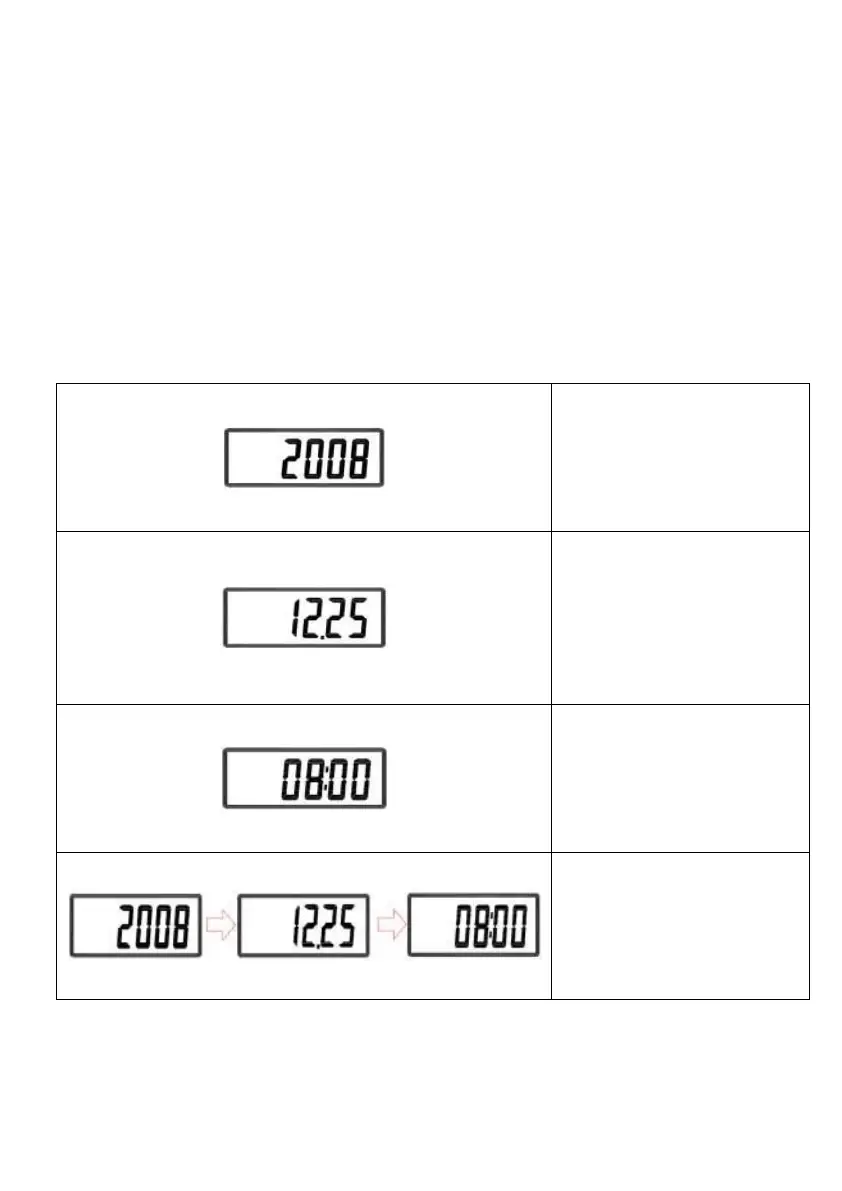
EX: To input Dec 25, 2008, 8:00am
Enter year. Press
HOLD to change
flashing space.
Ex: 12/25 enter
“12.25”
Press HOLD to
change flashing
space.
Display show
YYYY→MM.DD→TT:SS


 To Next Page