6
DP3810 Indicator
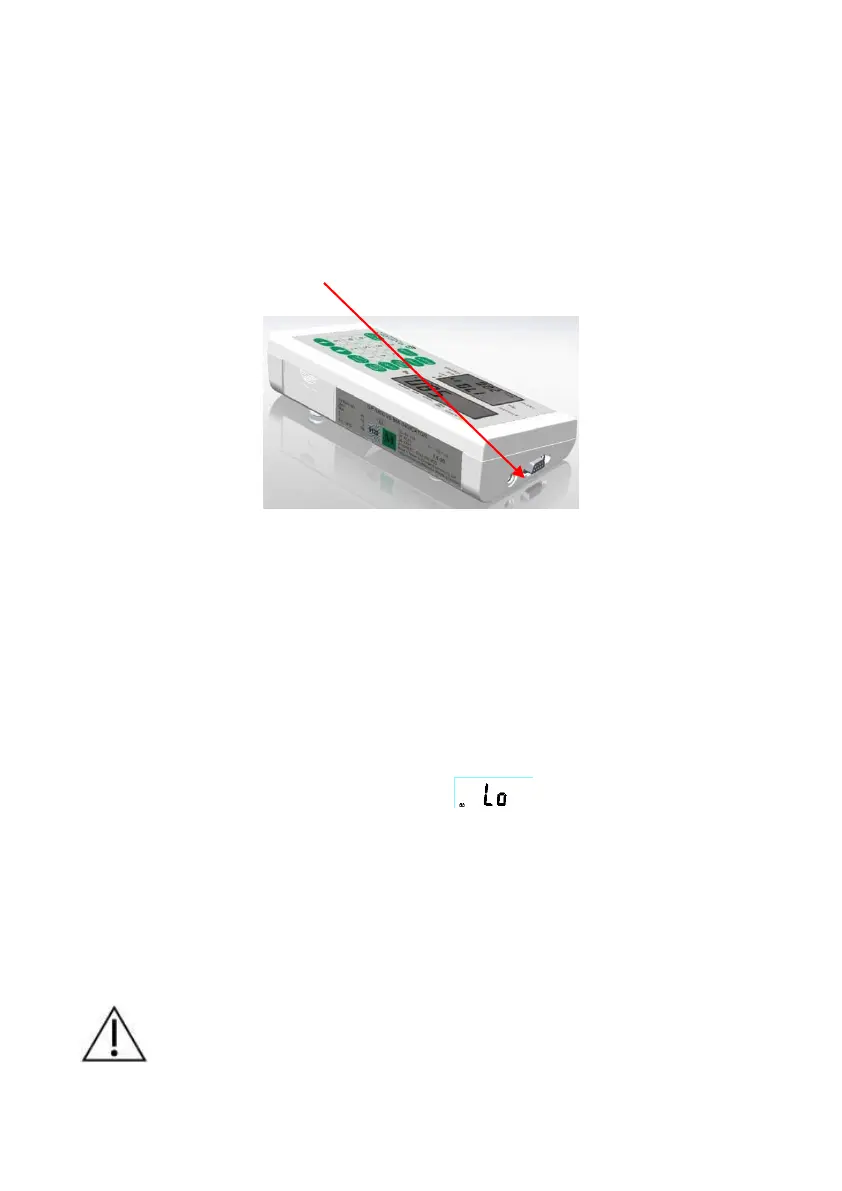
1. Make sure the battery pack is installed in the battery box of
indicator, or, plug the connector of AC ADAPTER (12V 2A) in the
indicator.
2. Plug the cable to the printer, and then connect its 9D connector
to the indicator.
POWER SUPPLY
The INDICATOR uses a rechargeable battery pack, or an AC
adaptor.
When the indicator displays (low battery indication),
please plug in the AC adaptor for operation and
rechargeable batteries (where rechargeable batteries are
installed) – for at least 4.5 hours if batteries are fully
charged.
The battery should be recharged at least every 3 months
regardless if it is used or not. After a long period in storage,
e.g. over 3 months, the battery should run a full cycle
(charge/discharge) to allow it to restore to full capacity.


 To Next Page