11
HOW TO USE BMI FEATURE
Use the instrument to calculate your BMI and understand your
body condition. Please follow below procedure:
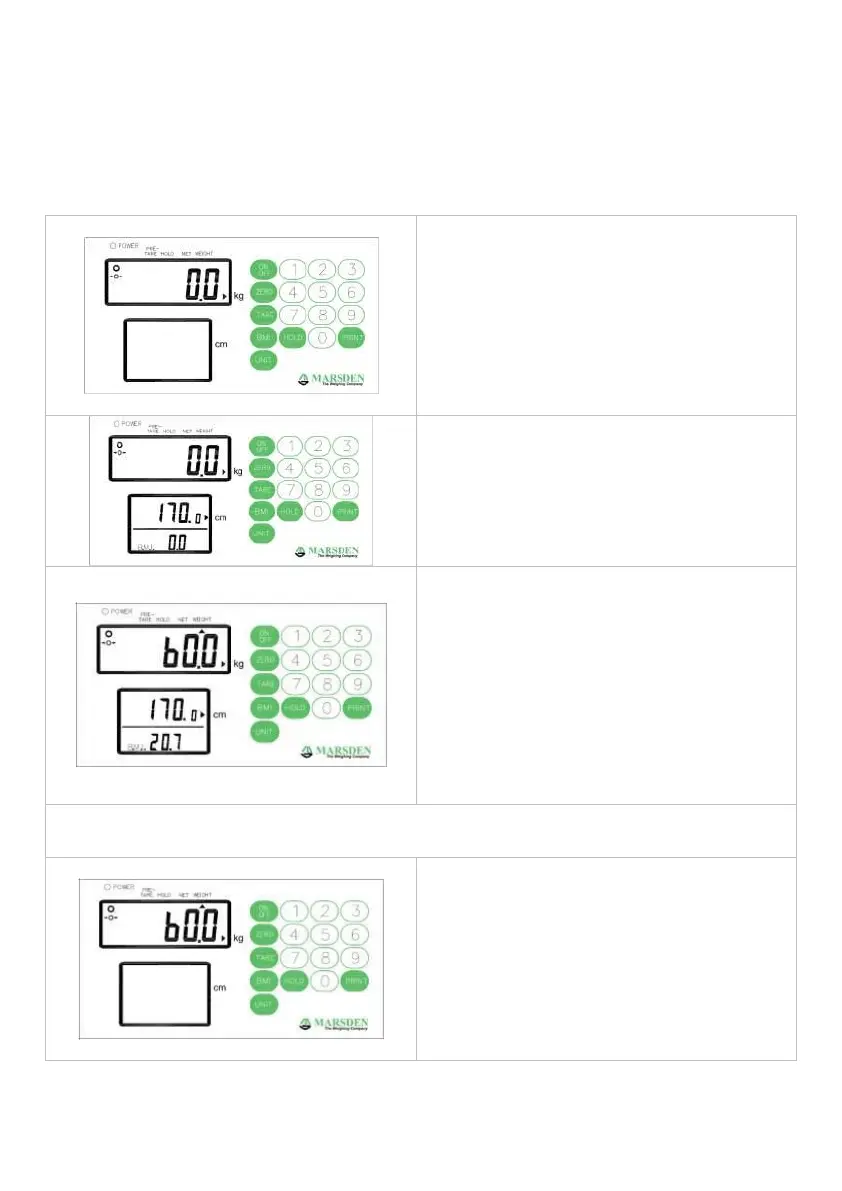
In normal mode, press BMI key to
enter into BMI mode.
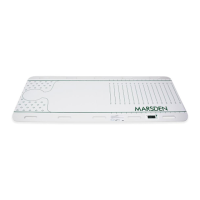
The display will show last height and
the extreme left of figure will flicker.
Enter the height by number key.
(ex:170cm)
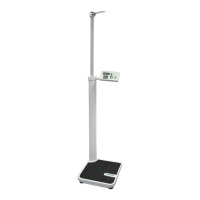
Proceed to weigh as normal. The
instrument will show the weight,
height, and BMI value.
At this time, the weight and height
can be freely changed, and the BMI
value will automatically calculated
according to the changed weight
and height.
Presses HOLD key to lock the weight, height, and BMI value.
Press HOLD key again to disable the lock function.
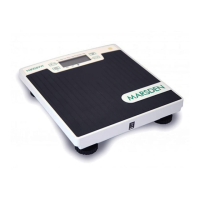
Press BMI button to return normal
mode and the person can now take
off the scale.


 To Next Page