EasyManua.ls Logo

Marshall Electronics CV612HT-4K - Page 24

Marshall Electronics CV612HT-4K
36 pages
Print Icon
To Next Page IconTo Next Page
To Previous Page IconTo Previous Page
Loading...
Marshall Electronics 23
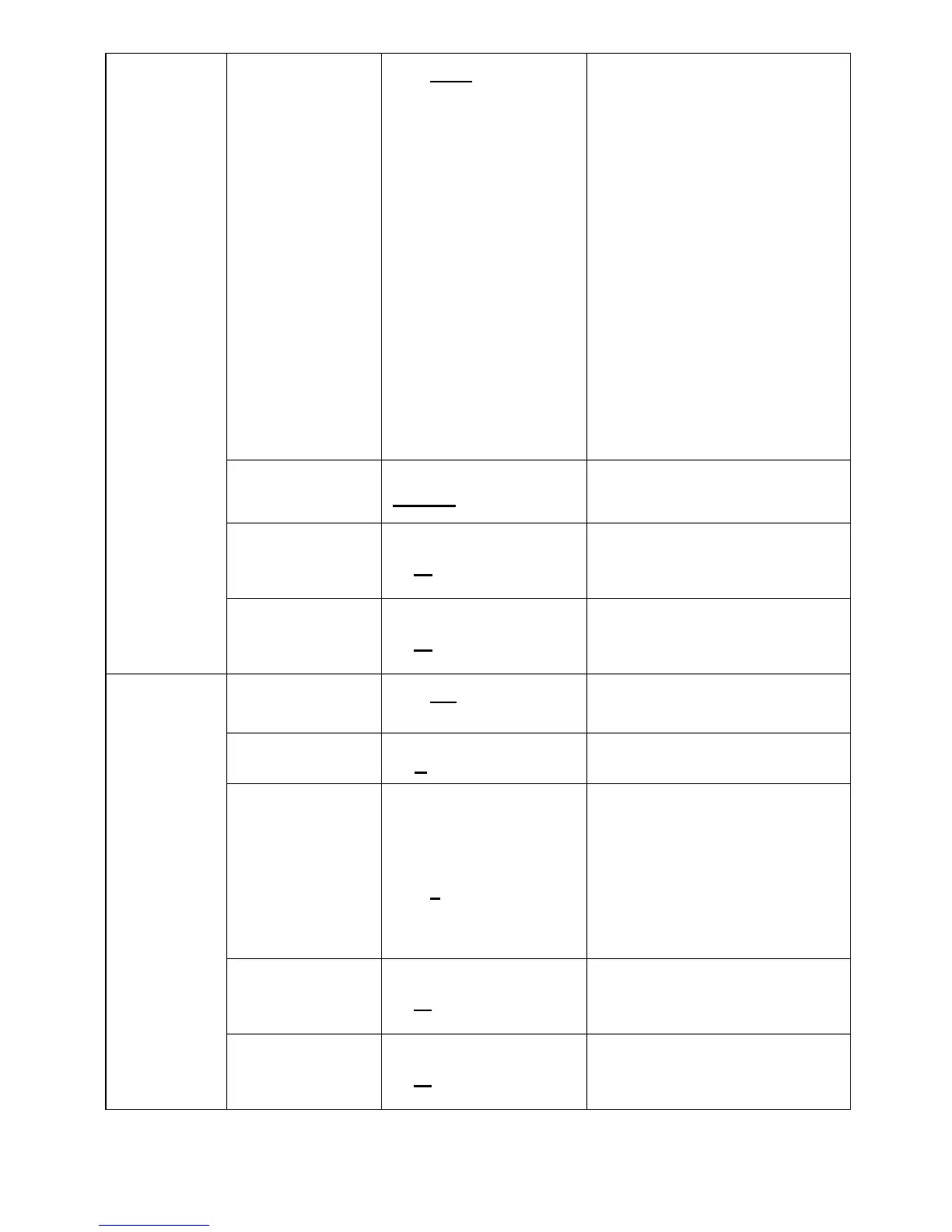
Mode
1. Auto
2. Indoor
3. Outdoor
4. Trigger White
Balance
5. Auto White
Balance
6. Manual
7. Outdoor Auto
8. Sodium Lamp
Auto
9. Sodium Lamp
10. Sodium Lamp
Outdoor Auto
Select the color temperature
mode
One Push
Trigger
ENTER
One push trigger
R-Gain 0~ C~255
Adjustable when the white
balance mode is set to
Manual
White
Balance
B-Gain 0~ C~255
Adjustable when the white
balance mode is set to
Manual
Picture effect
1. Off
2. B&W
Set the picture effect
Sharpness
1~A
~16
Adjust the sharpness of the
image
NR
1. Off
2. 1
3. 2
4. 3
5. 4
6. 5
Noise reduction setting
Saturation
0~ A
~14
Adjustable when the image
mode is set to Custom
mode
Picture
Hue
0~ A ~14
Adjustable when the image
mode is set to Custom
mode

Other manuals for Marshall Electronics CV612HT-4K

Related product manuals