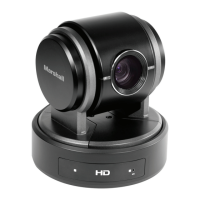
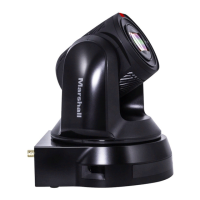
Marshall Electronics 7
Installation
4.1 Preparation before Installation
Special precautions should be taken during installation and connection of the CV612HT-4K.
Please pay attention to the following directions to ensure steady and secure mounting, and
to avoid damage to the CV612HT-4K, and users.
4.1.1 Ensure the safety of the installation environment. Please do
not install the device on unstable ceiling or in a place where
the device is in danger of falling.
4.1.2 Please check whether accessories in the box are complete or
not. Please contact the supplier for any shortage, and make
sure to keep the accessories in the box intact.
4.1.3 Please choose a proper place for installation of CV612HT-4K in
advance. Please determine an installation place according to
the following requirements
4.1.1.1 Confirm the position for the object to be captured.
4.1.1.2 Confirm whether the CV612HT-4K is set at a proper distance from
other light sources.
4.2 Instruction for Installation
4.2.1 Installing CV612HT-4K on the desk
4.2.1.1 Precautions for installation
Please install the camera on a flat desk
Do not grab the camera head by hand when handling the device
Do not rotate the camera head by hand. Improper rotation may result in
damage of the camera

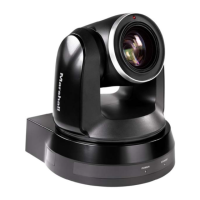

 To Next Page