Sensitivity
This feature sets the condition to trigger an event for motion detection. The value determines the
sensitivity of the motion detection within a block: the smaller, the more sensitive.
Information Display
System ID and/or server time can be displayed over the video window in Internet Explorer. Each
item can be turned on or off separately, and the position also can be configured.
This information is displayed after the video is decompressed.
Burn-in OSD
Insert the System ID and date/time in the compressed video. The System ID and time, respectively,
can be turned on or off in the video. Position and font size can be also be selected.
Color
This feature enables you to adjust Brightness, Contrast, Hue, and Saturation.
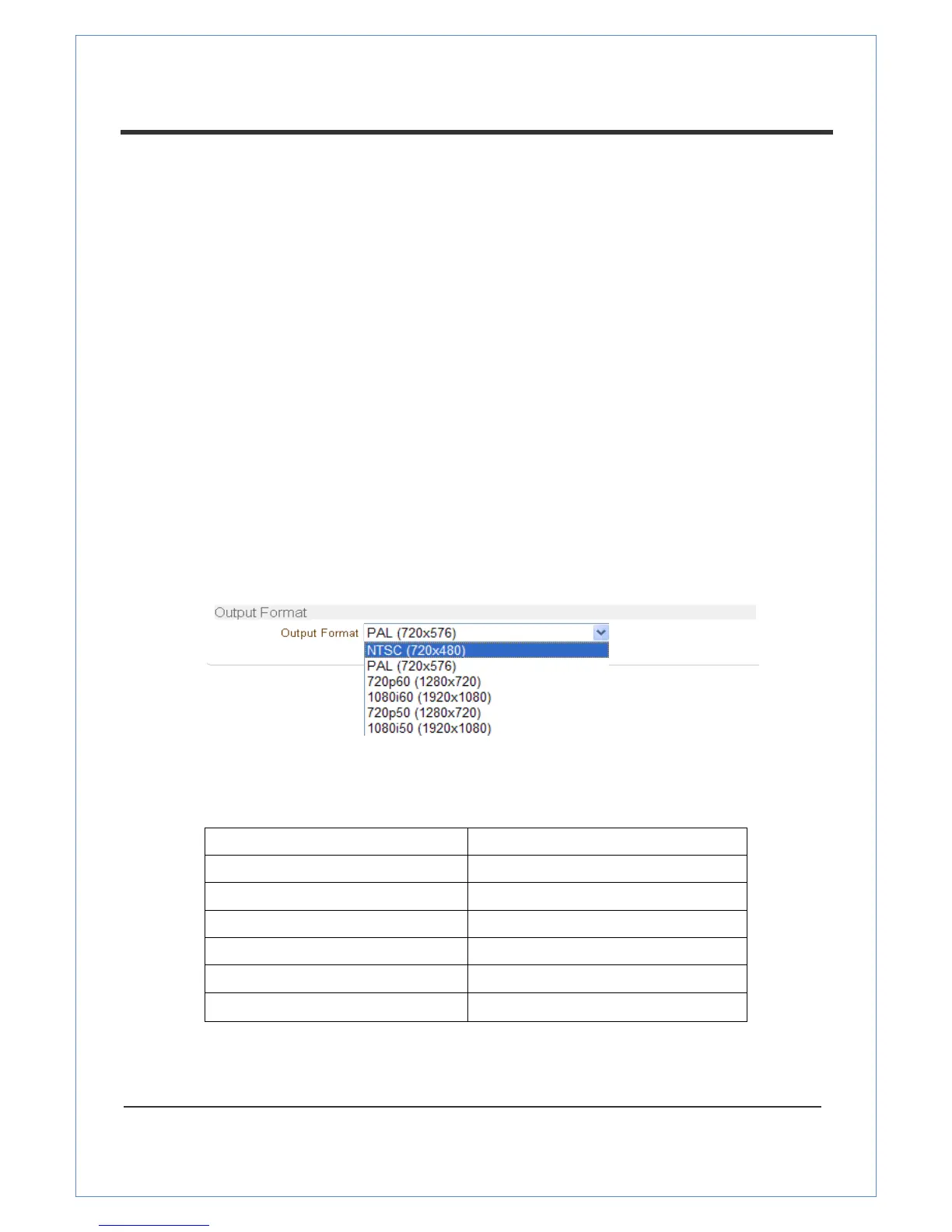
Output Format
The Output Format menu appears only when Enable Preview is on.
Select the Output Format for the monitor preview according to the video Input and monitor
specification.
The following output is avaliable according to video input format.


 To Next Page