EasyManua.ls Logo

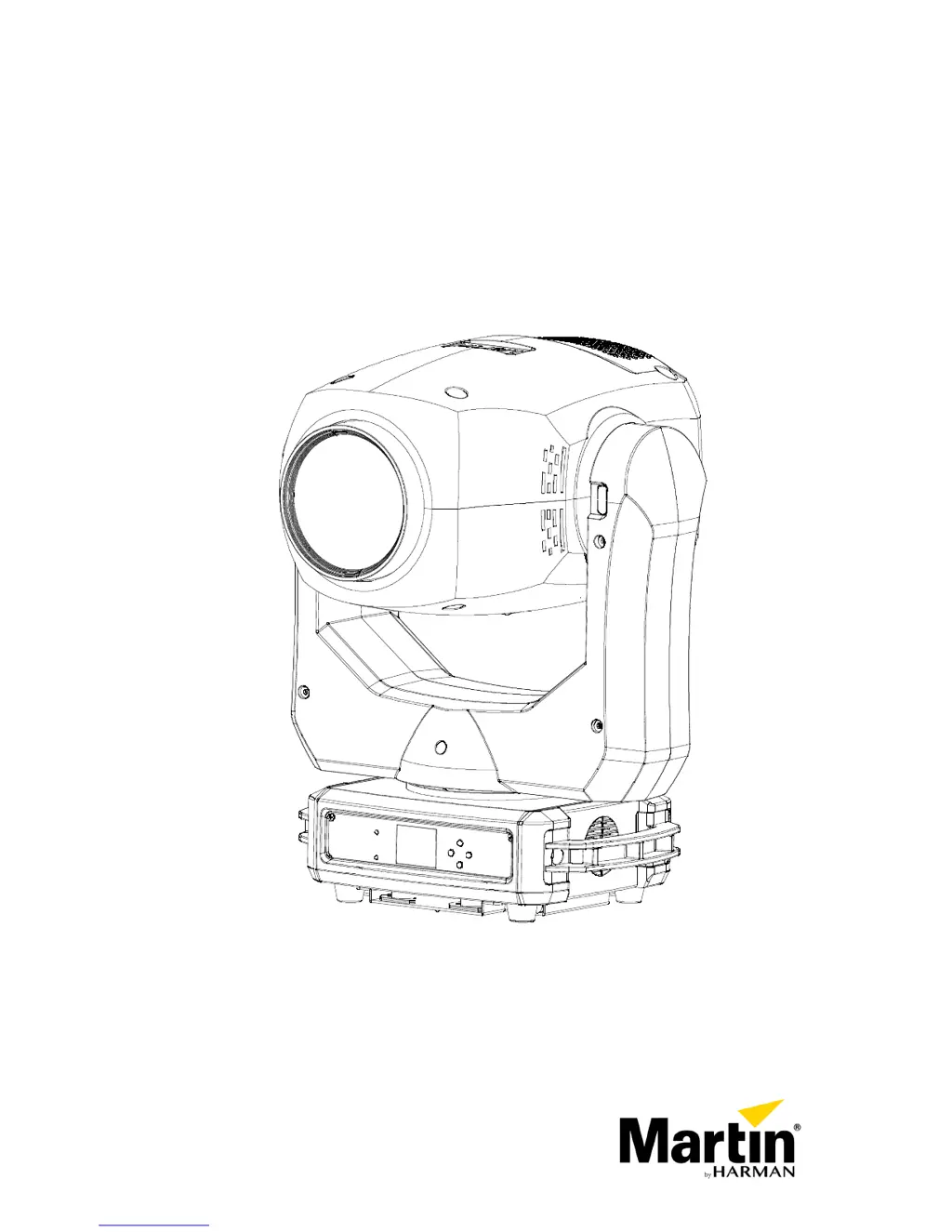
Martin ERA 300 Profile - User Manual

Martin ERA 300 Profile
36 pages
Print Icon
To Next Page IconTo Next Page
Loading...
ERA 300 Profile
User Guide

Questions and Answers

  • B
    Barbara SmithAug 6, 2025
    What to do if Martin ERA 300 Profile Light Fixture does not respond to DMX control?
    • V
      Veronica BrownAug 6, 2025
      If your Martin Light Fixture isn't responding to DMX control, it might be due to a fault in the DMX network. Here's what you can do: * First, check if the fixture display is flashing, indicating that DMX is not being received. If so, inspect all DMX cables and connections. Make sure the DMX network is terminated correctly. * Verify that all components in the DMX network use standard DMX polarity. * Confirm that the fixture is set to the correct DMX address, matching the one on the DMX control device. * Inspect the pins on the connectors from the previous fixture in the DMX network. Try controlling the fixture with another DMX control device. If the fixture is near an unshielded high-voltage installation, try moving it.
  • G
    Gina BakerAug 20, 2025
    How to troubleshoot no light or fans not working on a Martin ERA 300 Profile Light Fixture?
    • L
      Leah MillerAug 20, 2025
      If your Martin Light Fixture isn't producing light or the fans aren't working, it's likely due to a power supply issue. This could be a blown fuse, a faulty connector, or a damaged cable. Check that the mains supply is connected and providing power to the fixture. Inspect all power connections and cables. If necessary, replace the fixture fuse.

Summary

Safety Information

Protection from Electric Shock

Ensures proper grounding and safe disconnection from power to prevent electric shock hazards.

Protection from Burns and Fire

Guidelines on avoiding fire hazards, including ambient temperature, surface clearance, and material placement.

Protection from Eye Injury

Warnings and precautions regarding the fixture's light output to prevent eye damage.

Protection from Injury

Instructions for secure mounting, rigging, and safe handling to prevent physical harm.

Physical Installation

Fixture Location and Mounting

Guidelines for selecting a location and mounting the fixture to surfaces or trusses.

Safety Cable Attachment

Instructions for using a safety cable as a secondary attachment for fall protection.

AC Power Connection

Linking Fixtures to Power Chains

Guidance on connecting multiple fixtures in series using power link cables and their limitations.

Data Network Requirements

Reliable Data Transmission Tips

Best practices for DMX data transmission, including cable types and termination.

Fixture Setup

Using Control Menus

How to navigate and operate the fixture's control menus using the panel buttons.

Setting DMX Address

Procedure for assigning a unique DMX start address to each fixture for control.

Personality Settings Overview

Options for customizing fixture behavior like Pan/Tilt inversion and Dimmer curves.

Setting Options by RDM

Scanning for RDM Devices

Process of discovering RDM-compatible devices on the DMX network.

RDM Status and Settings

Reading fixture status and configuring options remotely via RDM commands.

DMX Protocol

Troubleshooting

No Light or Fan Issues

Troubleshooting steps for when the fixture has no light or the fans are not working.

DMX Control Problems

Solutions for fixtures not responding to DMX control, including network and addressing issues.

Photobiological Safety Warning

Martin ERA 300 Profile Specifications

General IconGeneral
BrandMartin
ModelERA 300 Profile
CategoryLight Fixture
LanguageEnglish

Related product manuals