EasyManua.ls Logo

Martin MAC 2000 Wash - Service Manual

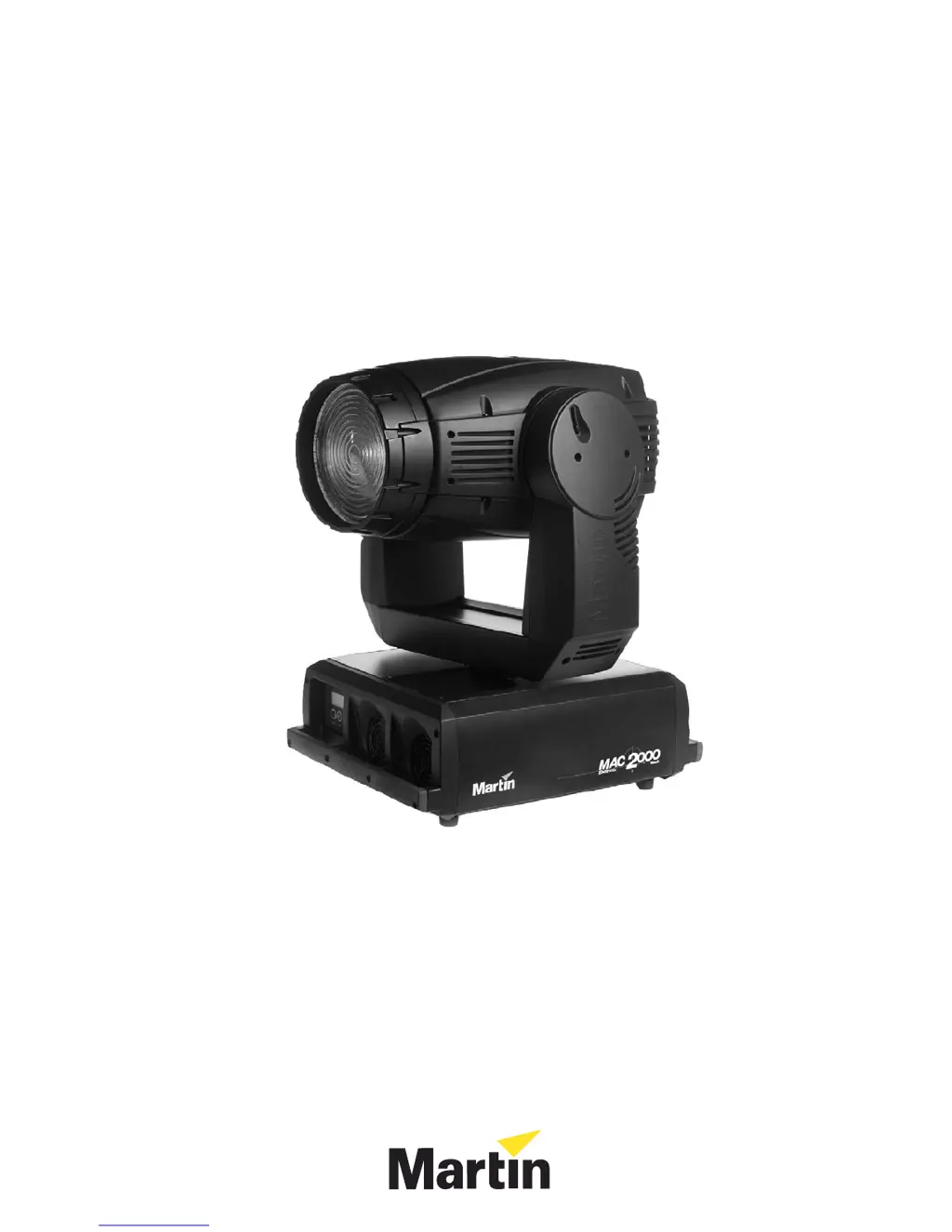
Martin MAC 2000 Wash
22 pages
Print Icon
To Next Page IconTo Next Page
Loading...
MAC 2000 Wash
service manual

Other manuals for Martin MAC 2000 Wash

Questions and Answers

  • L
    lisa21Aug 16, 2025
    What to do if my Martin MAC 2000 Wash has no light and shows an error message?
    • A
      Amanda CarterAug 17, 2025
      If your Martin Light Fixture shows no light and displays a '????' error message, the power supply setting might not match your local AC voltage. Disconnect the fixture and check that the fixture’s internal power supply switch is set to the correct AC supply voltage. The lamp may be blown, in which case you should disconnect the fixture and replace the lamp. Ensure the lamp is installed correctly. Also, verify that the lamp access plate is fully seated and locked in place. If the lamp is too hot to strike, send a Lamp Off command, allow the lamp to cool for 5 - 10 minutes, and try again.
  • C
    Christopher ChavezAug 21, 2025
    How to troubleshoot a completely dead Martin MAC 2000 Wash?
    • H
      Heather NicholsAug 21, 2025
      If your Martin Light Fixture is completely dead, first, check that power is applied and all cables are securely plugged in. If that's not the issue, the primary fuse may be blown. Disconnect the fixture and replace the fuse. If it still doesn't work, secondary fuse(s) may be blown. Disconnect the fixture, check the fuses on the PCB, and replace them if necessary.
  • J
    Joshua JenningsAug 25, 2025
    Why does the lamp in my Martin MAC 2000 Wash cut out intermittently?
    • B
      Benjamin SchultzAug 25, 2025
      If the lamp in your Martin Light Fixture cuts out intermittently, the fixture might be overheating. Allow the fixture to cool down. Then, disconnect the fixture and clean the fans, vents, and air filters. Also, try to reduce the ambient temperature around the fixture.
  • J
    James EdwardsAug 28, 2025
    What to do if Martin Flood Light fixtures respond erratically?
    • H
      Heather McbrideAug 28, 2025
      If your Martin Flood Light fixtures reset correctly but respond erratically, several issues could be the cause. First, inspect connections and cables for a bad data link, correcting poor connections and replacing damaged cables. Ensure the data link is terminated by inserting a termination plug in the output jack of the last fixture. Check the fixture address and protocol settings for incorrect addressing. A defective fixture disturbing data transmission can be bypassed by unplugging the XLR in and out connectors and connecting them directly together, then have the fixture serviced. Finally, if the XLR pin-out on fixtures does not match (pins 2 and 3 reversed), install a phase-reversing cable or swap pins 2 and 3 in the fixture that behaves erratically.
  • J
    Jackie JohnsonAug 31, 2025
    How to troubleshoot a completely dead Martin Flood Light fixture?
    • J
      johnsonthomasAug 31, 2025
      If one or more of your Martin Flood Light fixtures is completely dead, begin by checking that the power is switched on and the cables are properly plugged in. If that's not the issue, inspect the primary fuse (located near the mains inlet) and replace it if blown, after disconnecting the fixture. Also, check the secondary fuses on the PCB inside the base, and replace them if necessary, again after disconnecting the fixture.
  • M
    Morgan LeeSep 5, 2025
    Why does my Martin Flood Light show 'LERR' and no light?
    • E
      Erin WilsonSep 5, 2025
      If your Martin Flood Light displays a 'LERR' error message and there is no light, the issue might be due to several reasons. First, the transformer settings may not match your local AC voltage and frequency; disconnect the fixture and check/correct these settings. Another reason could be a blown lamp, in that case, disconnect the fixture and replace the lamp. Ensure the lamp is installed correctly. Also, make sure the lamp access plate is fully seated and locked. Finally, the lamp might be too hot to strike; send a lamp off command, allow it to cool for 5-10 minutes, and try again.
  • R
    Ronnie SullivanSep 8, 2025
    What causes intermittent lamp cutouts in a Martin Flood Light?
    • W
      williamskinnerSep 8, 2025
      Intermittent lamp cutouts in your Martin Flood Light can be caused by the fixture overheating. Allow the fixture to cool, clean the air filters, and reduce the ambient room temperature. Another possible cause is that the transformer settings do not match your local AC voltage and frequency. To solve this, disconnect the fixture and check the transformer settings, correcting them if necessary.
  • J
    jonathan77Nov 12, 2025
    Why does my Martin MAC 2000 Wash respond erratically to the controller?
    • L
      Lindsay ByrdNov 12, 2025
      If your Martin Light Fixture resets but responds erratically, it might be due to a bad data link. Inspect the connections and cables, fix any poor connections, and replace damaged cables. It could also be that the data link isn't terminated. Try inserting a DMX termination plug in the output of the last fixture on the link. Check the fixture address and protocol settings. One of the fixtures may be defective and disturb data transmission on the link. Bypass one fixture at a time until normal operation is regained by unplugging the XLR in and out connectors and connecting them directly together. Have the defective fixture serviced by a qualified technician. Finally, the XLR pin-out on fixtures may not match (pins 2 and 3 reversed). Install a phase-reversing cable between the fixtures or swa...

Summary

Head procedures

CMYC module, install

Install the CMYC module into the head, ensuring correct alignment and wire connections.

CMYC module, remove

Remove the CMYC module from the head by loosening screws and sliding it out.

CMYC motors, replace

Replace CMYC motors, transferring gears and orienting new motors correctly.

Color wheel 1 motor, replace

Replace the motor responsible for the color wheel 1 rotation.

Color wheel 2 motor, replace

Replace the motor responsible for the color wheel 2 rotation.

Color wheel module, install

Install the color wheel module into the head, securing it and connecting wires.

Color wheel module, remove

Remove the color wheel module from the head assembly.

Dimmer blades, replace & adjust

Replace and adjust dimmer blades for optimal dimmer motor performance.

Dimmer motor, replace

Replace the dimmer motor, including blade adjustment and checking motor orientation.

Starter, replace

Replace the lamp starter, involving wire disconnection and secure mounting.

Yoke procedures

Base procedures

Main PCB, replace

Replace the main PCB, ensuring correct jumper settings and wire connections.

Power supply, replace

Replace the power supply module, disconnecting wires and securing fasteners.

Martin MAC 2000 Wash Specifications

General IconGeneral
TypeMoving Head Wash
Color Temperature6000K
Pan540°
Tilt270°
Pan/Tilt SpeedVariable
Control ProtocolDMX 512
Color SystemCMY
Dimming0-100%
DMX Channels16
Voltage100-240V AC

Related product manuals