EasyManua.ls Logo

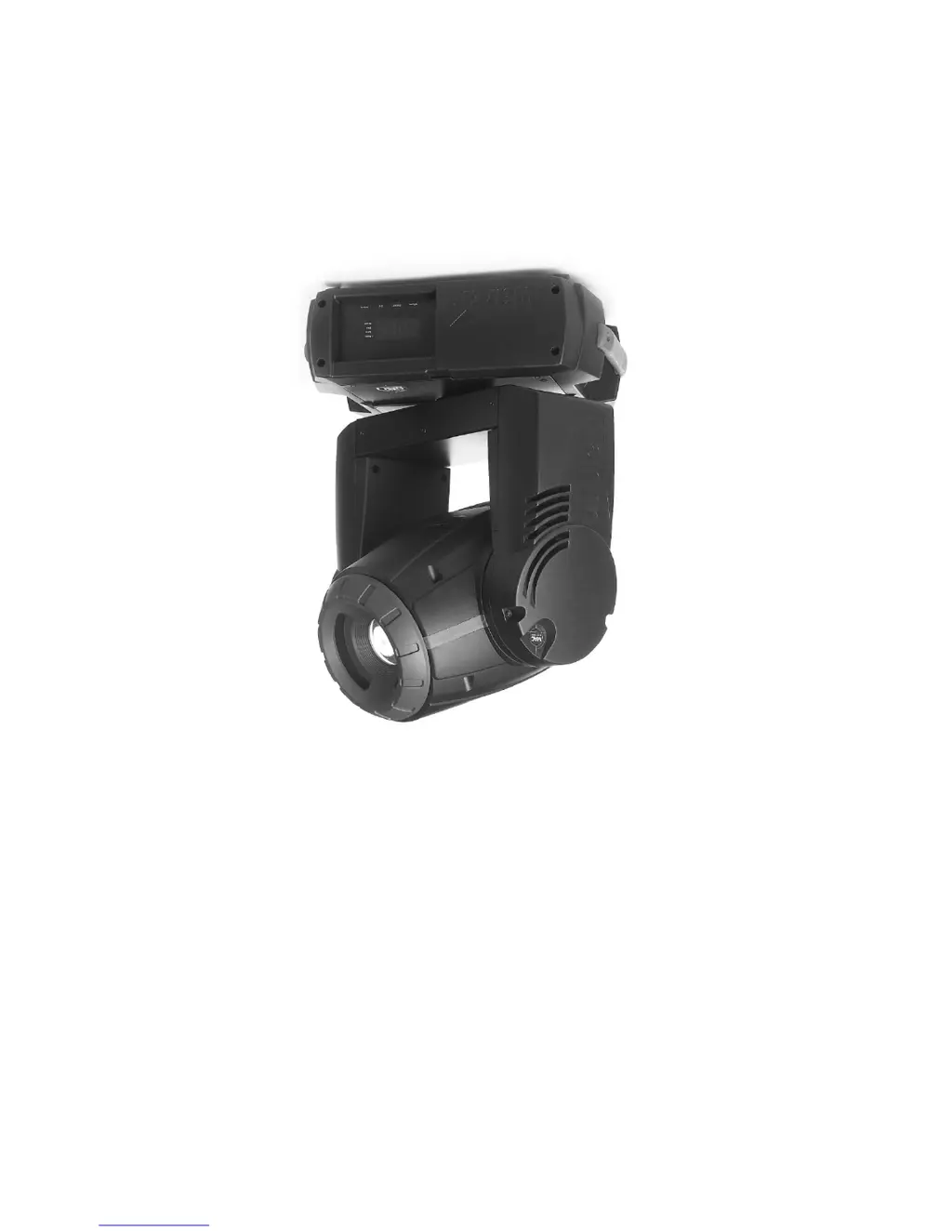
Martin MAC 250 Krypton - User Manual

Martin MAC 250 Krypton
50 pages
Print Icon
To Next Page IconTo Next Page
Loading...
MAC 250 Krypton/Entour
user manual

Other manuals for Martin MAC 250 Krypton

Questions and Answers

  • W
    walkerwesleyAug 1, 2025
    What to do if Martin Light Fixture is completely dead?
    • K
      Karen ThomasAug 1, 2025
      If your Martin Light Fixture is completely dead, there could be a few reasons. First, ensure the power is switched on and all cables are securely plugged in. If that doesn't work, check the primary fuse and replace it if it's blown. Lastly, inspect the secondary fuses located on the PCB inside the base and replace any that are blown.
  • B
    Brandy YorkAug 9, 2025
    Why does my Martin MAC 250 Krypton lamp cut out intermittently?
    • J
      Jennifer RodriguezAug 9, 2025
      If the lamp in your Martin Light Fixture cuts out intermittently, it could be overheating. Allow the fixture to cool down, clean the fan, and ensure that the air vents at the control panel and front lens are not blocked. Improving air conditioning in the room can also help. Another cause might be incorrect power supply settings. Disconnect the fixture and check if the settings match your local AC voltage and frequency, correcting them if necessary.
  • J
    johnraymondAug 15, 2025
    What to do if Martin Light Fixtures reset but respond erratically to the controller?
    • H
      Holly PierceAug 16, 2025
      If your Martin Light Fixtures reset correctly but respond erratically or not at all to the controller, first ensure that the controller is properly connected. If the issue persists, the XLR pin-out of the controller might not match the pin-out of the first fixture. In this case, install a phase-reversing cable between the controller and the first fixture.
  • H
    Heather MortonAug 23, 2025
    What to do if Martin Light Fixtures reset but some respond erratically to the controller?
    • N
      Nicole JohnsonAug 23, 2025
      If your Martin Light Fixtures reset correctly, but some respond erratically, you may have poor data quality. Inspect connections and cables, correcting poor connections and repairing or replacing damaged cables. Ensure the data link is terminated with a 120 termination plug in the output jack of the last fixture. Check the address settings and bypass one fixture at a time to see if normal operation is regained. Additionally, a phase-reversing cable might be needed between the fixtures, or you may need to swap pins 2 and 3 in the fixture that behaves erratically.

Summary

Introduction to MAC 250 Krypton;Entour

Safety Precautions and Warnings

Essential safety guidelines for operating and handling the MAC 250 Krypton/Entour to prevent injury or damage.

Setup and Installation Guide

AC Power Configuration

Instructions for configuring the fixture's AC power settings for local voltage and frequency.

Control Panel Operations

Menu Navigation and DMX Settings

How to navigate the control panel menus, select DMX modes, and set DMX addresses.

Test and Service Utilities

Accessing diagnostic tools, manual controls, effects tests, and software upload modes.

Service and Maintenance

Lamp Replacement and Longevity

Procedures for replacing the lamp and ensuring its longevity.

DMX Protocol Details

MAC 250 Krypton DMX Channel Mapping

Detailed mapping of DMX channels and their functions for the MAC 250 Krypton.

MAC 250 Entour DMX Channel Mapping

Detailed mapping of DMX channels and their functions for the MAC 250 Entour.

Error Messages and Diagnostics

Troubleshooting Error Codes

Explanations of error messages displayed by the fixture and their corresponding solutions.

Troubleshooting Common Issues

Common Fixture Problems and Solutions

A guide to diagnosing and resolving common operational issues with the lighting fixture.

Specifications - MAC 250 Krypton

Specifications - MAC 250 Entour

Martin MAC 250 Krypton Specifications

General IconGeneral
TypeMoving Head
Pan Range540°
Control ProtocolDMX512
DMX Channels16
PrismNo
ControlDMX512
Dimmer0-100%
Light Source250 W discharge lamp
Color Wheel7 colors + white
Colors7 colors + white
Gobos7 rotating gobos + open

Related product manuals