EasyManua.ls Logo

Martin MAC 250 Krypton - Color Filters

Martin MAC 250 Krypton
50 pages
Print Icon
To Next Page IconTo Next Page
To Previous Page IconTo Previous Page
Loading...
Optical configuration 21
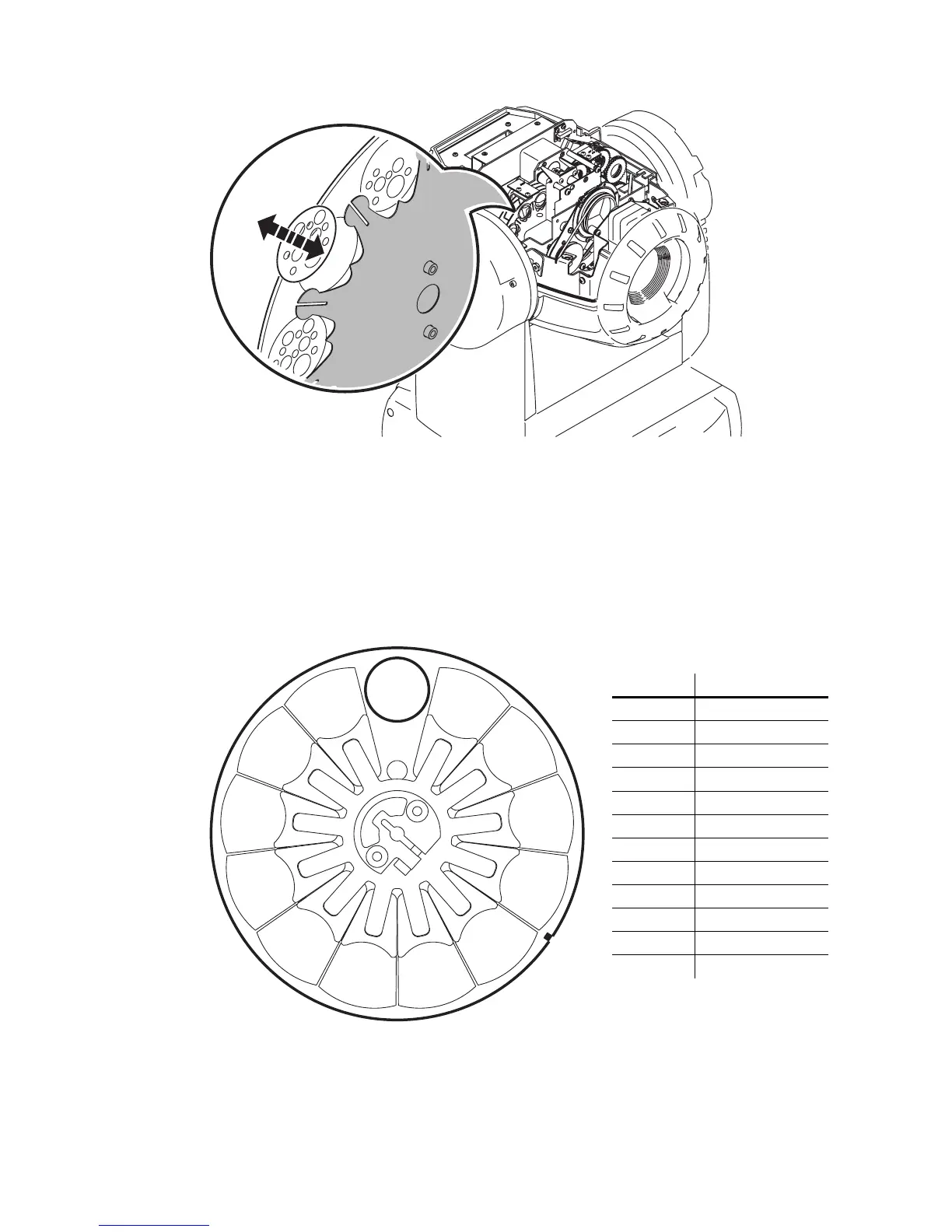
4 Push and slide the gobo out of position
5 Insert the replacement gobo into the holder. Secure the gobo with the retention feather. You may find it
easiest to do this with the assistance of a flathead screwdriver.
6 Replace the cover before applying power.
Color filters
STANDARD CONFIGURATION
The MAC 250 Krypton/Entour provides 12 dichroic color filters as shown below.
12
11
10
9
8
7
6
5
4
3
2
1
Position Color
1
CTC
2
Yellow 603
3
Blue 104
4
Pink 312
5
Green 206
6
Blue 108
7
Red 301
8
Magenta 507
9
Blue 101
10
Orange 306
11
Dark green
12
Purple 502
Figure 5: MAC 250

Other manuals for Martin MAC 250 Krypton

Related product manuals