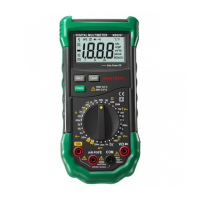
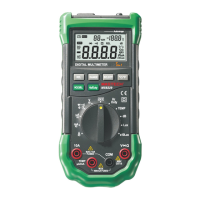
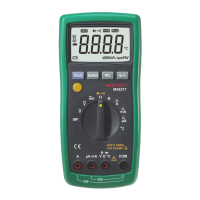
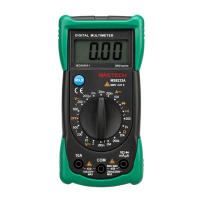
07 08
See Table 1 indicated for information about the LCD
display.
2.2 LCD Display
Figure 1.Display
Table 1. Display Symbols
Meaning
Symbol
The battery is low.
Warning: To avoid false readings, which
could lead to possible electric shock or
personal injury, replace the battery as soon
as the battery indicator appears.
Indicates negative readings.
The Meter is in the Diode Test mode
Table 1. Display Symbols (continued)
The Meter is in the Continuity Check mode
The Meter is in the Data Hold mode
V:
mV:
Volts. The unit of voltage.
Millivolt. 1x10 or 0.001 volts.
-3
A:
mA:
μA:
Amperes (amps). The unit of current.
Milliamp. 1x10 or 0.001 amperes.
Microamp. 1x10 or 0.000001 amperes
-3
-6
k :
M :
Ω:
Ω
Ω
Ohm. The unit of resistance.
Kilohm. 1x10 or 1000 ohms.
Megohm. 1x10 or 1,000,000 ohms.
3
6
F:
:
n :
µF
F
Farad. The unit of capacitance.
Microfarad.1x10 or 0.000001 farads.
Nanofarad. 1x10 or 0.000000001 farads
-6
-9
See Table 2 indicated for information about the keypad
operations.
2.3 Keypad
Table 2. Keypad
Function
Key
Any switch position
Operation performed
turn the meter on or off
Press HOLD to enter and
exit the Data Hold mode.
Any switch position
V, mV
A, mA,
µA
Ω, ΚΩ,
ΜΩ
µF, nF
HOLD
ON/OFF
Any switch position
Press LIGHT to turn the
backlight on. After about
5 seconds, the backlight
is auto-off.
LIGHT
The Meter is in the Transistor Test mode
hFE
kHz kHz:
Kilohertz. 1x10³ or 1000 hertz.


 To Next Page