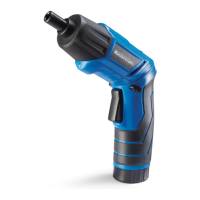
INSTALLING SCREWDRIVER BITS
WARNING: Never hold the cordless
screwdriver with your fingers near the
switch while changing screwdriver bits.
Accidentally touching the switch may start
the tool and possibly cause an injury.
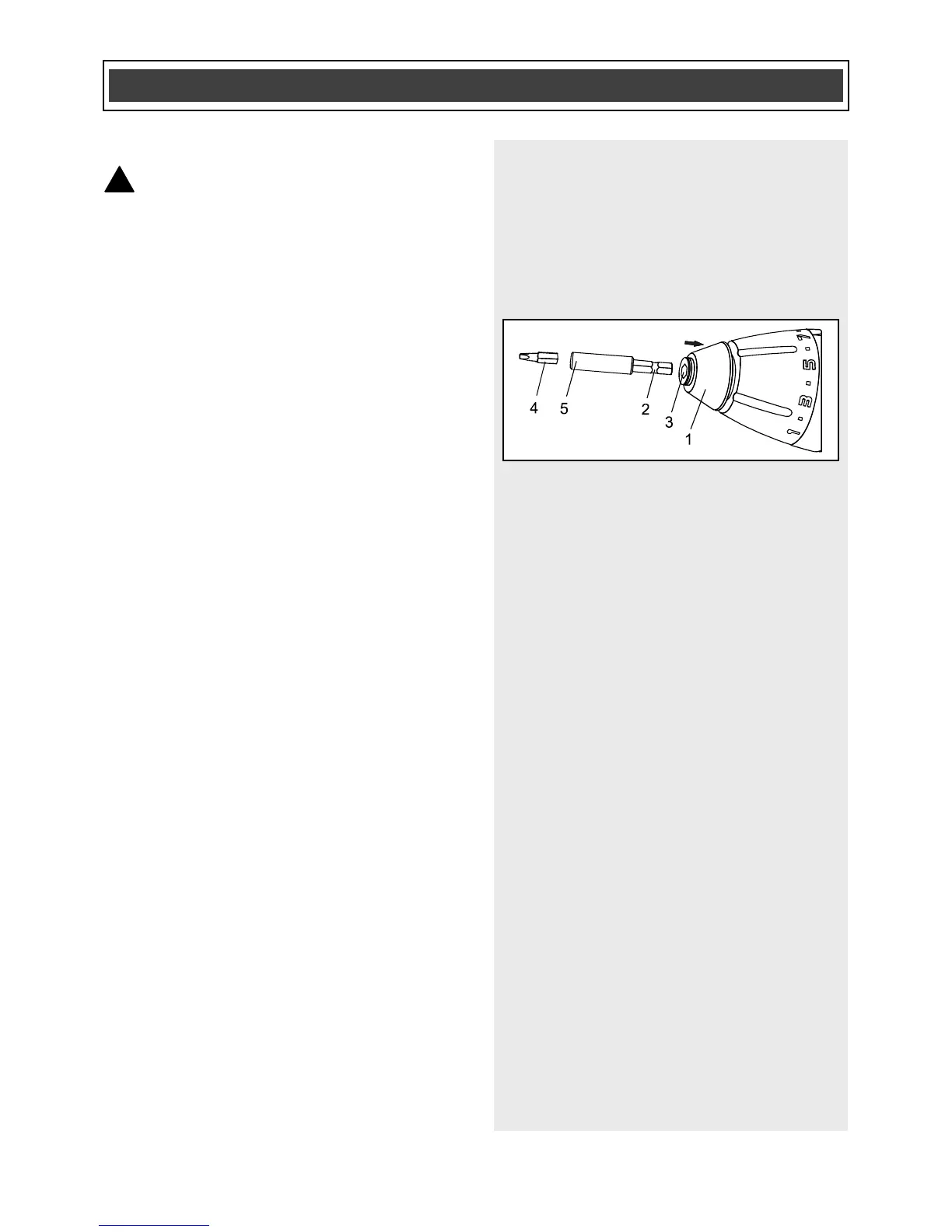
1. Push the quick release collar (1) back
toward the rear of the tool (Fig. 12).
2. Insert the grooved end of the
magnetic bit holder (2) into the collet
(3) of the tool.
NOTE: Push the bit holder as far as it will
go into the collet.
3. Release the quick release collar.
4. Pull outward on the magnetic bit
holder to ensure it is properly locked
into the collet.
5. Select an appropriate screwdriver bit
that fits the head of the screw being
driven.
NOTES:
a) Never install a screwdriver bit directly
into the quick release collar. The magnetic
bit holder must always be used to properly
hold the screwdriver bit.
b) Use the largest size screwdriver bit that
will properly fit the screw head.
c) Make sure the screwdriver bit is in good
condition and is neither damaged nor
worn.
6. Insert the screwdriver bit (4) fully into
the large end of the magnetic bit
holder (5).



 To Next Page