MASTERBUS
EN / Alpha alternator - Alpha Pro II regulator / January 2013
19
6 MASTERBUS
6.1 WHAT IS MASTERBUS?
All devices that are suitable for
MasterBus are marked by the MasterBus
symbol.
MasterBus is a fully decentralized data network for
communication between the different Mastervolt
system devices. It is CAN-bus based which has
proven itself as a reliable bus-system in automotive
applications. MasterBus is used as power
management system for all connected devices, such
as the inverter, battery charger, generator and many
more. This enables communication between the
connected devices, for instance to start the
generator when the batteries are low.
MasterBus reduces complexity of electrical systems
by using UTP patch cables. All system components
are simply chained together. Therefore each device
is equipped with two MasterBus data ports. As only
a few MasterBus cables are needed, installation and
material costs are reduced importantly. New devices
can be added to the existing network easily.
Consequently the MasterBus network is highly
flexible for extended system configuration.
Mastervolt also offers several interfaces like the
Modbus interface, making even non-MasterBus
devices suitable to operate in the MasterBus
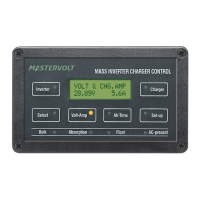
network. For central monitoring and control of the
connected devices Mastervolt offers four different
panels, from the small Mastervision compatible 120
x 65 mm LCD screen up to the full colour
MasterView System panel. All monitoring panels can
be used for monitoring, control and configuration of
all connected MasterBus equipment.
CAUTION: Never connect a non-
MasterBus device to the MasterBus
network directly! This will void warranty of
all MasterBus devices connected.
6.2 HOW TO SET UP A MASTERBUS
NETWORK
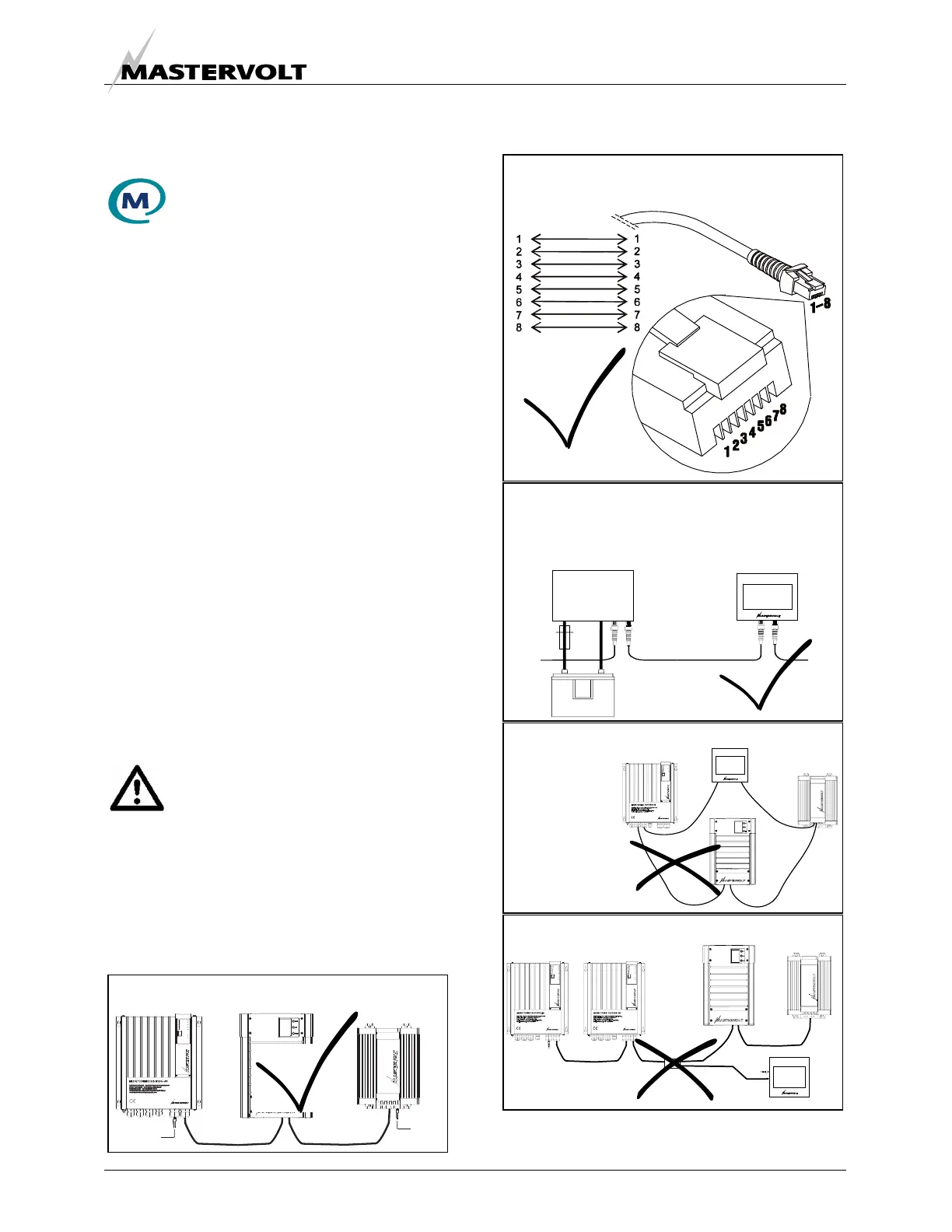
Every MasterBus device is equipped with two data
ports. When two or more devices are connected via
these ports, a local data network called the
MasterBus is formed. Keep the following rules in
mind:
Terminating
device
Terminating
device
OK
Do not make T-connections in the network.
Do not make ring networks.
Connections between the devices are made by
standard straight UTP patch cables.
OK
Place a terminating device on both network
At least one device in the network must be
MasterBus powering (see specifications). As all
powering devices are galvanically isolated,
multiple powering devices are allowed.



 To Next Page