MBT1015 rev-C
User’s Manual Version 18.08
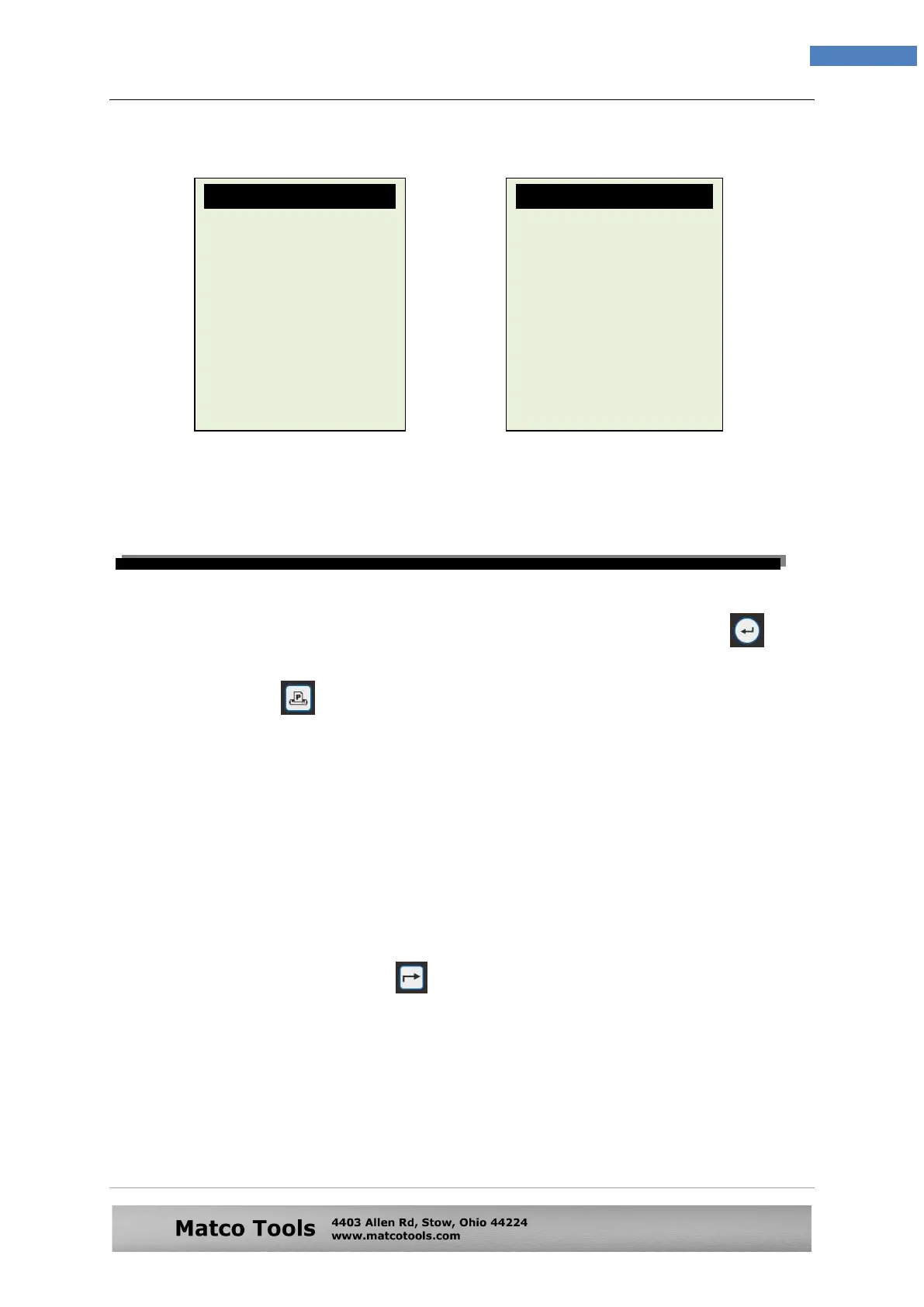
Some examples of the Results are shown below are: (Fig. 80 & 81)
9.0 Printing the Test Results from Stored Memory
To print out the previous results from its memory, select [Stored Results] from the
menu. Access to the recorded names (example: Fig.75), select and press key
will display the results.
To print just press key on the Analyser, the printer will start printing.
Important:
The Analyser has to be connected to a 12V battery in order to work with the
mobile printer. This is because the printer needs higher Amps to operate which
the PC USB output is unable to provide.
Note:
To printout on PC printer, it has to be connected to the PC with BESA-24PM
software installed. (See Print Results from PC Printer – Page 48).
To exit the program, pressing the key at any moment will exit and return back to
the menu screen (Fig.74).
Fig.80 Fig.81
Battery: Replace
Rating: 500 CCA
Measured: 129 CCA
Volts: 12.85 V
Int. R: 20.91 mOhm
Life: 0 %
Result: High Drop
Battery: 12.45V
Min. Volts: 8.56V
Volt Drop: High
Check starter relay,
battery terminals or
battery has aged.


 To Next Page