Using the Scan Tool
VIEWING OEM ENHANCED DTCs (Ford/Mazda only)
14
- Start and warm the engine to normal operating temperature,
then press ENTER
. Proceed to step 3.
2. If KOEO or Continuous Memory is selected, an “instructional”
message shows.
Turn the ignition OFF, then back ON. Press ENTER .
Proceed to step 3.
3. A “One moment please” message displays while the test is in
progress.
If the Scan Tool fails to link to the vehicle’s computer, a
“Communication Error” message shows.
- Ensure your vehicle is OBD2 compliant.
- Verify the connection at the DLC, and verify the ignition is ON.
- Turn the ignition OFF, wait 5 seconds, then back ON to reset
the computer.
- Press POWER/LINK
to continue.
If the Scan Tool cannot link to the vehicle’s computer after three
attempts, the message “Contact Technical Support” displays.
- Press SYSTEM MENU
to return to the System Menu.
- Turn the ignition off, and disconnect the Scan Tool.
- Contact Technical Support for assistance.
If the KOER Test was selected, and the vehicle’s engine is not
running, an advisory message shows.
- Press SYSTEM MENU
to return to the System Menu.
If the KOEO Test was selected, and the vehicle’s engine is
running, an advisory message shows.
- Press SYSTEM MENU
to return to the System Menu.
4. If the KOER test was selected, an “instructional” message shows.
Turn the steering wheel to the right, then release.
Press and release the brake pedal.
Cycle the overdrive switch (if equipped).
A “One moment please” message displays while the test is in
progress.
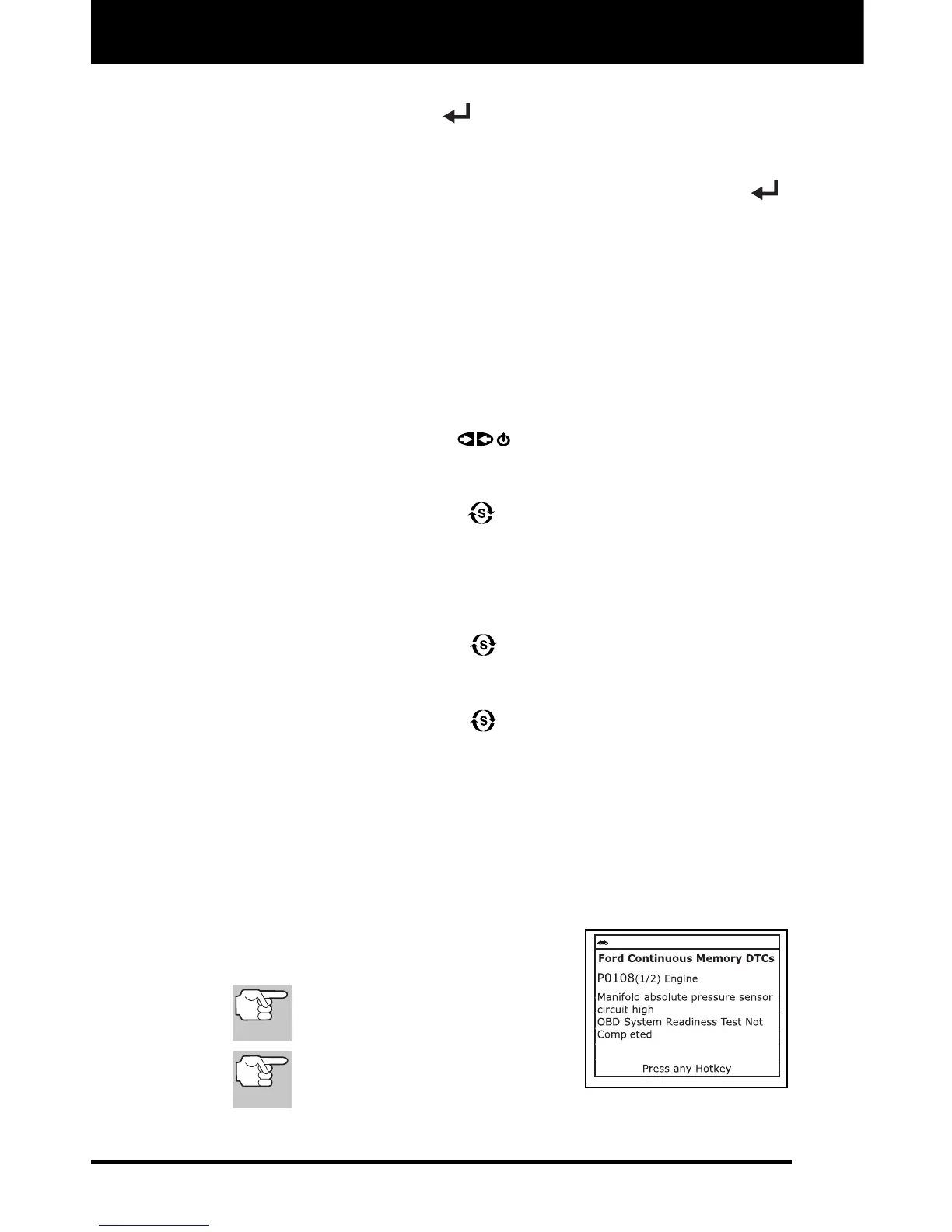
5. Refer to DISPLAY FUNCTIONS on page
4 for a description of LCD display
elements.
If the definition for the currently
displayed code is not available,
an advisory message shows.
I/M MONITOR STATUS icons
are not displayed when viewing
enhanced DTCs.


 To Next Page