Additional Tests
VIEWING TRIP CYCLE PROCEDURES
41
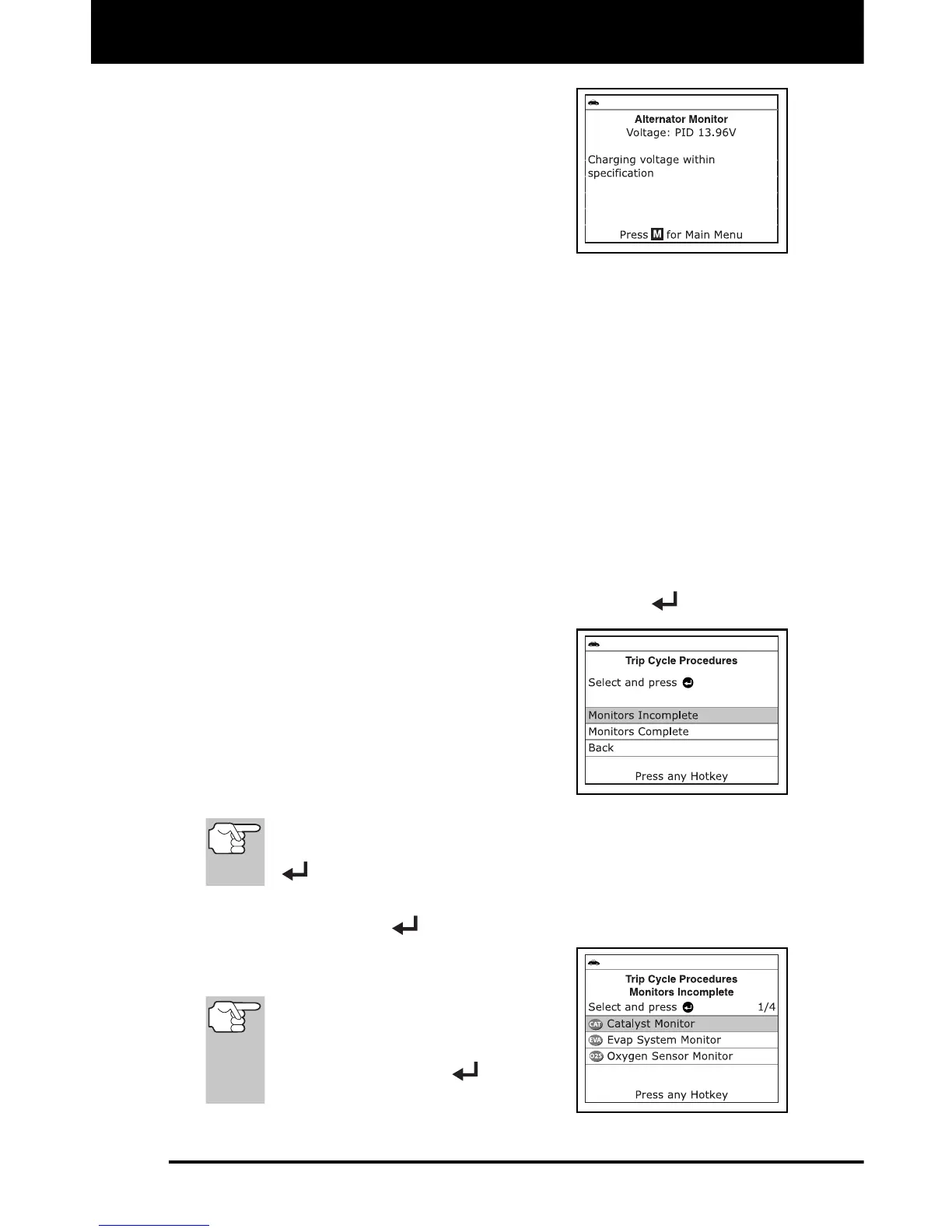
7. When the alternator check is complete,
a results screen shows charging system
voltage and indicates whether or not the
charging system is within acceptable
limits. The System Status LEDs provide
a PASS/FAIL indication, as follows:
Green = System within limits
Yellow = Over charging or under
charging
Red = Excessive over charging or under charging
If the alternator voltage is less than 9 V, the red, yellow and
green SYSTEM STATUS LEDs will flash on and off.
8. Press M to return to the Main Menu.
VIEWING TRIP CYCLE PROCEDURES
A Trip Cycle for a Monitor requires that the vehicle is driven in such a
way that all the required “Enabling Criteria” for the Monitor to run and
complete its diagnostic testing are met. You can use the Scan Tool to
view the Trip Cycle procedures for a selected Monitor.
1. While linked to a vehicle, press M.
The Main Menu displays.
2. Select Trip Cycle Procedures, then press ENTER
.
A “One moment please…” message
displays while the Scan Tool
retrieves Monitor status.
3. When Monitor status has been retrieved,
the Trip Cycle Procedures menu
displays. Depending on Monitor status,
you can view Trip Cycle procedures for
Monitors Incomplete or Monitors
Complete.
If Trip Cycle Procedures are not available for the vehicle, an
advisory message shows. Select Back, then press ENTER
to return to the Main Menu.
4. Select Monitors Incomplete or Monitors Complete, as desired,
then press ENTER
.
A list of the available Monitors for
the selected status displays.
If no Monitors for the selected
status are detected, an advisory
message shows. Select Back,
then press ENTER
to return
to the Main Menu.


 To Next Page