
 Need help?
Do you have a question about the Matrix Audio element X and is the answer not in the manual?
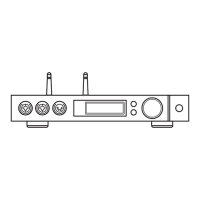
Overview of the front panel components and indicators.
Instructions for connecting the device to the power supply.
Guide on connecting audio sources via coaxial, optical, or IIS ports.
How to connect headphones to the available jacks.
Instructions for connecting to external speakers or amplifiers.
Fundamental steps for operating the device and playing music.
How to choose and switch between different audio input sources.
Adjusting the playback volume using the knob or remote control.
Playing music from optical, coaxial, or IIS-LVDS sources.
Streaming music using AirPlay or DLNA protocols.
Playing music from connected storage media.
Using the device as a USB DAC with computer.
Comprehensive technical specifications of the device.
 General
| Brand | Matrix Audio |
|---|---|
| Model | element X |
| Category | Media Converter |
| Language | English |

 To Next Page