108
CHAPTER 9: PART REPLACEMENT GUIDE
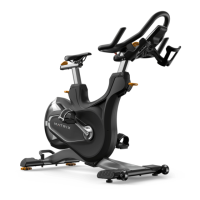
9.21 REAR STABILIZER REPLACEMENT
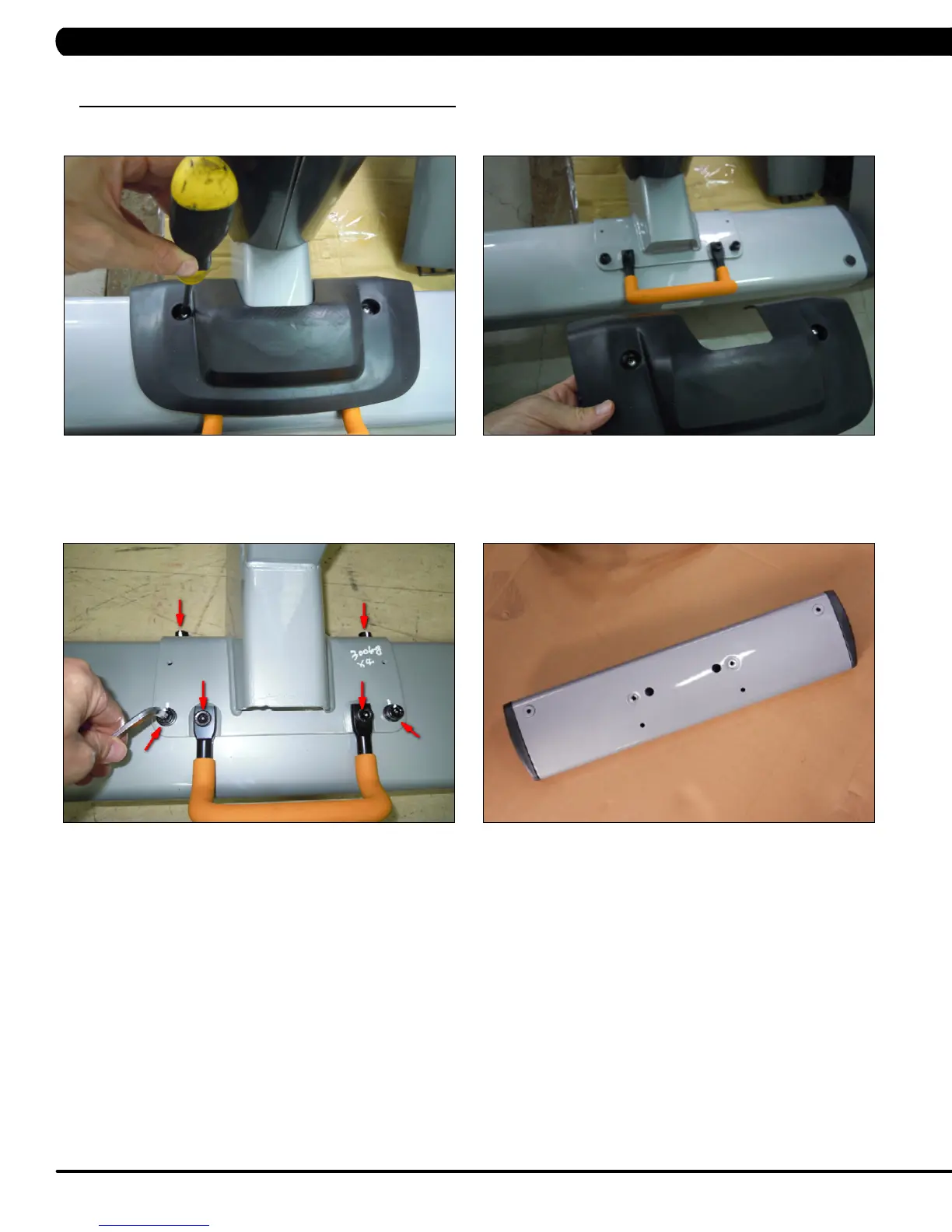
1) Remove the 2 screws holding the black cover to the rear stabilizer (Figure A).
2) Remove the black cover (Figure B).
3) Remove the 4 screws holding the rear stabilizer to the frame (Figure C).
4) Remove the rear stabilizer (Figure D).
5) Reverse Steps 1-4 to install a new rear stabilizer. NOTE: When installing a new rear stabilizer, be sure to make sure that the leveling is
stable as outlined in Section 10.4.
FIGURE A FIGURE B
FIGURE C FIGURE D



 To Next Page