15
16
PAN / Tilt / Rotation
0 0
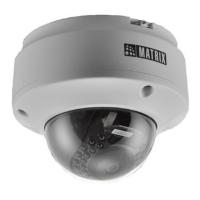
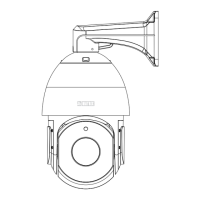
For PAN Movement you can move the camera angle from -30 to +30 .
For Tilt Movement, you can move the camera angle from minimum -
0 0
10 to maximum +90 .
30°
30°
Figure 7
Figure 8
0 0.
For Rotation, you can move the camera angle from -175 to +175
After you set the PAN, Tilt and Rotation angles, tighten the camera
screw.
Figure 9
Figure 10



 To Next Page
