Restoring the Matrox Imaging operating system to factory defaults 79
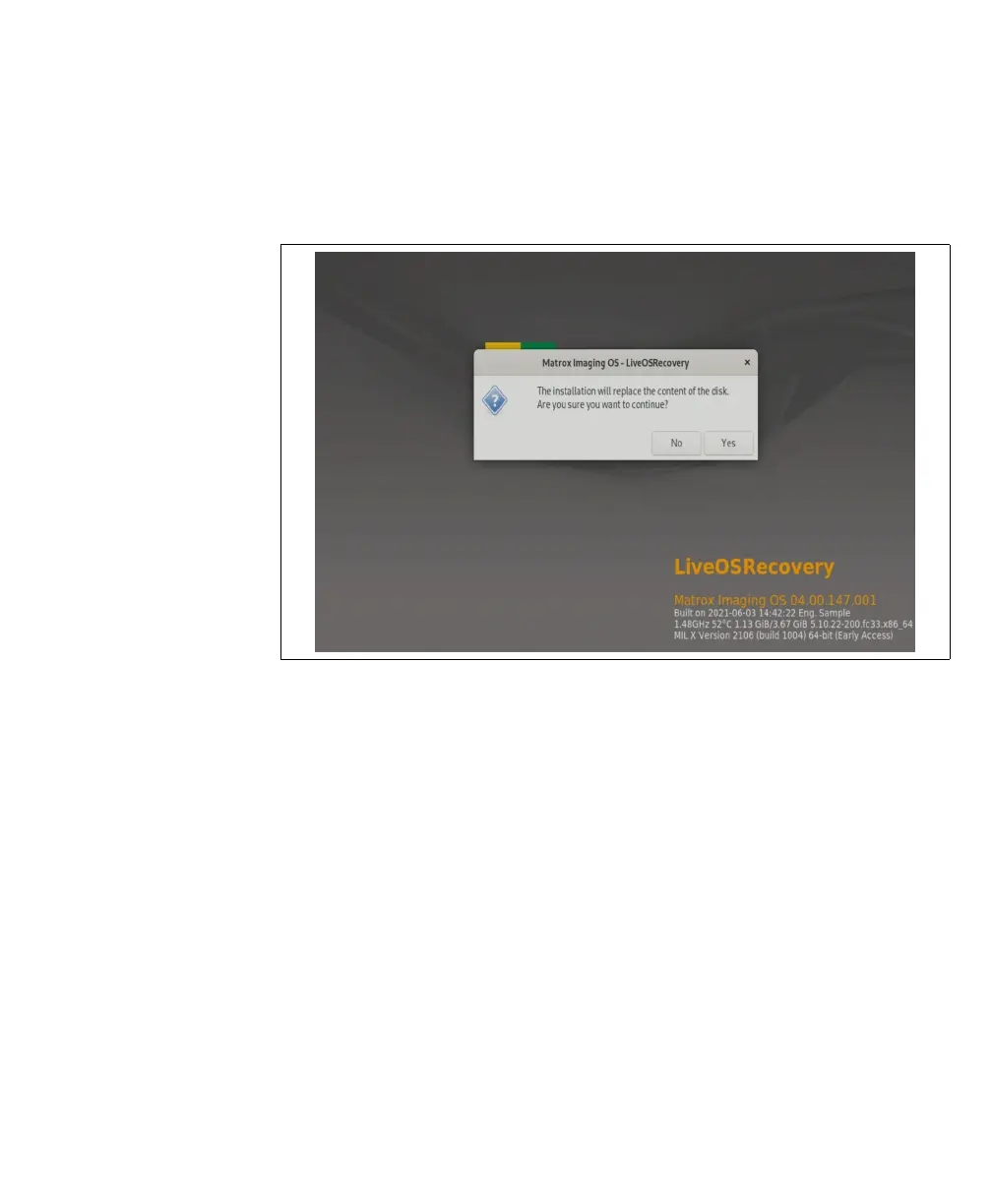
5. Select Install to System Disk to install the factory default MIOS. You will be
warned that the installation will replace the contents of your disk and asked if you
want to continue. Select Yes. An installation screen will be presented and the
installation process will begin.
Warning!
This will replace the contents of your Matrox Iris GTX’s storage drive.
6. After installation, the unit will reboot. Select OK when prompted to reboot, and
Matrox Iris GTX will reboot loaded with the factory default MIOS.



 To Next Page