Restoring the Matrox Imaging operating system to factory defaults 85
6. Select Install to System Disk to install the MIOS found on your USB key. You
will be warned that the installation will replace the contents of your disk and asked
if you want to continue. Select Yes. An installation screen will be presented and
the installation process will begin.
Warning!
This will replace the contents of your Matrox Iris GTX’s storage drive.
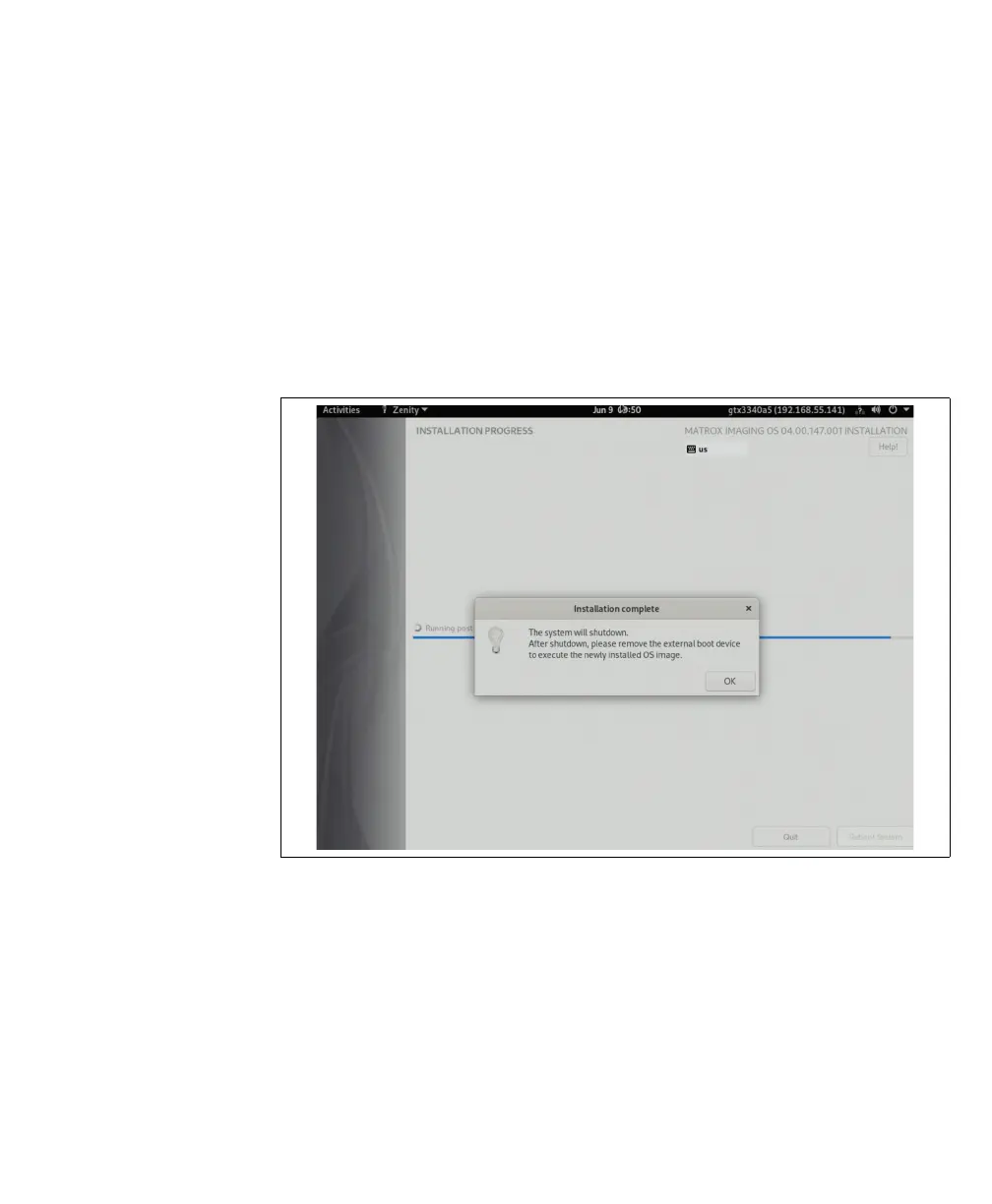
7. After installation, a prompt warns that the system will shut down and that you
will need to remove the external boot device before booting up again. Click on
OK when prompted and remove the external boot device from its port.



 To Next Page