22
Installing Other Hardware
Start installing the essential hardware required to get your
system started.
Installing the Processor
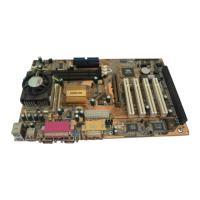
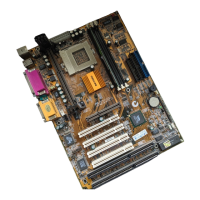
This mainboard has a Socket 462 processor socket. To choose
a processor, you need to consider the performance
requirements of the system and the price of the processor.
Performance is based on the processor design, the clock speed
and system bus frequency of the processor, and the quantity of
internal cache memory and external cache memory. Higher
clock speeds and larger amounts of cache memory deliver
greater performance.
Installation Procedure
To install a processor on the mainboard follow the steps below.
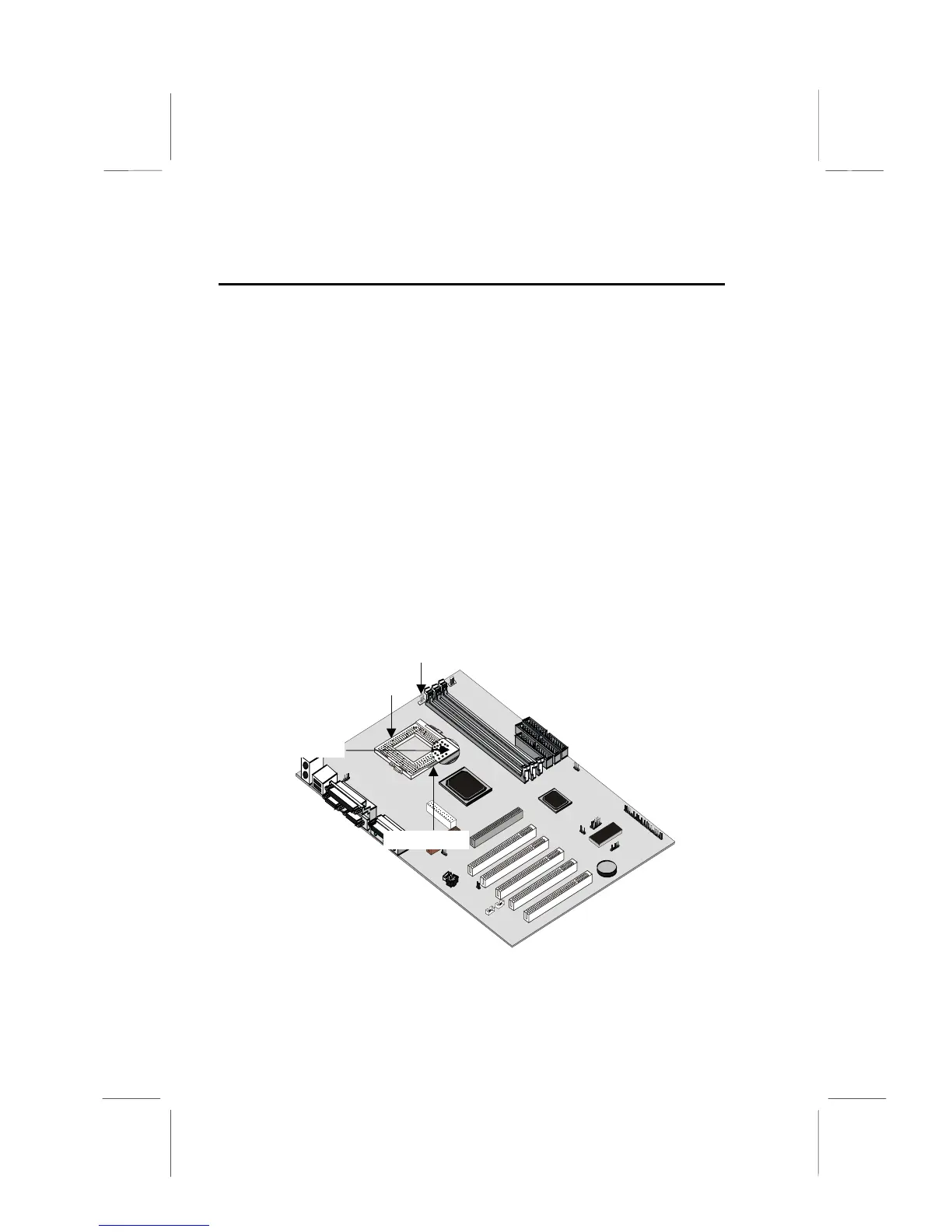
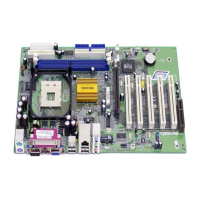
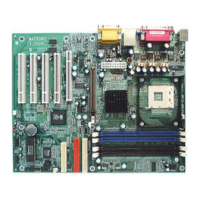
CPU socket
PUFAN1
(CPU fan)
Pin-1 corner
Locking lever
1. On the mainboard, locate the CPU socket and the CPU
cooling fan CPUFAN1.




 To Next Page