68
Save & Exit Setup Option
Highlight this item and press <Enter> to save the changes that
you have made in the Setup Utility and exit the Setup Utility.
When the Save and Exit dialog box appears, press <Y> to save
and exit, or press <N> to return to the Setup Utility main menu:
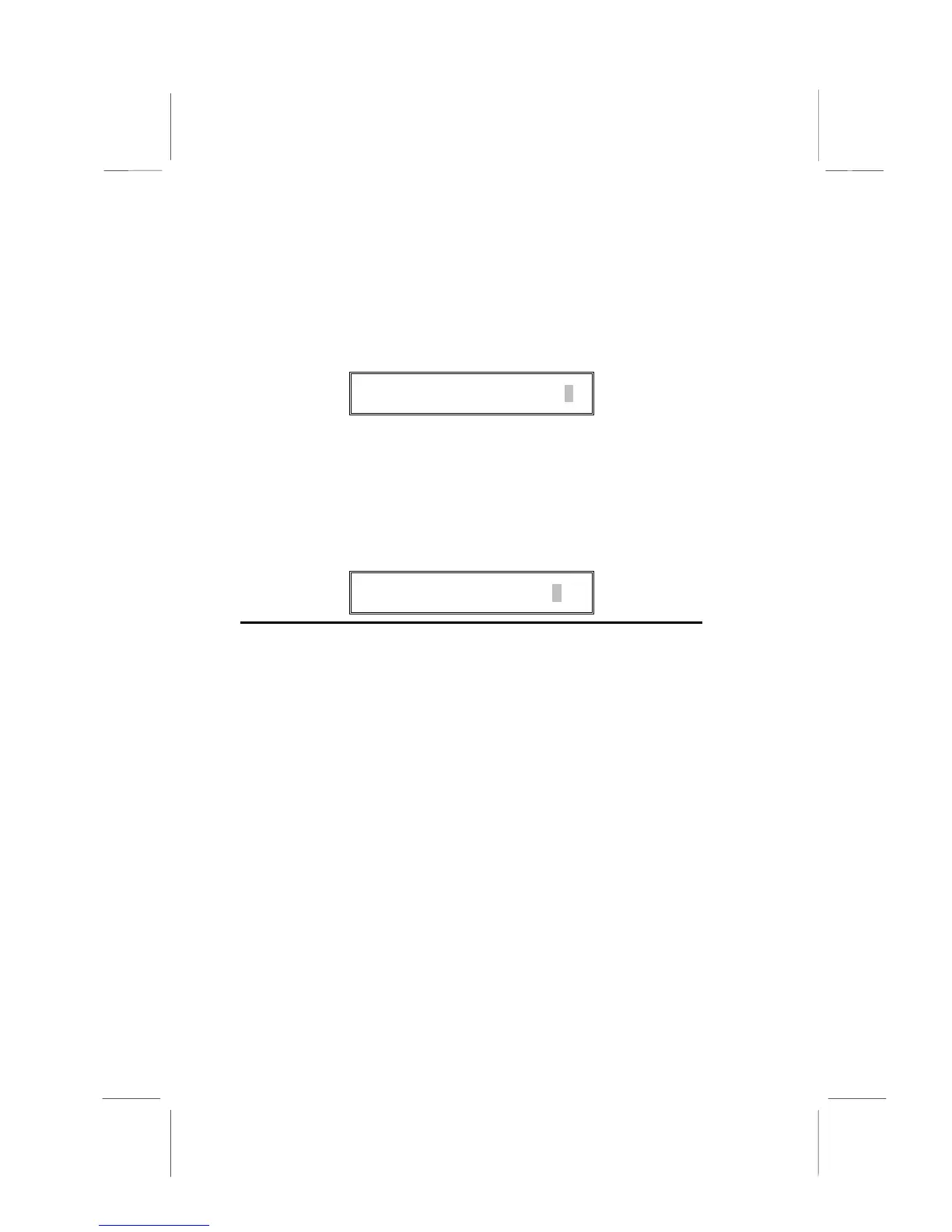
SAVE to CMOS and EXIT (Y/N)?
Y
Exit Without Saving Option
Highlight this item and press <Enter> to discard any changes
that you have made in the Setup Utility and exit the Setup Utility.
When the Exit Without Saving dialog box appears, press <Y> to
discard changes and exit, or press <N> to return to the setup
main menu.
Quit Without Saving (Y/N)?
N
Note:
If you have made settings that you do not want to save, use
the “Exit Without Saving” item and press Y to discard any changes
you have made.
This concludes Chapter 3. Refer to the next chapter for
information on the software supplied with the mainboard.




 To Next Page