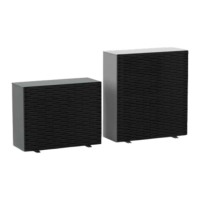
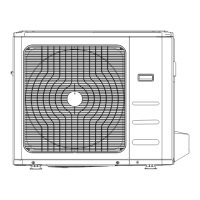
i-MAX Industrial inverter air/water heat pump with axial fans
7
5 USER – ONBOARD CONTROLLER INTERFACE
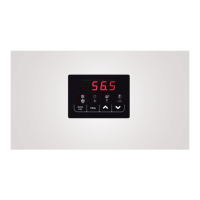
In normal visualization, the 7 segment display with 4 digits shows the regulating temperature in tenths of degrees or the warning
code if at least one alarm is active. The type of visualization in the menu mode page is depending on the position where you are.
Labels and codes are used to help the user to identify the settings of the display.
It is used to select the operating mode, and to reset the manual resetting alarms.
Each time you press the Mode button, the operating mode changes as per the sequence below:
off cool off
During the parameters’ setting, this button can be used to revert BACK to the previous level.
It allows you to enter into the setting menu parameters and to adjust the summer set point value.
UP button: In the setting mode, this button allows you to move up to a higher menu or to increase the value of a
parameter when you are in the “edit” mode.
DOWN button: In the setting mode, this button allows you to shift to a lower menu or to decrease the value of a
parameter when you are in the “edit” mode.
WARNING
All the operations with installer visibility must be carried out by qualified personnel.
Not all the configurations can be simultaneously enabled and/or changed.
Other values different than those of default may ensure the proper operation of the unit, in case of necessity
contact please our office.
The company excludes any contractual and extra contractual liabilities for damages caused to persons,
animals or objects, by incorrect installation, setting and maintenance, improper use of the equipment, and
the partial or superficial reading of the information contained in this manual
5.1 MENU STRUCTURE DIAGRAM
Level 0 (U) = It’s always visible


 To Next Page