18
English
6. Choose the Security Platform Features you want to use by
clicking the appropriate tickbox.
7. Enter a Basic User Password (and re-type to confirm it) and
click Next.
8. Click Next to confirm the settings.
9. The computer will then initialize the settings.
10. Click Finish.
11. Click the tabs and control panels to adjust the settings.
12. Double-click the taskbar icon to access the Infineon
Security Platform Settings Tool, or right-click the taskbar icon
and select a menu item.
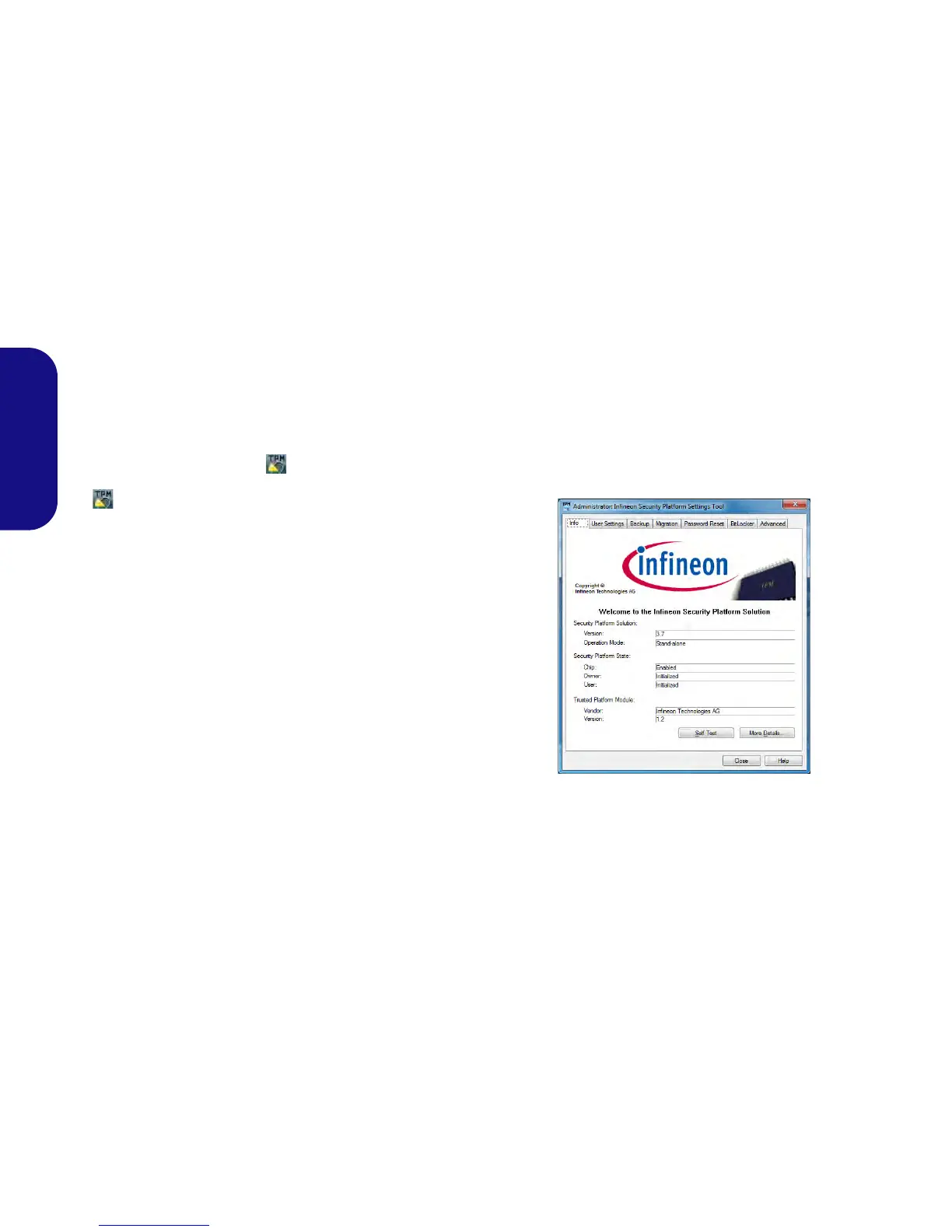
Infineon Security Platform Settings
Tool
The Infineon Security Platform Settings Tool allows you
to manage and check the TPM state, manage your pass-
word information, and to backup and restore the TPM da-
ta. As TPM is usually administered within large
enterprises and organizations, your system administrator
will need to assist you in managing the information here.
Figure 12 - Infineon Security Platform Settings Tool



 To Next Page