09
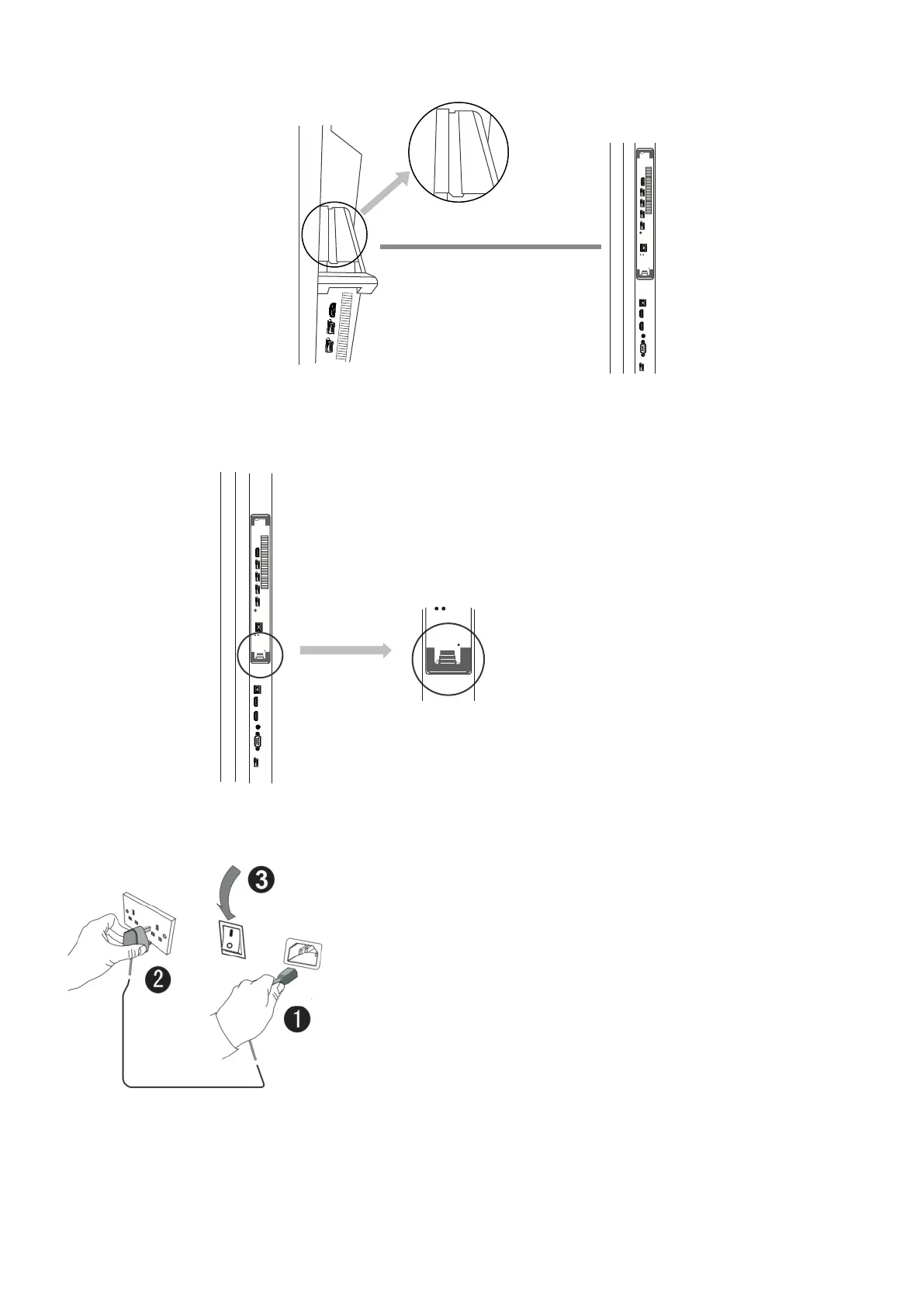
Step 4: Installation of OPS/Android module.
Insert the
module
Removing the OPS/Android Module
Note: Please make sure the power is off before proceeding with the removal.
Press up and unlock the
module and take it out.
Turn the MAXHUB Interactive Flat Panel on and off
1. Plug the power cable into the power socket of the product.
2. Plug the power cable to the power supply.
3. Fliptherockerswitchandpressonpowerbuttontobootthe prod-
uct. The indicator will turn blue.



 To Next Page