97
Function Operations
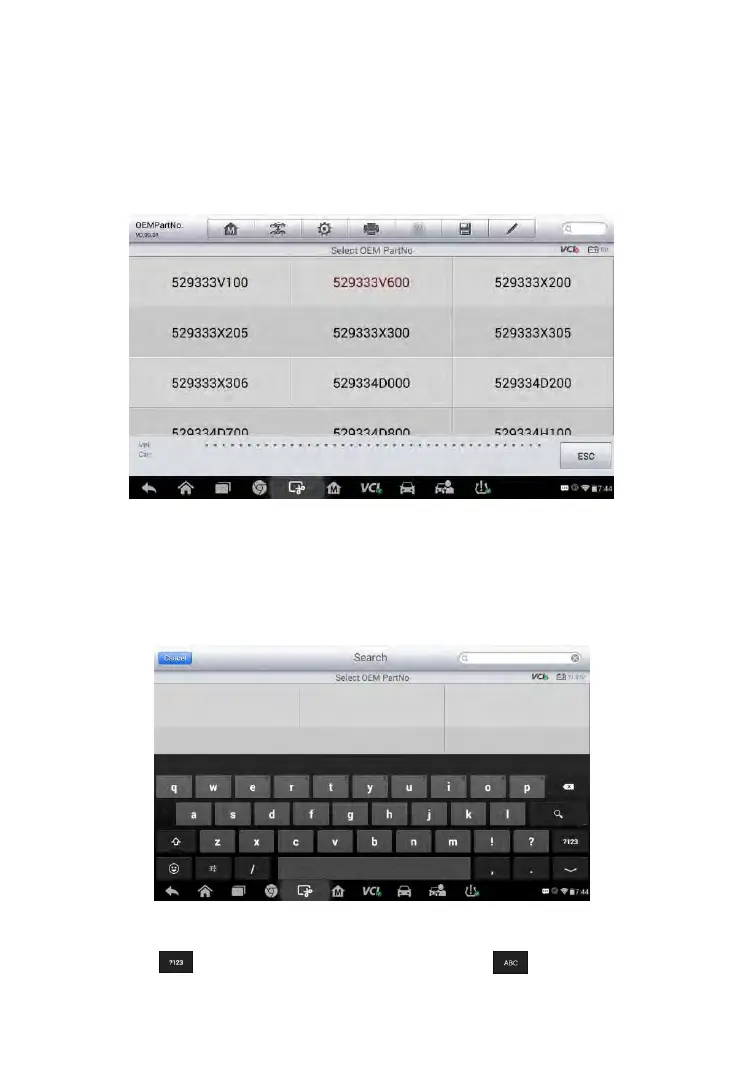
1. Tap OEM Part No. on the TPMS service menu to access the next
screen. A list of sensor OEM part numbers will be displayed. Use your
finger to move the screen left and right to find out the correct OEM part
number of the sensor on the test vehicle.
Figure 6-30 Sample OEM Part No. Screen
2. Or, tap the search box on the top right side of the screen to enter the
part number. A soft keyboard will display as below. Enter the OEM Part
No. in the search box at the top right corner to complete the operation.
Figure 6-31 Sample OEM Part No. Search Screen
3. Tap to change the keys to numbers, tap to change the keys
to letters.



 To Next Page