85
Live Data
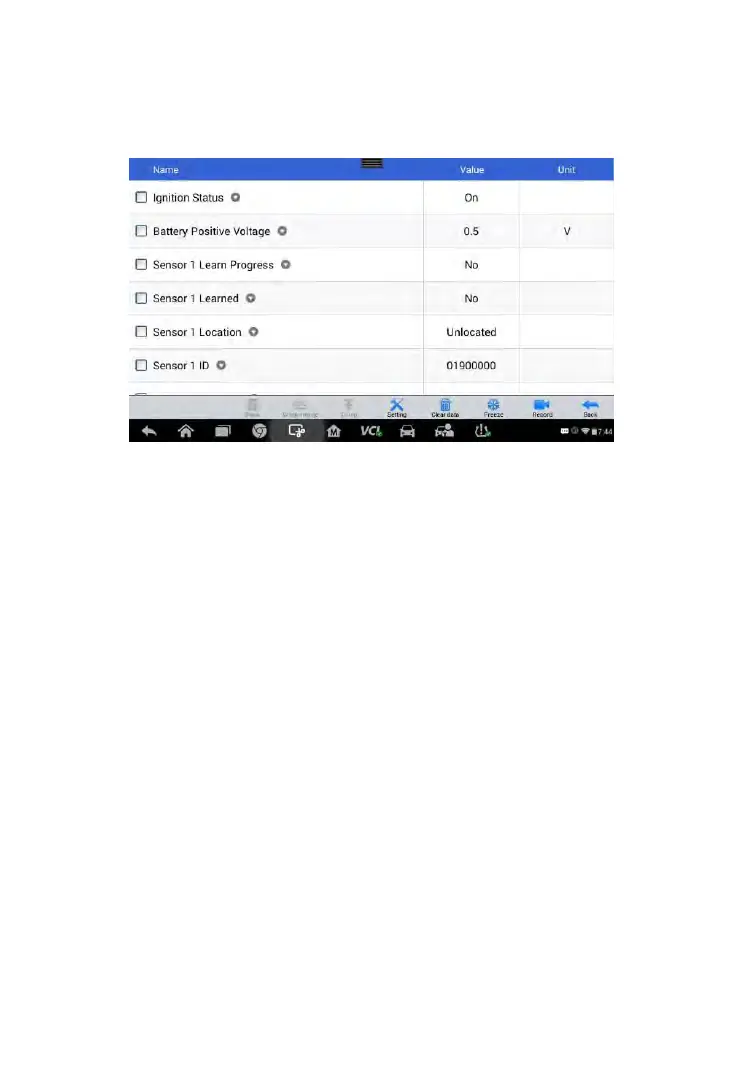
Tap Live Data to view the data stream of the sensor information.
Figure 6-14 Sample Live Data Screen
The Live Data screen shows all parameters be default.
Tick on the box before the parameters you want to see, the Show icon on
the bottom of the screen will be available and turn to blue. Tap Show and
the selected parameters will be displayed in a separate screen.
For more details, please refer to Live Data on page 36.
Special Functions
Tap this button to open a screen of Active Test.



 To Next Page