13
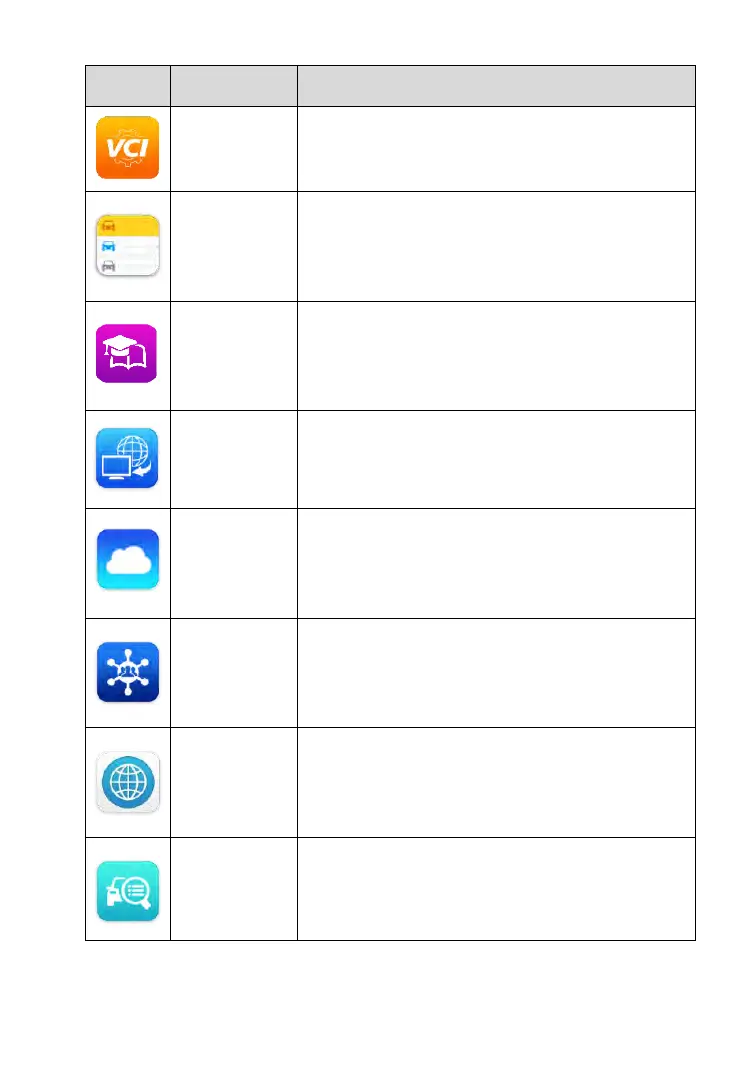
Establishes and manages BT connection with
the MaxiVCI Mini. See VCI Manager on page
119 for details.
Allows you to edit and save workshop
information and customer data, as well as
reviewing test vehicle history records. See
Shop Manager on page 122 for details.
Allows you to store and view technical tutorials
and training articles about the device usage or
vehicle diagnostic techniques. See Academy
on page 130 for details.
Configures your unit to receive remote support
using the TeamViewer application program.
See Remote Desk on page 131 for details.
Launches the MaxiFix platform which provides
the most compatible and abundant repair
techniques and diagnostics database. See
MaxiFix on page 133 for details.
Launches the Support platform which
synchronizes Autel’s on-line service base
station with the MaxiCheck tablet. See Support
on page 143 for details.
Provides associated website bookmarks to
allow quick access to product update, service,
support and other information. See Quick Link
on page 152 for details.
Provides quick search for the supported
functions and vehicles of Autel diagnostic tools.
See Function Viewer on page 153 for details.



 To Next Page