33
Suspends scanning and it will change to Continue
button after tapping.
Returns to the previous screen or exit Auto Scan.
Control Units
This option allows you to manually locate a required control system for
testing through a series of choices. Please follow the menu driven
procedures, and make proper selection each time; the program will guide
you to the diagnostic function menu after a few choices you’ve made.
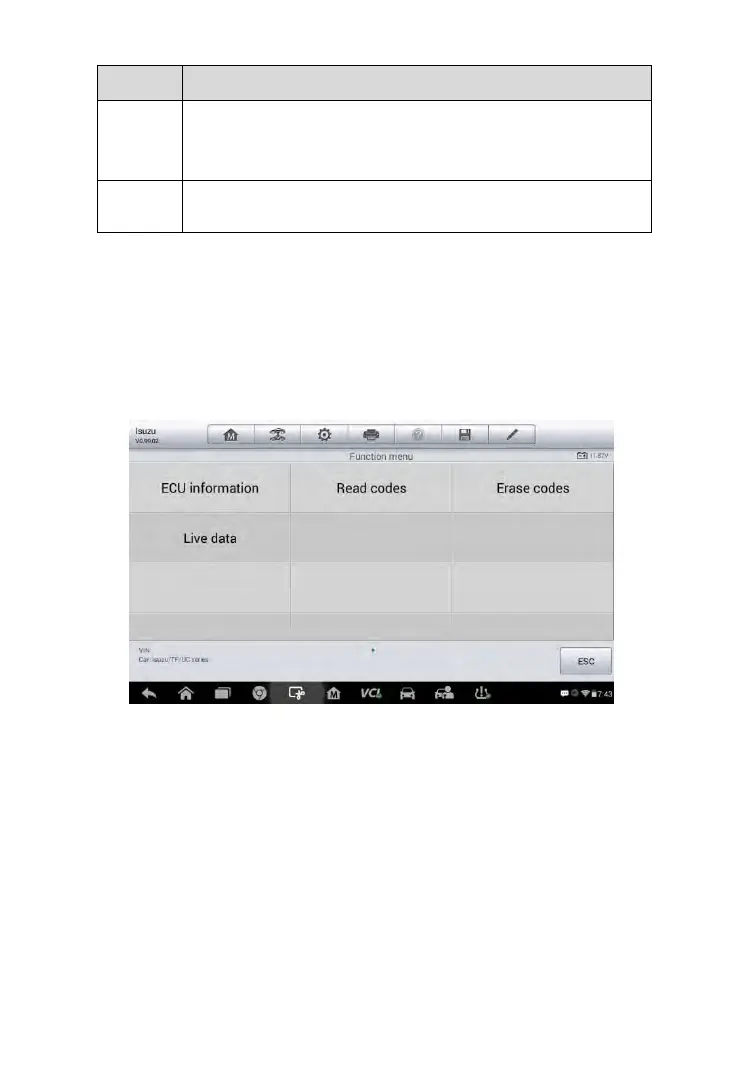
Figure 4-10 Sample Function Menu
The Function Menu options vary slightly for different vehicles. The function
menu may include:
ECU Information – provides the retrieved ECU information in detail.
Selecting opens an information screen.
Read Codes – displays detailed information of DTC records retrieved
from the test vehicle’s ECU.
Erase Codes – erases DTC records and other data from the test
vehicle’s ECU.
Live Data – retrieves and displays live data and parameters from the
test vehicle’s ECU.



 To Next Page