60
1. Read carefully the information on the screen and tap Yes to continue.
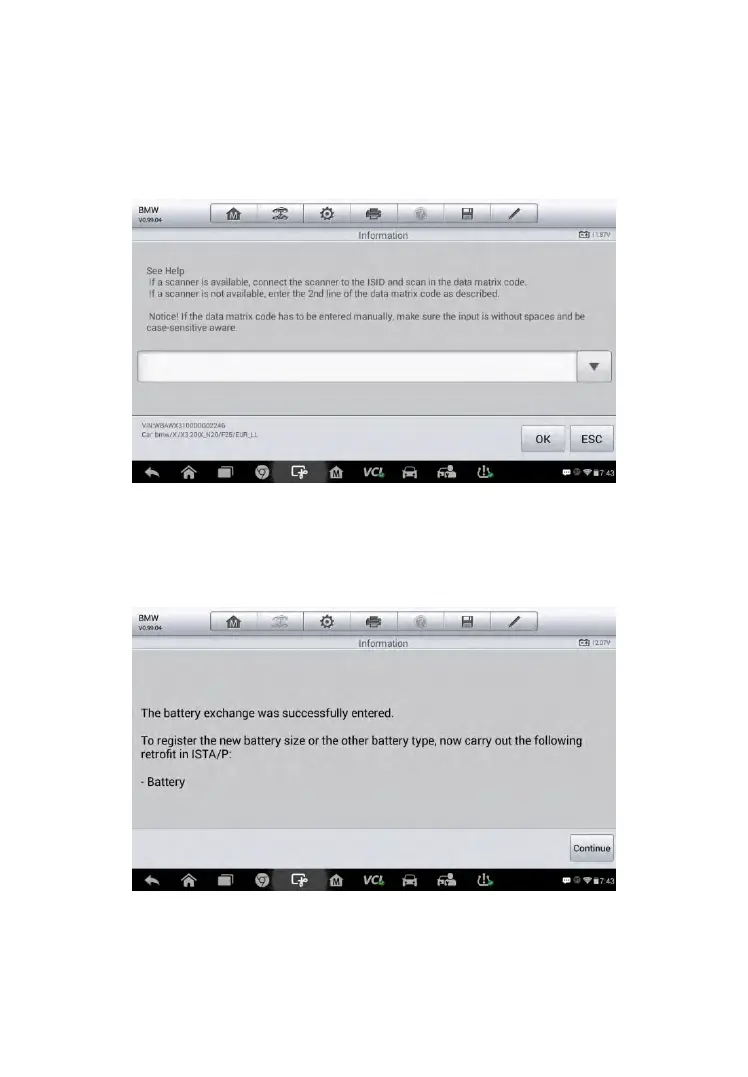
2. Follow the on-screen instructions to input the data matrix code of the
newly installed battery which should be on the label of the battery. Tap
OK to continue.
Figure 5-16 Sample BMS Screen 7
3. When the battery exchange is successfully entered, tap Continue to
complete the operation.
Figure 5-17 Sample BMS Screen 8



 To Next Page