67
2. The tool communicates with the vehicle and reads the fault codes
memory. Follow the on-screen instructions to finish this procedure.
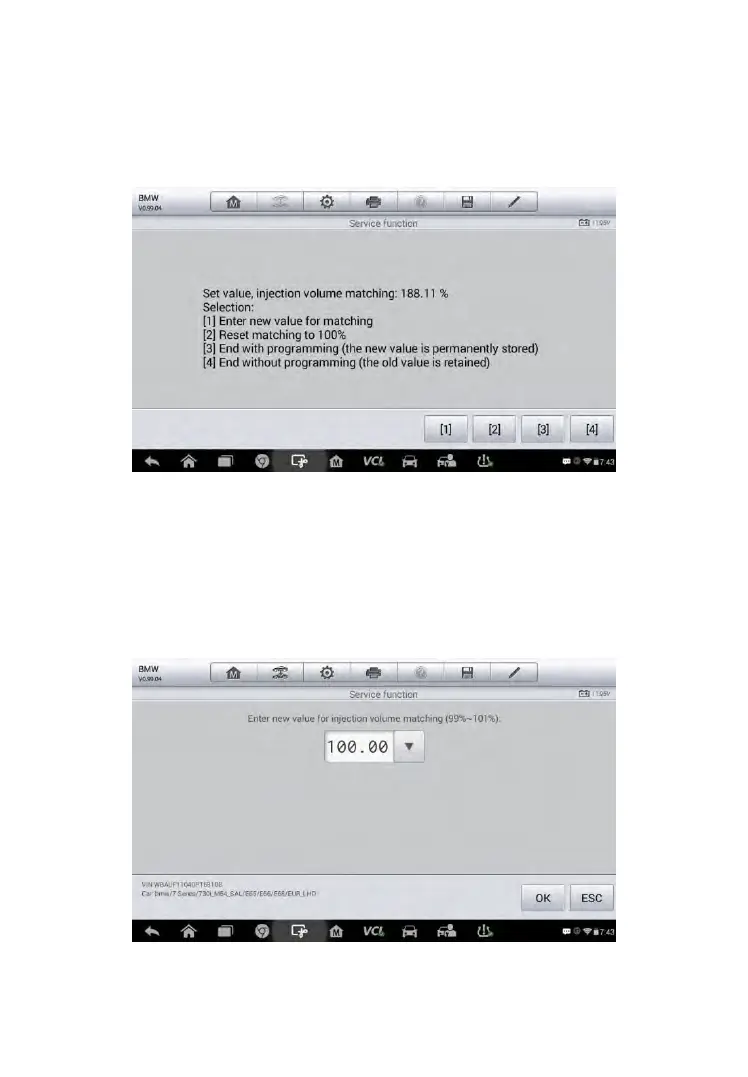
3. Then the tool will display as below. Press the corresponding number
button to perform the desired function.
Figure 5-24 Sample Injection Rate Screen
[1] Enter New Value for Adjustment
From the Injection Rate menu, tap [1] and the screen displays as below.
Figure 5-25 Sample Enter Value Screen



 To Next Page