69
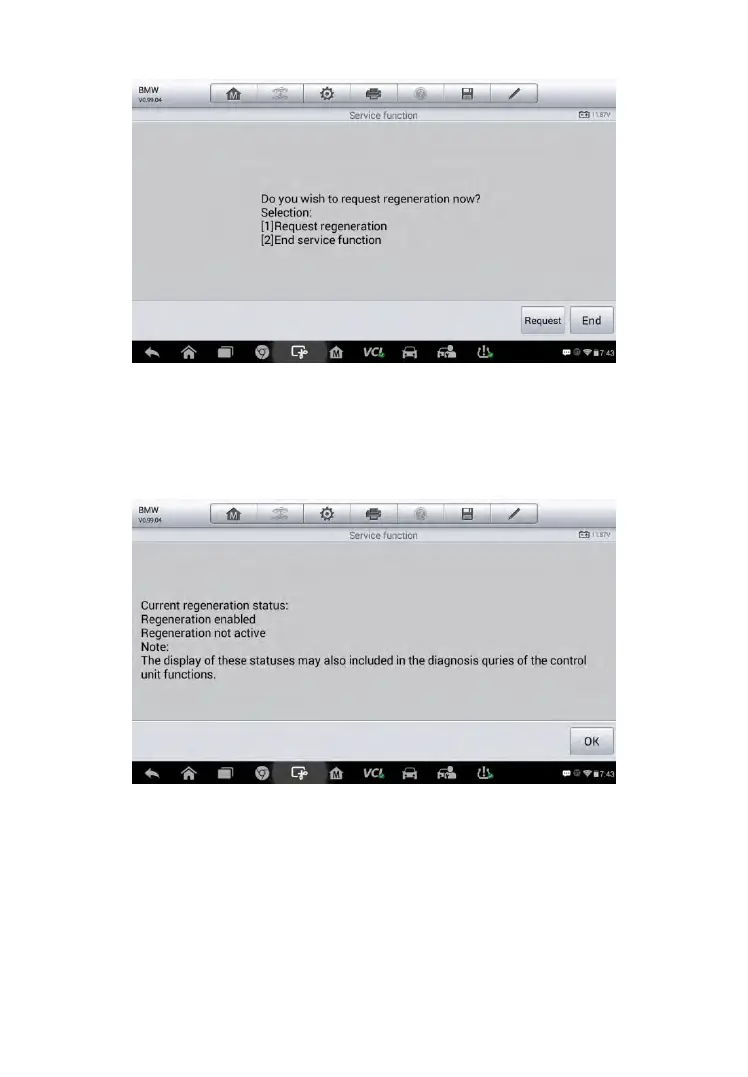
Figure 5-26 Sample Regeneration Confirmation Screen
4. A series of instruction screens appears for users to perform the particle
filter regeneration step by step. Follow the onscreen instructions and tap
OK button until the tool reads off the regeneration status as below.
Figure 5-27 Sample Regeneration Status Screen
5. When the particle filter regeneration is complete, the tool will ask your
confirmation to exit the display. Tap Repeat to check the status again or
End to end the service function and exit.



 To Next Page