12
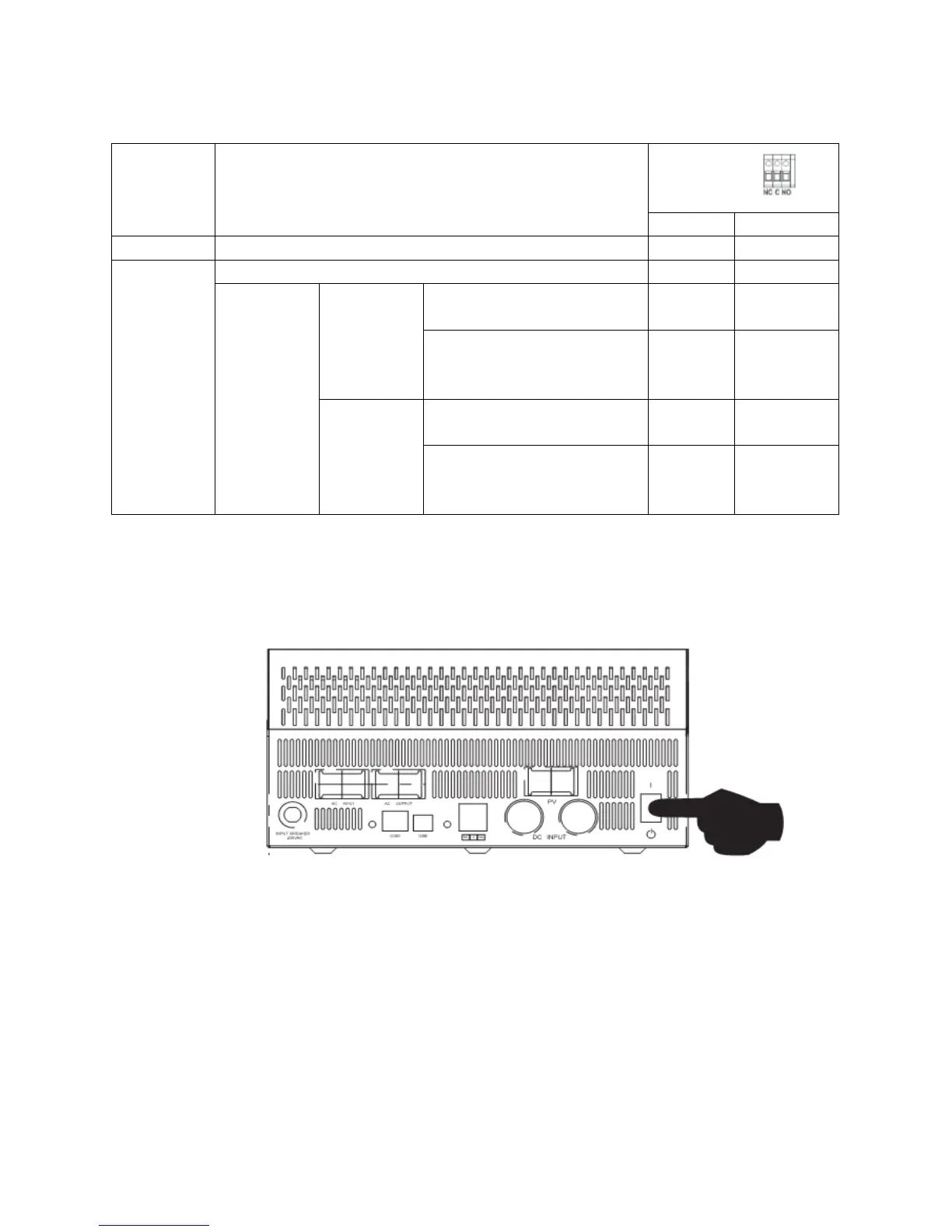
Dry Contact Signal
There is one dry contact (3A/250VAC) available on the rear panel. It could be used to deliver signal to external
device when battery voltage reaches warning level.
Unit is off and no output is powered.
Output is powered from “AC in”
Output is
powered
from Battery
or Solar.
Battery voltage < Low DC
warning voltage
Battery voltage > Setting value
in Program 21 or battery
charging reaches floating stage
Program 01
is set as
SBU,Solar
first
Battery voltage < Setting value
in Program 20
Battery voltage>Setting value in
Program 21 or battery charging
reaches floating stage
OPERATION
Power ON/OFF
Once the unit has been properly installed and the batteries are connected, simply press On/Off switch
(located on the button of the case) to turn on the unit.
Operation and Display Panel
The operation and display panel, shown in below chart, is on the front panel of the inverter. It includes
three indicators, four function keys and a LCD display, indicating the operating status and input/output
power information.



 To Next Page