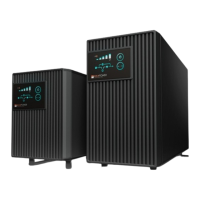
Examine the packing carton for damage upon receipt.Once the UPS has been removed
from its shipping container,everything inside the package should be inspected for
damage that may have occurred while in transit .Notify the carrier immediately if any
damage is observed.
The box should include the following:
2.Installation and Operating Instruction
2.1Unpacking&Inspection
* UPS and Input Power Cord
* User's Manual
* Telephone Communication Cable
* Remote Monitoring Software and Computer Series Interface Cable(optional)
Retain the packing for future use or dispose of properly.
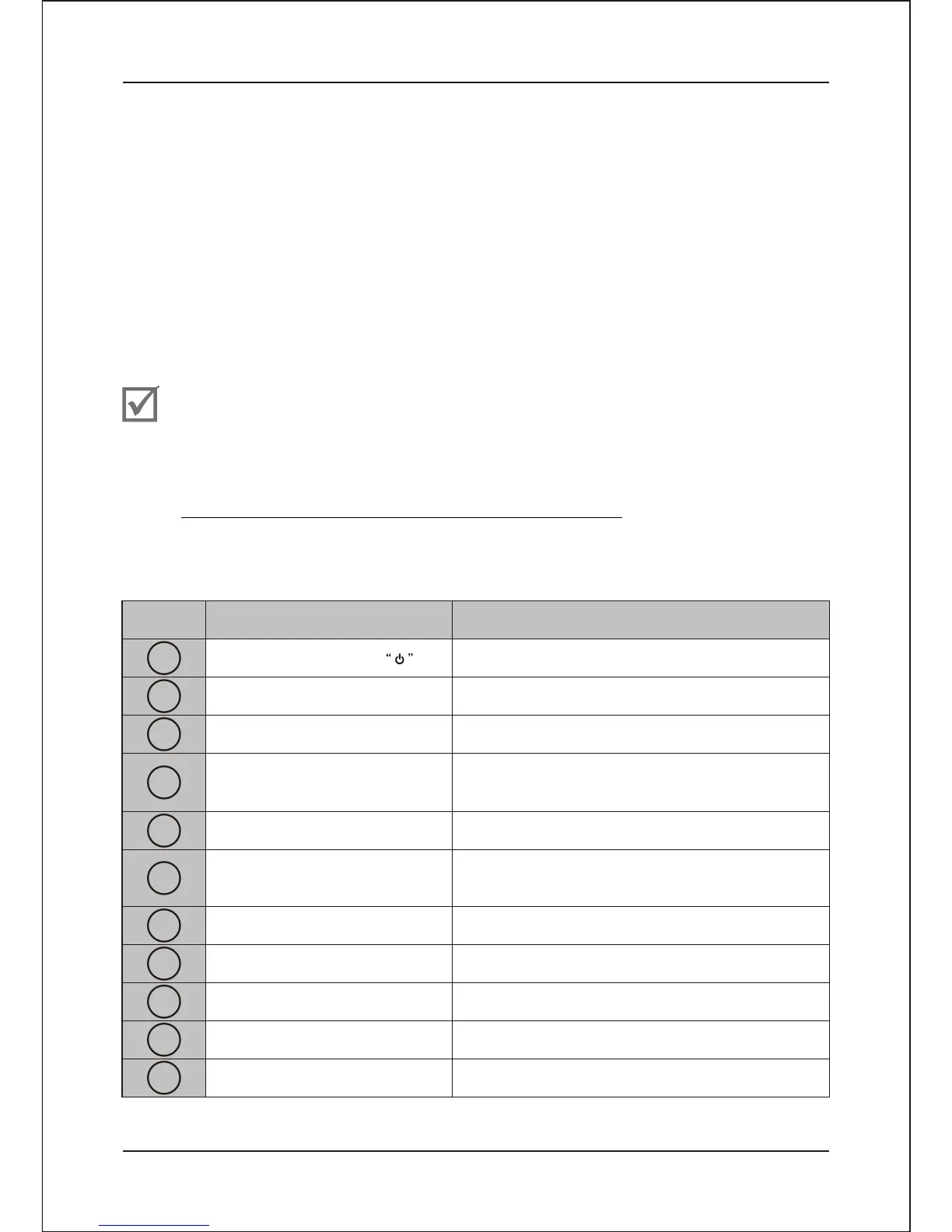
2.2Overview
Installation and Operating Instruction
CHECK
Main On/OFF Switch
Beeper Silence and Self-test
Capacity Indicator
Fault Indicator
Turn on/off UPS
UPS Silence and self-testing
LED bar shows approximate load and battery
Capacity (when in battery backup)
Item Panel Indicator
Description
1
2
3
4
5
6
7
8
9
10
11
AC Normal Indicator
AC Bypass Mode Indicator
Backup Mode/Battery Replace
Indicator
Output Indicator
External Battery Connector
(Extended models)
Input Circuit Breaker
DC Fan
Displays UPS Fault/Continuous Red LED
Continuous Green LED displays AC utility
normal
Continuous Amber LED displays AC Bypass
Mode
Continuous Red LED displays Battery Replace
and Flash backup mode
Continuous Green LED displays UPS Output
Provides connection port for external battery
cable
Provides circuit overload and fault protection
for the UPS and load
For air cooling
- 5-


 To Next Page