EasyManua.ls Logo

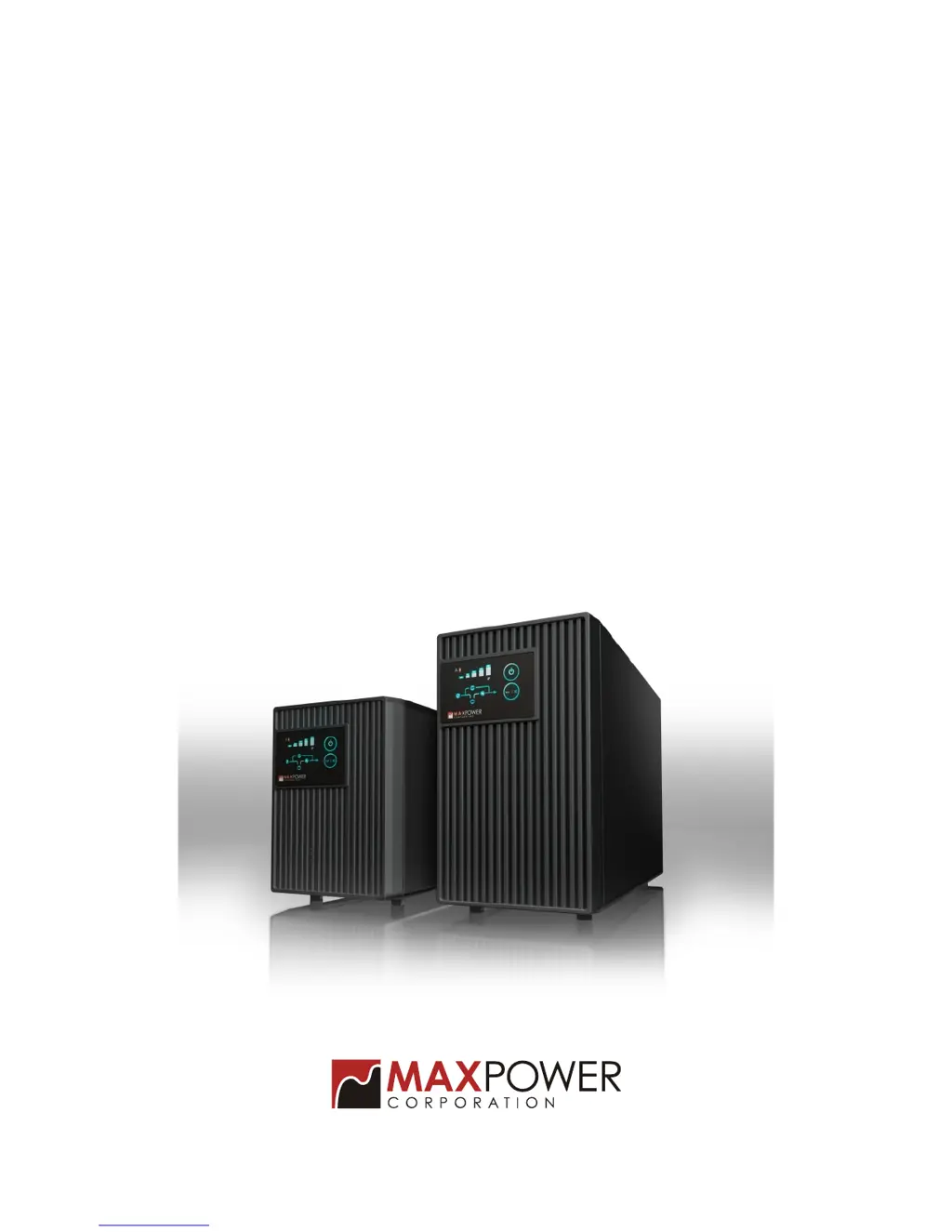
MaxPower T Series - User Manual

MaxPower T Series
24 pages
Print Icon
To Next Page IconTo Next Page
Loading...
User's Manual
On-Line UPS
1000/2000/3000VA
MaxPower T Series

Questions and Answers

Summary

Important Safety Instructions

SAVE THESE INSTRUCTIONS

Manual contains vital instructions for UPS and battery installation and maintenance.

Battery Servicing Guidelines

Battery servicing must be done by knowledgeable personnel with precautions.

Electrical Safety Connections

Connect to 20A circuit, use proper cords, and beware of shock hazards.

Operational Safety and Interference

Radio Frequency Interference (RFI) Notice

Explains RFI generation and mitigation measures for the UPS unit.

UPS Placement and Usage Warnings

Avoid moisture, block vents, don't plug high-draw devices, use grounded outlets.

1. Introduction to MaxPower UPS

1.1 System Description

Overview of the On-Line UPS, its design, and primary functions.

1.2 Key Features

Highlights key features like double conversion and microprocessor control.

2. Installation and Operating Instructions

2.1 Unpacking & Inspection

Guide to inspecting the UPS package and contents for transit damage.

2.2 Front Panel Overview

Description of front panel indicators and controls.

UPS Components and Connections

2.2 Rear Panel Overview

Description of rear panel connectors, outlets, and circuit breakers.

UPS Installation Procedures

2.3 Installation Steps

Instructions for UPS placement, ventilation, and initial battery charging.

UPS Connection Procedures

Connecting AC Power, Load, and Communication

Steps for connecting AC power, load, computer, and fax lines.

UPS Operation and Functional Testing

AC and On-Battery Modes Explained

Explains how the UPS operates in different power conditions.

Basic Operations and Alarm Silence

Covers switching, testing, alarm silencing, and basic indicator functions.

UPS Testing and Configuration Mode Entry

2.5 Manual Power Outage Simulation

Procedure to manually test the UPS backup function by simulating a blackout.

2.6.1 Configuration Mode Entry

Guide to entering the UPS parameter configuration mode.

UPS Parameter Configuration Details

2.6.3 Exiting Configuration Mode

Steps to exit the UPS parameter configuration mode.

2.6.4.1 Viewing Parameter States

How to view current parameter settings and their meanings.

2.6.4.2 Cold Start Lock Setting

How to enable or disable the cold start function via settings.

UPS Output Parameter Settings

2.6.4.3 Output Frequency Setting

How to set the UPS output frequency to 50Hz or 60Hz.

UPS Output Voltage and Indicator Functions

2.6.4.4 Output Voltage Setting

How to configure the UPS output voltage from available options.

2.7 Audible; Visual Indicators

Explanation of LED indicators and audible alarms for operating status.

UPS Status Indicator Explanations

Battery Capacity Indicators

Explanation of LED indicators for battery capacity during backup mode.

Load Size Indicators (AC Normal)

Explanation of LED indicators for load size in AC normal mode.

UPS Status Indicators and Abnormal States

Load Indicators in Backup Mode

Details load indicators and UPS response in backup mode.

Abnormal Status Indicators

Lists LED and buzzer indicators for abnormal UPS conditions.

UPS Operation Notes and Limitations

Alarm Silence Limitations

Notes on when the alarm silence function cannot be used.

3. Interface with Computer for UPS Status Monitoring

3.1 RS-232 Pin Assignment

Details the pinout for the RS-232 communication port.

4. Service and Maintenance Procedures

4.1 Routine Maintenance

Recommended tasks for regular cleaning, checking, and battery maintenance.

4.2 Storage Instructions

Guidelines for proper storage of the UPS unit.

5. Troubleshooting Guide

Pre-call Checks and Information

Initial checks before calling support and required information.

5.1 Trouble Shooting Table

Table listing abnormal situations, causes, and solutions.

5. Troubleshooting Guide - Additional Scenarios

5.1 Trouble Shooting Table - Further Issues

Further troubleshooting scenarios and solutions for UPS issues.

6. Specifications Overview

General Specifications

Key performance and technical specifications by capacity.

Input Specifications

Details of voltage range, frequency, and power factor for input.

Output Specifications

Details of waveform, distortion, and overload capacity for output.

Battery and Charger Specifications

Specifications for battery type, backup time, and charger.

6. Specifications - Protection and Interface

Protection and Filtering Specifications

Specifications for surge suppression and EMI/RFI noise filtering.

Indicators, Communication, and Environment

Summary of front panel indicators, communication interface, and environment specs.

6. Specifications - Physical Characteristics

Physical Specifications

Physical dimensions and weight of the UPS units.

MaxPower T Series Specifications

General IconGeneral
Model SeriesT Series
Transfer Time2-6 ms
Battery TypeSealed Lead Acid
Communication InterfaceUSB
DisplayLED indicators
Audible AlarmsLow battery, overload
Protection FeaturesOverload, Short Circuit
Operating Temperature0-40°C
Dimensions (Varies by Model)Varies by model
Weight (Varies by Model)Varies by model
CategoryLine-Interactive UPS
Input Voltage Range90-140V / 180-280V (auto-select)
Typical Backup Time3-45 minutes (Varies by load and model)
Output WaveformStepped approximation to sinewave