10
After Sales Support
UK/N.IRELAND HELPLINE N
O
:
REP.IRELAND HELPLINE N
O
:
WEBSITE:
EMAIL:
01270 508538
1800 995 036
www.quesh.co.uk
enquiries@quesh.co.uk
Instructions
Setting the Alarms
There are 2 alarms that you can set on this radio. Both are set in
the same way. Press and hold ‘Info/Menu’ button until the screen
changes, cycle through the options with the ‘Tune +/-’ buttons and
select ‘System’ by pressing the ‘Select/Snooze’ button on the menu.
Press ‘Select/Snooze’ again on ‘Alarm’.To select the rst or second
alarm press the ‘Tune -’ or ‘Tune +’ buttons. Once you have chose
the required alarm to set press the ‘Select/Snooze’ button to conrm
your selection.
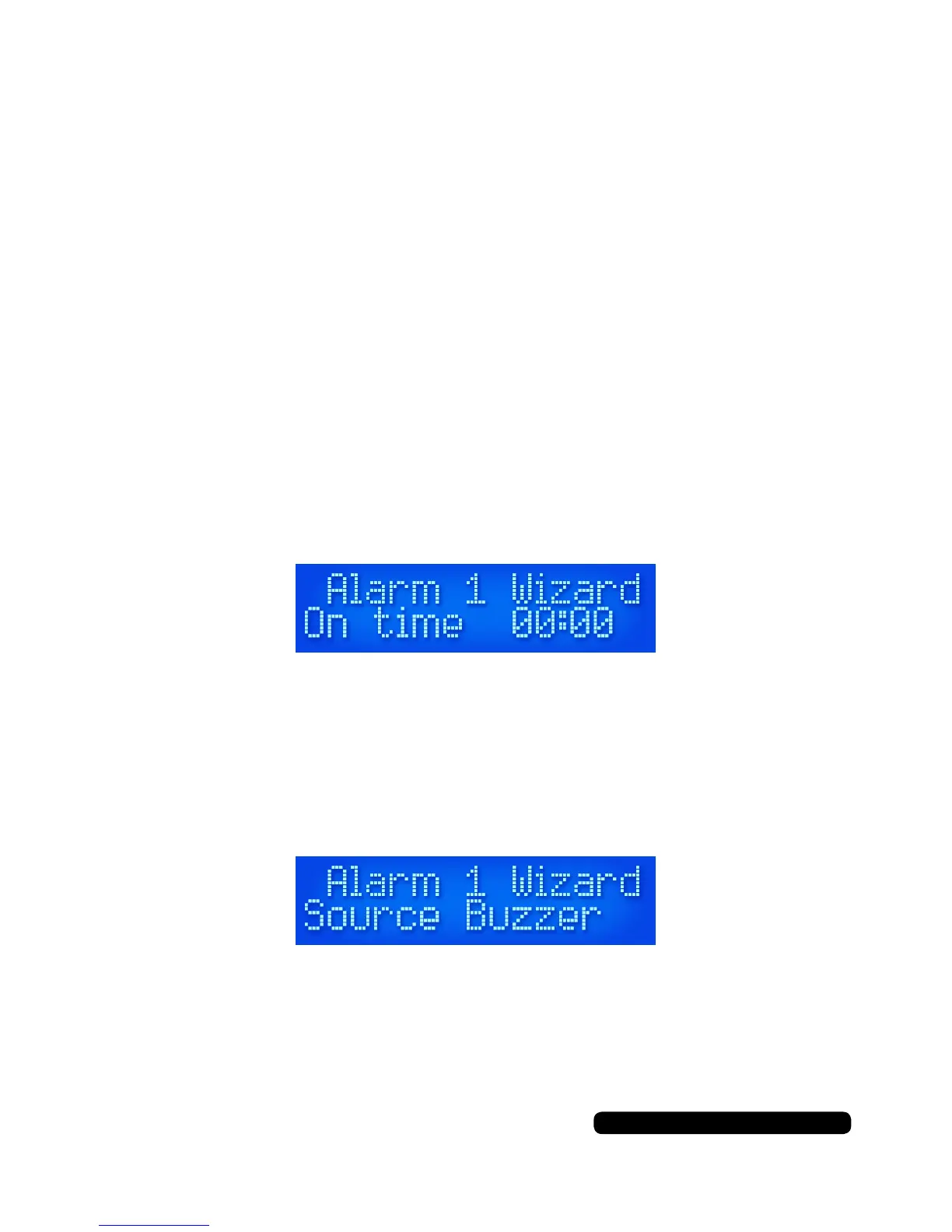
You will see the hours ashing rst. Press the ‘Tune -’ or ‘Tune +’
buttons to select the required hour and press the ‘Select/Snooze’
button to conrm your selection. The minutes will be ashing. Re-
peat the process as done for the hours to set the minutes.
You next option is to set the duration of the alarm. You can set the
duration in intervals of 15, 30, 45 and 60 minutes before the alarm
will stop. You can select one of these options by using the ‘Select/
Snooze’ button to conrm the select of the required duration.
You will be presented with a source option for the alarm.
You can choose between ‘Buzzer’, ‘DAB’ or ‘FM’. If you choose
‘Buzzer’ it will got to the nal option. If you choose either ‘DAB’ or
‘FM’ you will have a further choice of ‘Last Listened’ or one of your
saved presets.
Use the ‘Tune -’ or ‘Tune +’ buttons as before to select and conrm
the option required to be alerted to.


 To Next Page