16
After Sales Support
UK/N.IRELAND HELPLINE N
O
:
REP.IRELAND HELPLINE N
O
:
WEBSITE:
EMAIL:
01270 508538
1800 995 036
www.quesh.co.uk
enquiries@quesh.co.uk
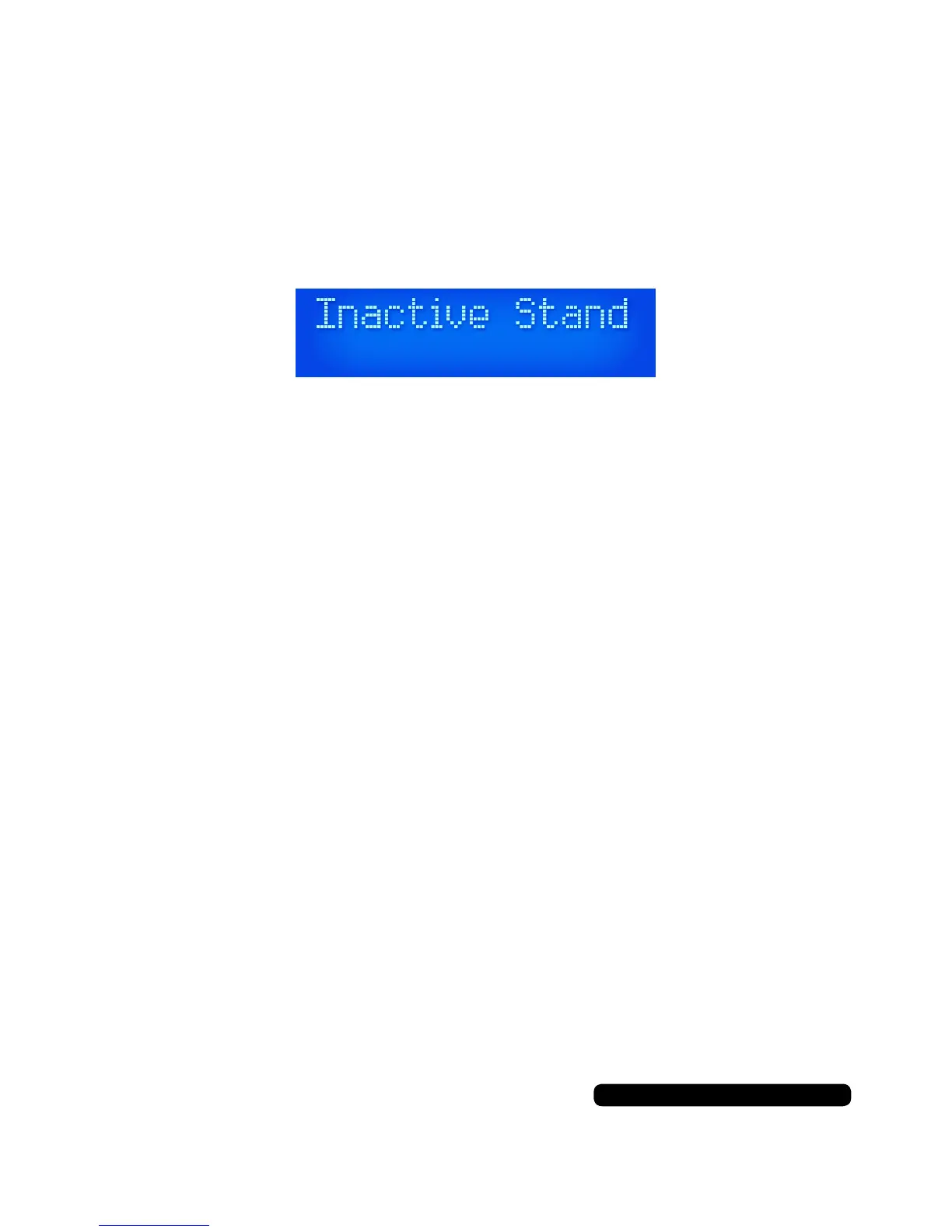
Inactive Standby
Inactive standby will turn the unit off after a 2, 4, 5 or 6 hour period.
To set this press and hold the ‘Info/Menu’ button, navigate to the
‘System’ then to ‘Inactive Standby’ option using the ‘Tune -’ or ‘Tune
+’ buttons and selecting it by pressing the ‘Select/Snooze’ button.
Once ‘Inactive Standby’ has been select you can choose the period
of time required or ‘OFF’ for the standby function and conrm by
pressing the ‘Select/Snooze’ button. The asterisk in the top right
corner indicates the current selection.
Once this is set you will need to set this function to ‘OFF’ to disable
it.
Instructions


 To Next Page