13
After Sales Support
UK/N.IRELAND HELPLINE N
O
:
REP.IRELAND HELPLINE N
O
:
WEBSITE:
EMAIL:
01270 508538
1800 995 036
www.quesh.co.uk
enquiries@quesh.co.uk
Instructions
Backlight Controls
Press and hold ‘Info/Menu’ button until the screen changes, cycle
through the options with the ‘Tune +/-’ buttons and select ‘System’
by pressing the ‘Select/Snooze’ button. Cycle through the option
until you get to ‘Backlight’ and select it.
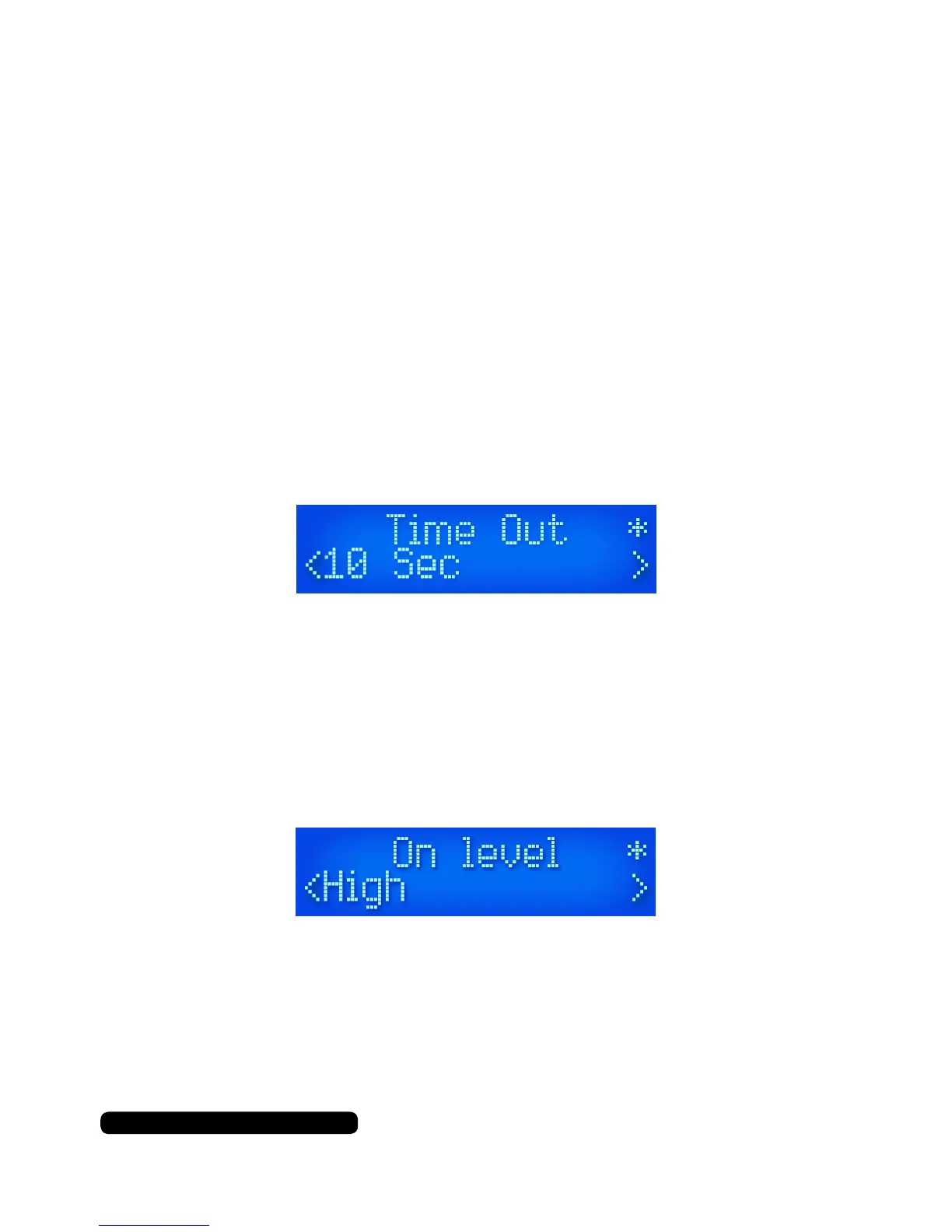
To change the time out setting under ‘Backlight’ option and select
‘Time Out’ with the ‘‘Tune -’ or ‘Tune +’ buttons. You can choose from
several options including ‘On’ which is permanently lit. The listed
numbers are the amount of seconds the display will stay lit before
fading out to the time out display lighting level. Use the ‘Tune -’ or
‘Tune +’ buttons l to select the required time out period.
The asterisk in the top right corner indicates the current selection.
To change the main lighting level of the display, press ‘Backlight’ and
use the ‘Tune -’ or ‘Tune +’ buttons to select ‘On level’. You will nd
the options high, med and low. Use the ‘Tune -’ or ‘Tune +’ buttons
to
select the required lighting level.
To change the dim lighting level of the display, press ‘Backlight’ and
use the ‘Tune -’ or ‘Tune +’ buttons to select ‘Dim level’. You will nd
the options high, med and low. Use the ‘Scroll’ dial to select the re-
quired lighting level.


 To Next Page