12
After Sales Support
UK/N.IRELAND HELPLINE N
O
:
REP.IRELAND HELPLINE N
O
:
WEBSITE:
EMAIL:
01270 508538
1800 995 036
www.quesh.co.uk
enquiries@quesh.co.uk
Instructions
Stopping the Alarm
When the alarm is set off press the button. This will stop the alarm.
If you haven’t set the alarm to Daily, Weekend or Weekdays end the
you will need to reset the alarm.
Snooze Function
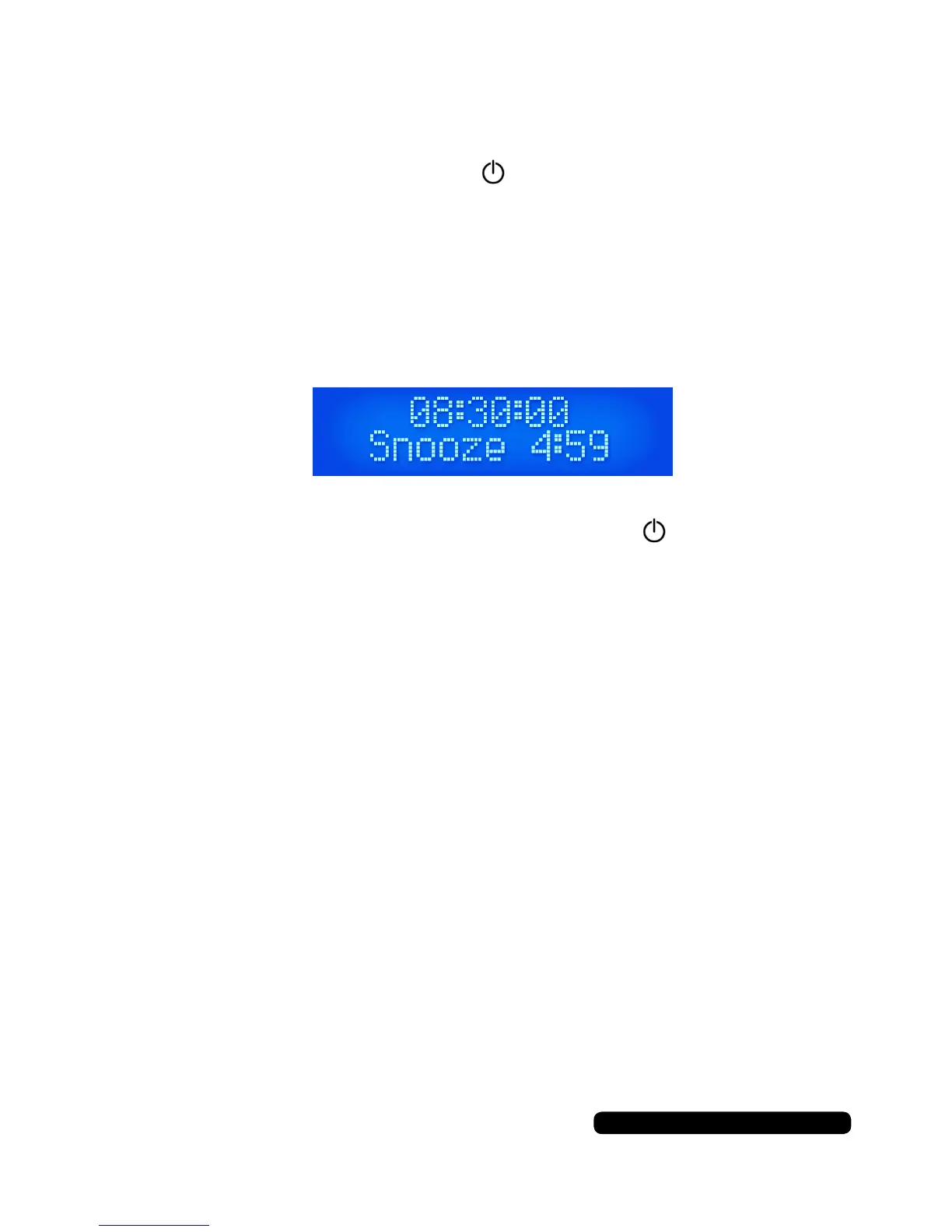
When the alarm is sounding press the ’Select/Snooze’ button to
temporarily disable the alarm and begin a 5 minute count down.
The alarm will go off again after the 5 minute countdown is complete
and you can choose to disable it by pressing the button or press-
ing the ‘Select/Snooze’ button again.


 To Next Page