5
After Sales Support
UK/N.IRELAND HELPLINE N
O
:
REP.IRELAND HELPLINE N
O
:
WEBSITE:
EMAIL:
01270 508538
1800 995 036
www.quesh.co.uk
enquiries@quesh.co.uk
Instructions
Selecting a DAB station
Press the ‘Tune +’ Or ‘Tune -’ buttons to cycle through the available
stations. All the stations are displayed in alphabetical order.
Once you have found the required DAB/FM station to listen to, press
the ‘Select/Snooze’ button to select it. The station will only change
once it has been selected, so you can browse the available stations
without disturbing the current selected station.
Please Note:
All button actions unless stated are a quick press.
Saving a DAB/FM station
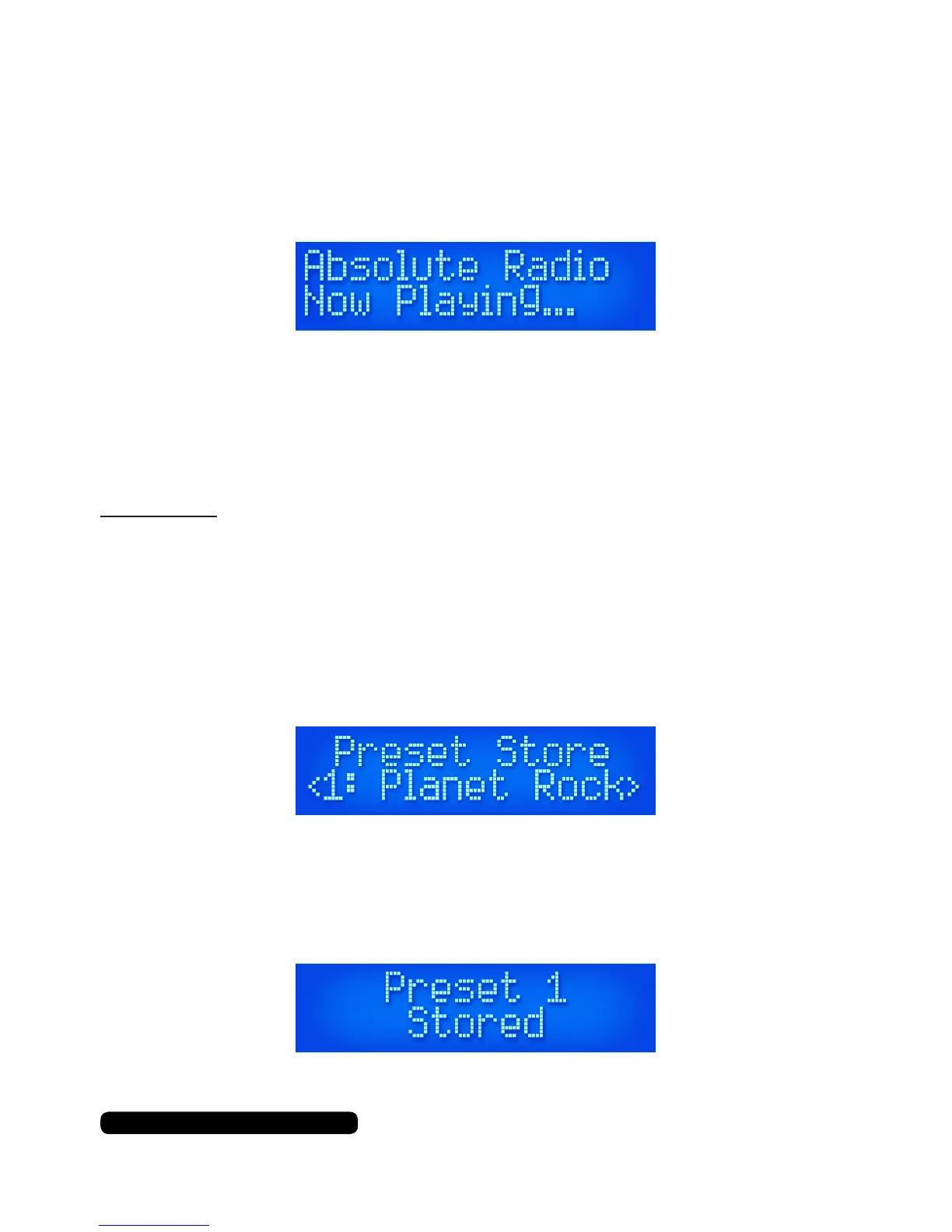
Press and hold the ‘Preset’ button for 3 seconds once you have
tuned the radio on to a required station in DAB or FM mode. The
display will show the ‘Preset Store’ message.
Press the ‘Tune +’ Or ‘Tune -’ buttons to select a slot (1 to 10) and
press the ‘Select/Snooze’ button to save the preset. You will see the
saved message on the screen conrming the preset has been stored.
.


 To Next Page