15
After Sales Support
UK/N.IRELAND HELPLINE N
O
:
REP.IRELAND HELPLINE N
O
:
WEBSITE:
EMAIL:
01270 508538
1800 995 036
www.quesh.co.uk
enquiries@quesh.co.uk
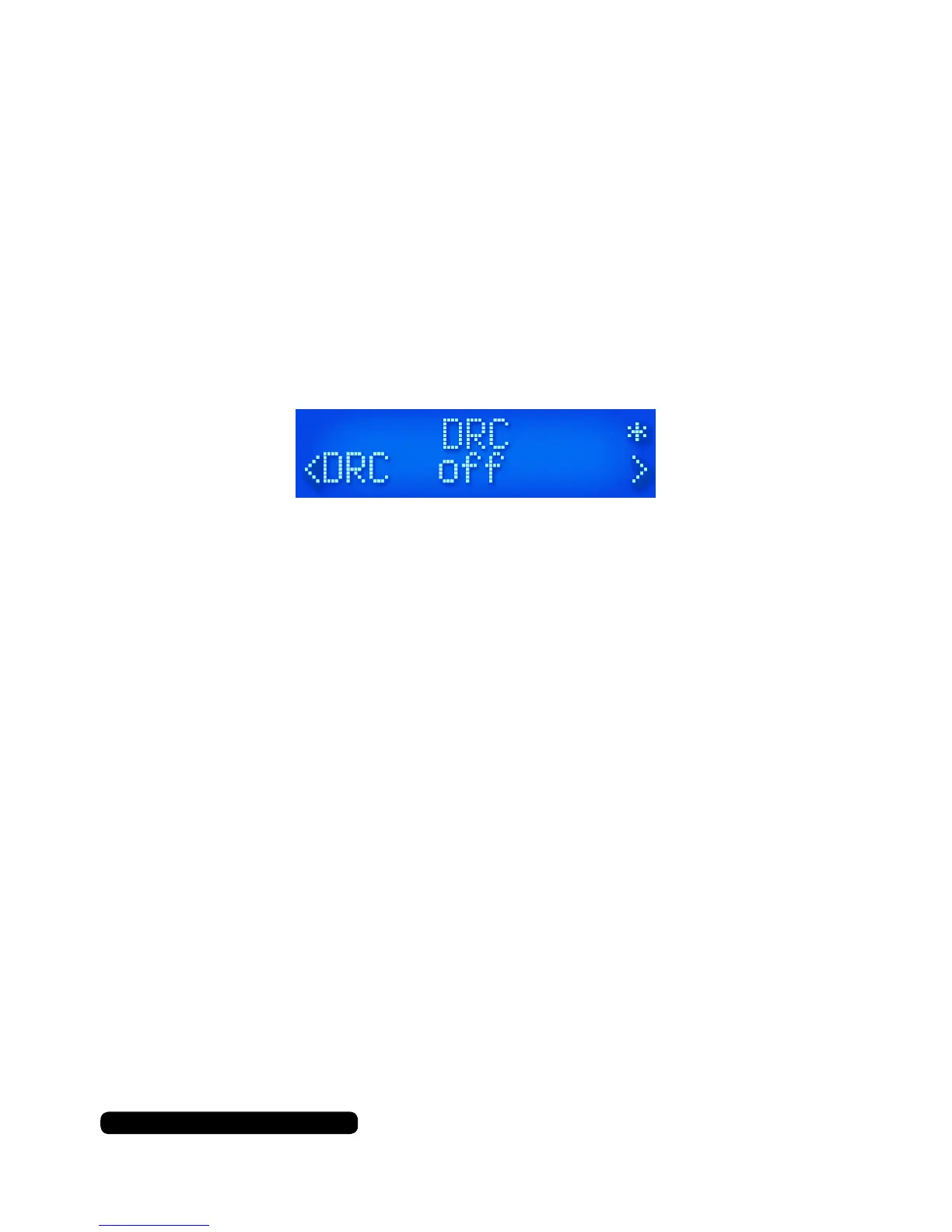
DRC
DRC or Dynamic Range Compression is a feature that some DAB
stations use. This enables the audio to be evened out by raising the
volume of the quieter audio levels and lowering the volume of the
louder audio levels.
To set this press the ‘Menu’ button, navigate to the ‘DRC’ option us-
ing the ‘Tune -’ or ‘Tune +’ buttons and selecting it by pressing the
‘Select/Snooze’ button.
The ‘Low’ option will give you a small amount of DRC, where as
‘High’ with give you strong amount of DRC. Use the ‘Tune -’ or ‘Tune
+’
buttons to navigate between the options and to select the required
preference. The asterisk in the top right corner indicates the current
selection.
Instructions


 To Next Page