18
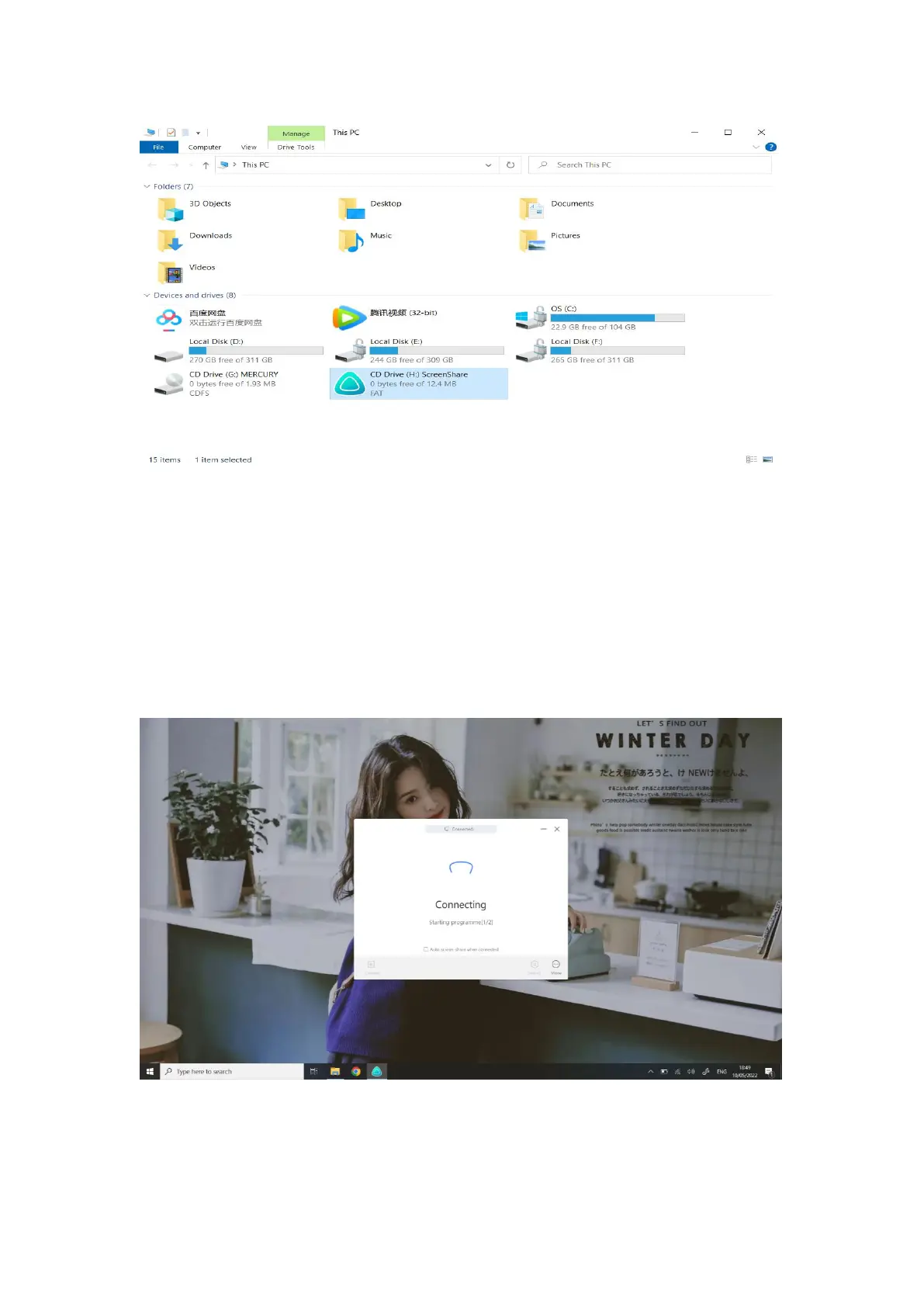
6. When the program starts, the computer will automatically connect to the
paired intelligent meeting tablet. The light of wireless screen transmitter blinks,
indicating that the connection is in progress; the light of screen transmitter is
steady on, indicating that the connection is successful and in the state of
sharing.
7. When the screen transmitter light is steady on, press the screen sharing
button for screen sharing.



 To Next Page