9
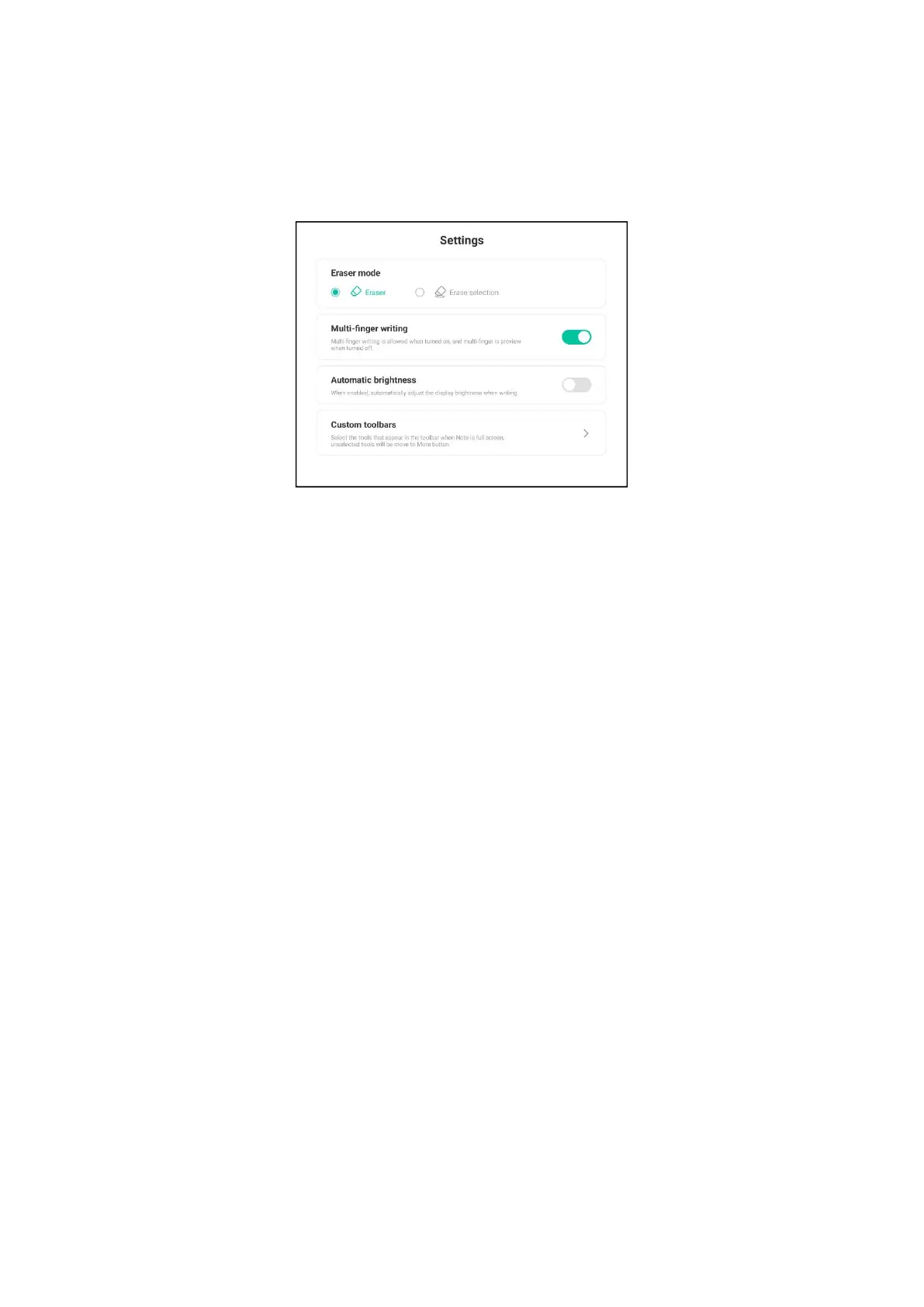
(9) Setting: Set and adjust the toolbar of writing mode and eraser display mode
brightness.
① Eraser mode: eraser mode and eraser mode.
② Multi-finger writing: click on/off to support multi-finger writing and up to
ten finger writing. When multi-finger writing is closed, roaming mode can be
carried out.
③ Automatic brightness: click on/off to automatically adjust the display
brightness when writing.
④ Customize the toolbar: adjust the toolbar tool display, cancel the display to
more buttons.
●Custom toolbar
The toolbar contains writing, eraser, clear, ruler, graph, table, south map, note,
roaming, four-line grid, undo, restore and other functions.



 To Next Page