3
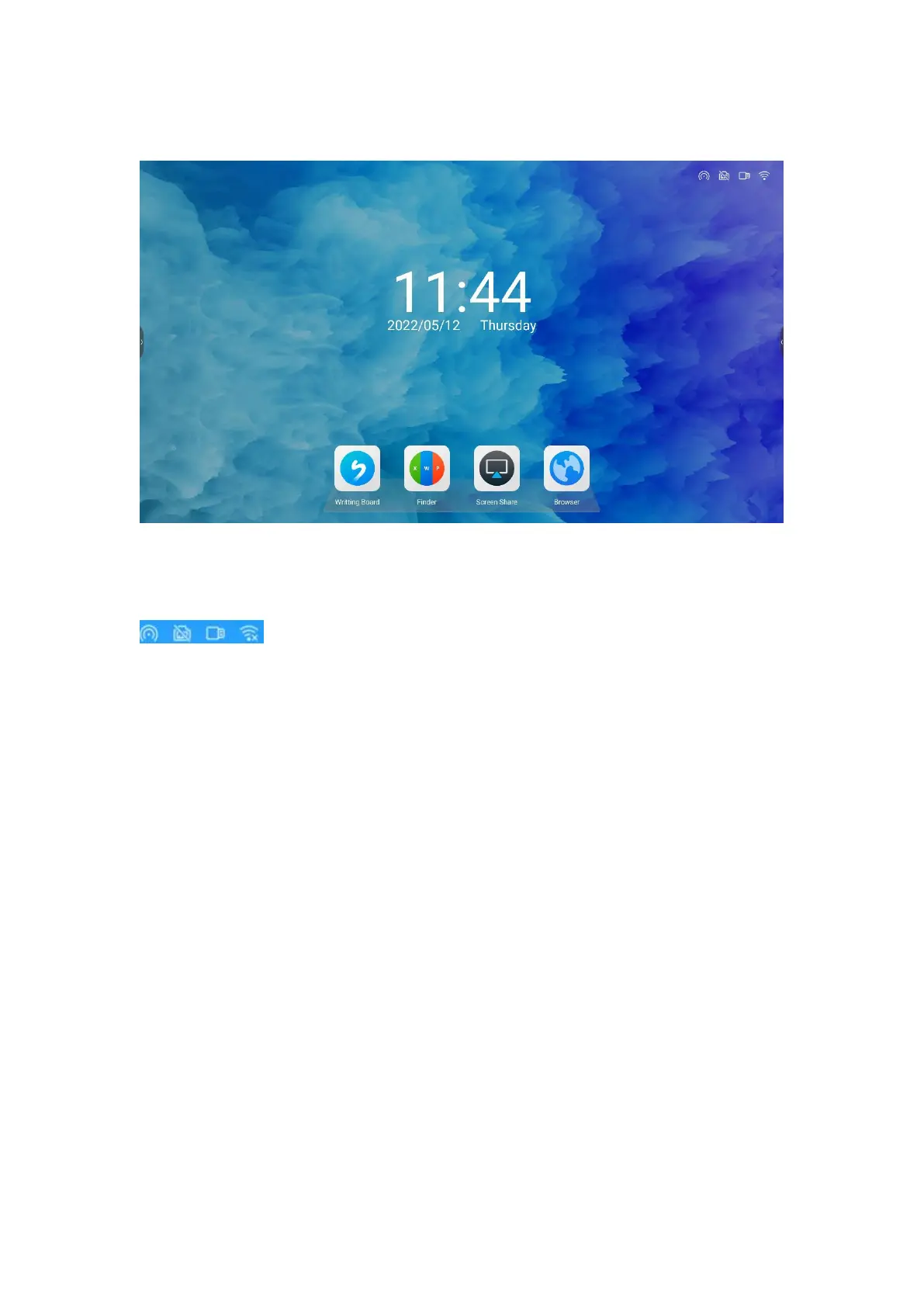
A. Desktop
●Content description
1. Status display: hotspot, wired network, USB, WIFI, etc. As shown in figure :
2. Main desktop: Whiteboard writing, browser, wireless screen transfer, and file
browsing.
B. Whiteboard writing
●What is a whiteboard?
Whiteboard is a multi-functional writing application that helps users
communicate and connect efficiently, brings a relaxed and enjoyable experience,
and improves team efficiency. You can click the "Whiteboard writing" icon on the
home page to scan the whiteboard after the meeting, so that the key points of the
meeting will not be missed.
1. Create content
●Open the whiteboard



 To Next Page