30
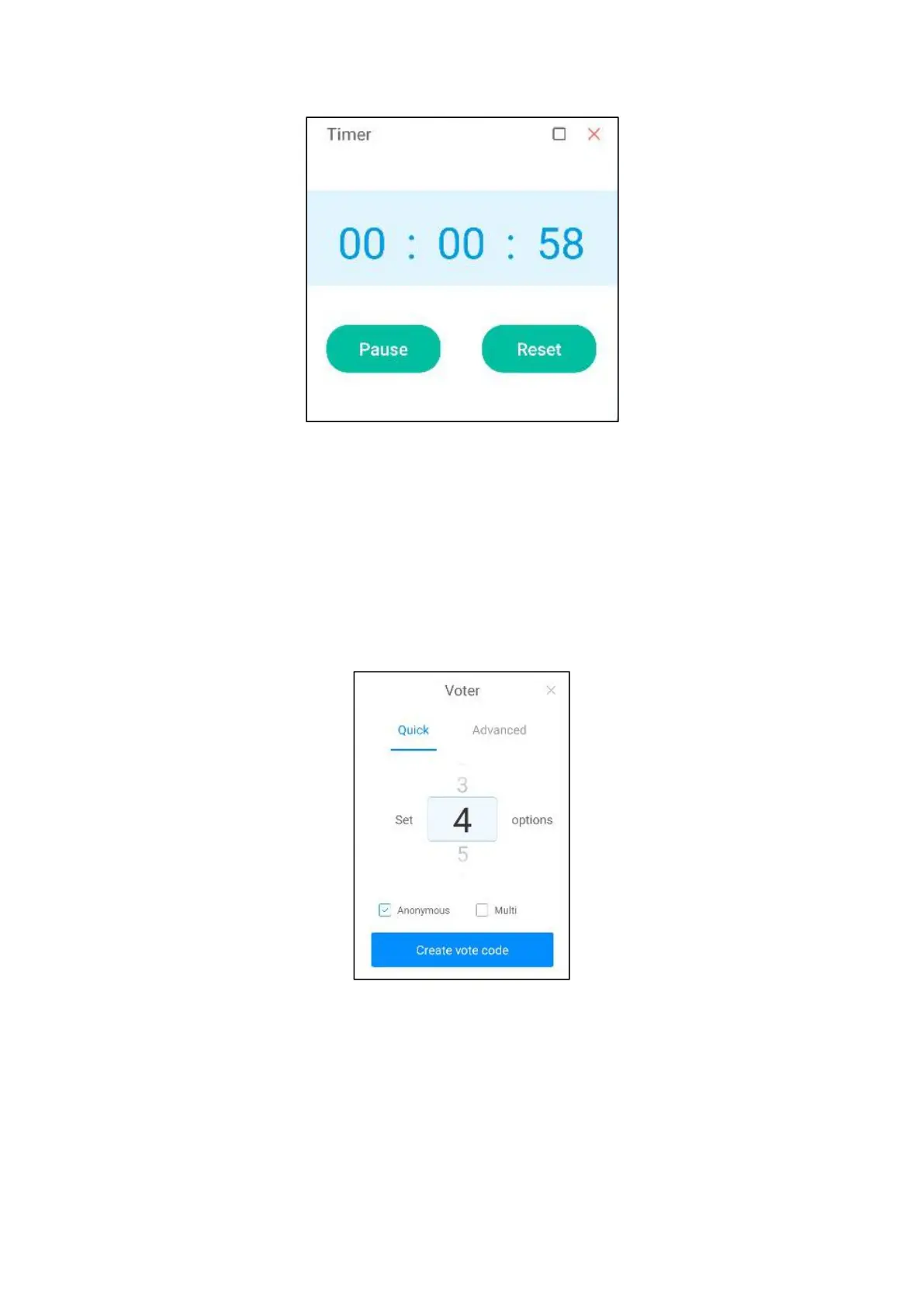
2. Check "ringing reminder after the end" before the countdown will be ringing
reminder; When the countdown is over, a positive timer will start to record the
timeout time.
●Voting gadget
1. Click the "Voting Machine" icon in "More Tools" to open the voting widget.
2. Click "Generate Voting Code" to immediately generate the qr code of voting
for the specified number of options.



 To Next Page